




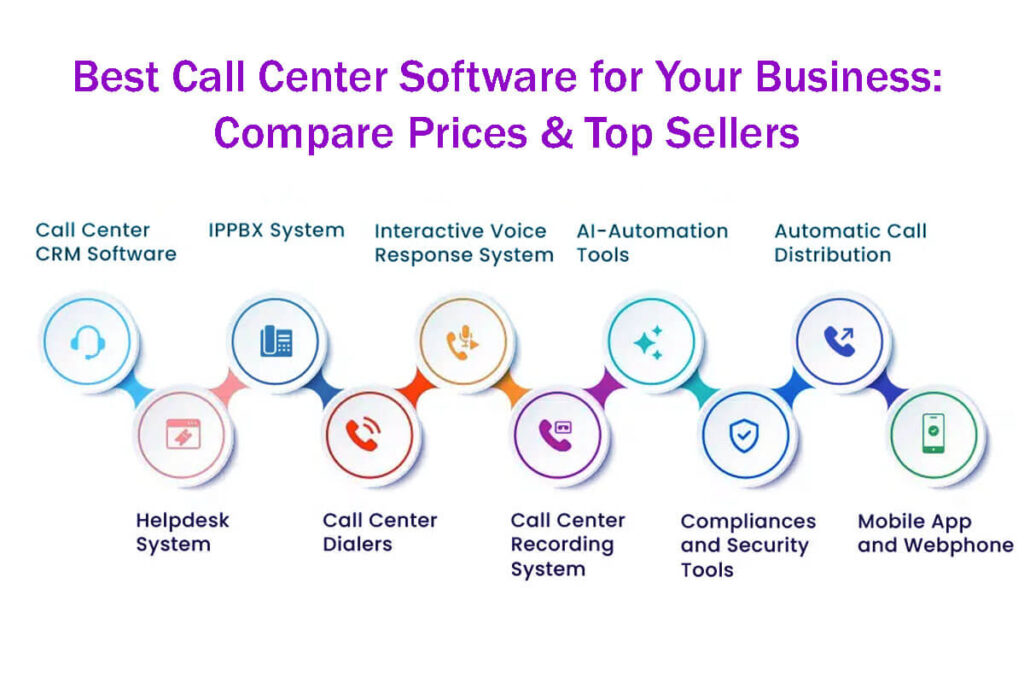
Check out these 15 Best Call Center Software for Your Business: Compare Prices & Top Sellers! Easily compare prices and discover the leading solutions all in one convenient place.
It’s now much easier to start a modern call center, thanks to advanced cloud call center software.
Unlike older setups that required extensive wiring and time, today’s solutions are quick to set up.
With this modern approach, businesses can choose the communication channels they need, like voice, video, chat, or text.
Agents can start working in just a few hours, rather than waiting months for setup.
These solutions use internet-based technology, so there’s no need for expensive on-site equipment.
Now, organizations can run their whole call center from a web browser or smartphone app, using devices they already have and saving money.
These products are known as CCaaS (cloud-based contact centers).
Unlike traditional PBX systems, they offer a browser-based workspace with features such as call routing, analytics, and advanced AI.
These platforms also connect easily with your help desk and CRM systems, making customer interactions smoother and more effective.
15 Best Call Center Software for Your Business: Compare Prices & Top Sellers
Nextiva: Often called the best overall call center software, Nextiva works well for both established call centers and fast-growing teams.
Its easy-to-use interface helps administrators manage settings, and agents can quickly learn to use it with customers.
8×8: This is the top pick for strong security, providing solid protection for sensitive data.
That makes it a great choice for businesses that deal with confidential information.
RingCentral: Known for its easy setup, it’s a good fit for small and mid-sized businesses looking to get started quickly.
Zendesk Talk: This software is known for automated ticketing and support, making customer service faster and more efficient.
Freshdesk Contact Center: Designed for teams of any size, Freshdesk offers easy-to-use software with features that help teams work smoothly.
CloudTalk: This platform is great for remote teams, making it easy to communicate from different locations without losing quality.
Five9: Known as an all-in-one solution, Five9 offers a full set of tools to help teams work more efficiently.
Channels: This top outbound sales software helps sales teams reach potential clients easily.
Talkdesk: Known for creating a complete customer experience, Talkdesk brings all customer channels together in one place to improve satisfaction.
Aircall: Making Communication Easier for Businesses.
Aircall helps businesses communicate better with simple call management tools and easy connections to other software.
Avoxi: Changing the Way Businesses Use Cloud Communication.
Avoxi offers tools that help organizations stay connected and work more flexibly in the cloud.
Genesys Cloud: Improving Customer Experience with Easy-to-Use Tools.
Genesys Cloud helps businesses connect with customers on any channel and uses advanced tools to enhance the customer experience.
Dialpad: Bringing Communication Tools Together.
Dialpad combines voice, video, and messaging into a single platform and uses AI to help teams work better and stay productive.
JustCall: A Complete Communication Solution.
JustCall is a communication platform with call tracking, SMS, and CRM integrations to help streamline business processes.
Twilio Flex: Building Better Customer Engagement with Custom Contact Centers.
Twilio Flex lets businesses create custom contact centers to fit their needs and keep customers satisfied.
Today, both administrators and agents need software that is easy to use and works well.
Modern cloud contact centers offer user-friendly interfaces, so you can quickly add extensions, change phone trees, or enable AI features without contacting support.
A decade ago, these tasks were complicated and needed technical skills.
Now, systems use simple point-and-click interfaces, automations, templates, and guided setup to make things easier.
Best Call Center Software Reviews
Nextiva: The Best Overall Call Center Software
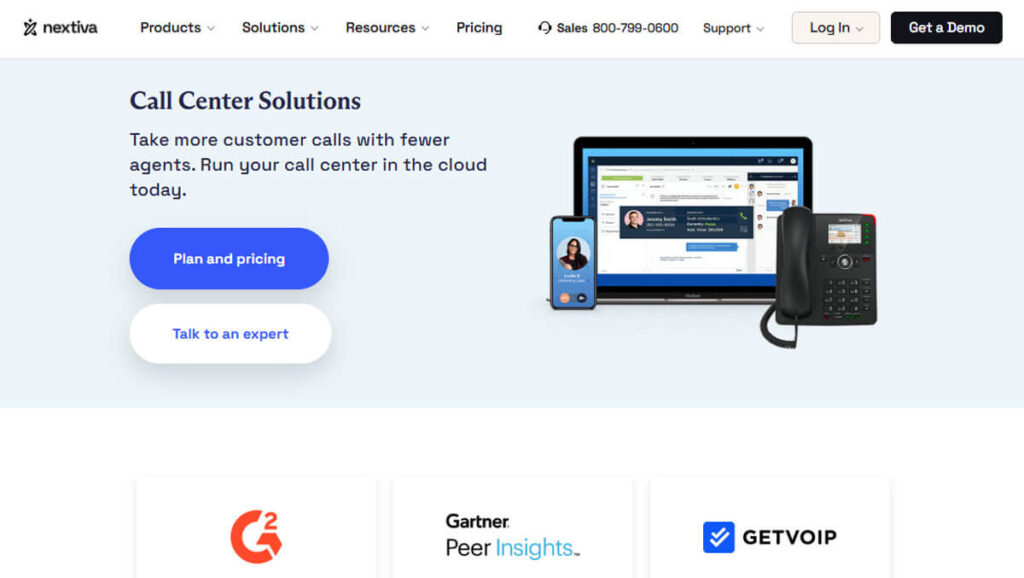
Nextiva stands out as the best overall call center software because its cloud-based platform is very easy to use and works well for both experienced call centers and growing teams.
Admins can set up complex routing and automation without needing extensive scripting knowledge.
Agents can also learn the system quickly, making the switch easy.
Nextiva starts with strong voice features, but teams can also add chat, SMS, and email to bring all communication into one place.
This setup gives a full view of the customer journey by putting all interactions in one place, making Nextiva a true omnichannel contact center, not just a dialer.
You don’t need any servers or PBXs on-site, so setting up Nextiva is very simple.
It is especially helpful for remote and hybrid teams, who can use the platform from any desktop or mobile device.
Admins can use drag-and-drop tools to build IVR systems and auto-attendants, update ring groups, and manage user permissions, all from one dashboard. There’s no need to ask IT for help.
Every plan includes voicemail, smart call routing, call recording, monitoring, analytics, and quality tools, all easily accessible online.
Higher-tier plans add advanced features like AI chat and voice bots, real-time agent support, automated call summaries, and sentiment or intent recognition. These tools help supervisors and agents work better.
Nextiva’s pricing usually depends on quotes per agent, and larger teams can benefit from volume discounts.
As organizations grow, higher plans offer more analytics, AI recommendations, advanced workforce tools, and quality features.
Smaller teams can use Nextiva’s built-in CRM for support, and there are ready-made integrations with popular CRMs and service platforms to make things run smoothly.
If you need help with integration, Nextiva offers 24/7 support to guide you through the process.
Streamlining Workforce and Omnichannel Features with Nextiva.
Finding the right workforce and setting up omnichannel features for your organization is much easier when you consult with Nextiva.
Nextiva’s experience with communication solutions helps businesses run more smoothly and connect better with customers.
8×8: The Best Contact Center Software with Enterprise-Grade Security
8×8 is changing how businesses connect with customers by bringing together voice, chat, email, and social messaging into one easy-to-use platform.
This all-in-one setup makes things easier for users and helps customer interactions run more smoothly, cutting wait times and resolving issues faster.
Features like skills-based routing, queued and web callbacks, and guided processes help businesses serve customers more effectively and efficiently.
Supervisors using 8×8 get a complete view of all customer interactions.
They can see details such as queue activity, wait times, and the full customer journey across channels, using both real-time and historical analytics.
These insights help supervisors manage teams and resources more strategically.
Agents also get tools that help them respond faster and more accurately.
With a built-in knowledge base and expert connect tools, agents can quickly find the information they need to help customers.
Recent improvements in artificial intelligence make the platform even more powerful.
Tools such as quality scoring, speech analytics, and conversation summaries support coaching and training and help meet stringent security and regulatory standards.
It is especially important for businesses in highly regulated fields such as financial services and healthcare, where compliance with the rules is essential.
Because 8×8 has strong security and works worldwide, it’s a great choice for organizations with strict communication needs.
The price for 8×8 depends on factors such as the number of channels you use, the number of users, and your compliance needs.
This flexibility makes 8×8 especially appealing for organizations that need strong security and the ability to grow internationally.
If your business needs a custom solution, it’s best to contact 8×8 directly.
RingCentral: Simplest Deployment Options for Small and Medium Businesses (SMBs)
RingCentral is a top choice for small and medium-sized businesses because it lets you set up a full contact center quickly and easily.
You can start with voice services and add digital channels as your business grows.
Upgrades are easy and don’t require replacing your whole system, so there’s less risk of disruption.
A key feature of RingCentral is its large library of prebuilt connectors that work with popular CRM, ERP, and marketing tools.
Makes it easy to get started, with less need for custom work and fewer surprises during setup.
Agents and supervisors get helpful tools like AI-assisted routing, easy-to-use dashboards, and visual IVR builders.
RingCentral also supports remote work, allowing users to log in securely from almost anywhere without the complexity of firewalls or VPNs.
The RingCentral contact center includes intelligent routing, call and screen recording, customer surveys, workforce management, speech analytics, and detailed reporting.
These features are especially useful for businesses with teams and clients in different countries, helping ensure reliable service and uptime.
RingCentral recently improved its workforce management by acquiring CommunityWFM.
CommunityWFM is now part of RingCentral’s AI workforce management tools, making forecasting and scheduling much more efficient. It is especially important for businesses that need precise operations.
RingCentral offers a range of pricing plans that change based on the features and channels you choose.
This flexibility lets smaller teams, especially those handling mostly incoming calls, start with a simple setup.
As teams grow, they can add more advanced features, such as omnichannel options, workforce management, and AI tools.
For small and medium businesses looking for a secure, easy-to-set-up solution with plenty of room to grow, RingCentral remains a top choice among contact center solutions.
Zendesk: The Best Call Center Software for Automated Ticketing and Support
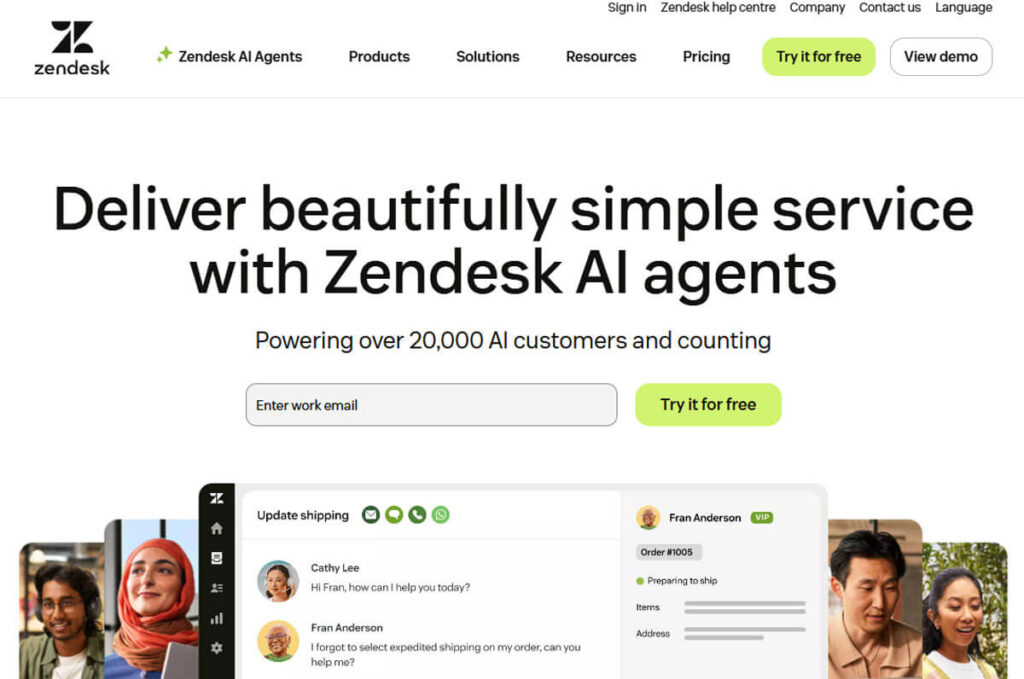
Zendesk stands out as a leading choice for organizations seeking an effective call center, thanks to its seamless automated ticketing and robust support features.
At the heart of Zendesk’s offering is Zendesk Talk. This tool lets customer service agents work in one place, connecting voice calls, SMS, ticketing systems, and live chat.
This connected system makes communication easier and gives agents instant access to each customer’s full history, enabling more informed, personal conversations on calls.
Every call automatically creates or updates tickets in real time, helping teams stay organized.
Key Features and Enhancements
Zendesk Talk includes a range of features to help call center teams work better. Some of these features are:
Call Forwarding: Guarantees calls are routed to the appropriate agent or department.
Browser-Based Calling: Let’s agents make and receive calls right from their web browsers, making work more flexible and accessible.
Call Recording: Supervisors can review calls for quality, with permission settings that help meet privacy rules.
Queue Callbacks: Customers can choose to get a callback instead of waiting on hold, which helps improve satisfaction.
Conference Calling: Allows several people to join a call, making it easier to solve complex issues together.
Intelligent Group Routing: Sends calls to the most appropriate agents based on their skills or workload, making sure customer questions are handled efficiently.
Supervisors get advanced reporting tools and real-time dashboards that provide key details on agent performance and operations.
This focus on data helps teams maintain high service quality and improve operations.
One of Zendesk Talk’s best features is its seamless integration with Zendesk Support.
Teams can use existing workflows, macros, and automations to boost productivity without setting up new processes.
AI-powered features like suggested answers for common questions, call summaries with key points, and smart channel routing help make service more consistent and reduce handling time.
Zendesk Talk’s pricing depends on the plan and how much you expect to use the phone, so that it can fit businesses of any size.
If you want to add voice features to more departments, you can choose the partner edition.
Zendesk offers comparison tools to help you evaluate other options and find the one that best fits your needs.
Freshdesk Contact Center(Freshworks): The Best Call Center Software Suitable for Teams of All Sizes
Freshdesk Contact Center (Freshworks), formerly called Freshcaller, is a simple, user-friendly cloud solution that works well for inbound sales and support teams.
It’s easy to set up and usually requires little onboarding, making it a good fit for teams of any size that want efficient call routing and reporting without extra complexity.
The platform has flexible subscription plans to fit different needs.
Basic features include voicemail, call recording, and number porting. More advanced options include:
Interactive Voice Response (IVR): Facilitates customer self-service options.
Power Dialer Capabilities: Increases the speed of outbound sales calls.
Call Monitoring: Let team leaders listen to calls for training and quality checks.
Omnichannel Routing: Makes sure questions are handled smoothly across different channels.
AI-Enabled Voice Bots: Advanced bots offer speech-enabled IVR and post-call transcription to improve customer interactions.
Keep in mind that call charges can vary by country, device, and whether the call is incoming or outgoing.
Freshdesk recommends using their pricing page to estimate your costs and determine whether the platform fits your needs.
Trying the free trial can help you see how the solution works with real-world traffic.
CloudTalk: The Best Call Center Software for Remote Teams
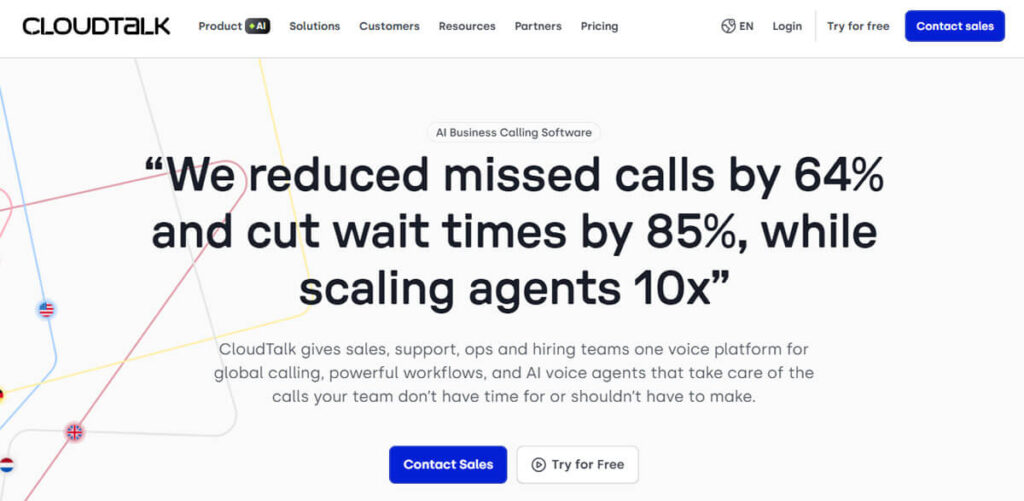
CloudTalk is designed for remote teams, letting organizations set up virtual contact centers that work from anywhere.
Its Smart IVR system intelligently routes calls, and the central dashboard makes it easy to manage international numbers and call queues.
Many well-known businesses trust CloudTalk. It gives agents real-time customer cards with key information, so they’re ready for every call.
The platform has an easy drag-and-drop call flow builder that lets you set up routing and language options without coding.
CloudTalk offers different plans, starting with basic features such as unlimited inbound calls, mobile apps, click-to-call, and automated call distribution.
More advanced packages feature:
Advanced Analytics: Gives detailed insights into call performance and trends.
Skill-Based Routing: Sends calls to agents who are best suited to handle each customer’s needs.
API Access: Lets you create custom integrations and automate workflows.
Sophisticated Dialers: Help make both outbound and inbound calls more efficient.
AI Voice Agents and Tools: Use AI for speech analysis, sentiment checks, and conversation insights, all shown on visual wallboards for better visibility.
For bigger companies, higher-tier plans offer better SLAs, custom support, and special reporting features.
It’s a good idea to start with a plan that includes analytics and integrations, since AI and automation can bring strong returns.
Five9: The Best All-In-One Contact Center Software
Five9 is well known for its strong, flexible Intelligent Cloud Contact Center, making it a top choice for businesses seeking high-performance telecom tools.
The platform is praised for its clear speech quality, strong security, and reliable SLAs, helping remote agents deliver great service and stay efficient wherever they work.
Five9’s system is designed to support agents effectively, helping organizations maintain high customer service standards and meet the needs of today’s workforce.
Explore the many features of Five9, a top contact center solution designed to help with workforce optimization (WFO) and workforce management (WFM).
Five9 offers advanced features like intelligent analytics for actionable insights, open APIs for easy integration, self-service options for users, and intelligent virtual assistants (IVAs) to make customer interactions smoother.
A key feature is Five9 Genius AI, which brings in AI Agents that can understand and respond to customer questions, use speech recognition for natural conversations, and apply generative AI for more advanced tasks.
These tools help businesses improve routing, quality control, and analytics reporting.
Five9 is built to meet the needs of BPO companies, sales teams, customer service units, debt collection agencies, and businesses of all sizes.
To find the best mix of communication channels, coverage, AI features, and workforce tools for your business, consider requesting a live demo.
Pricing can be customized to match your business’s needs and size.
Five9 is built to be scalable, dependable, and user-friendly, enabling it to expand and evolve alongside your organization.
If you want to see Five9 in action or get a personalized quote, contact the sales team.
Channels: The Best Call Center Software for Outbound Sales
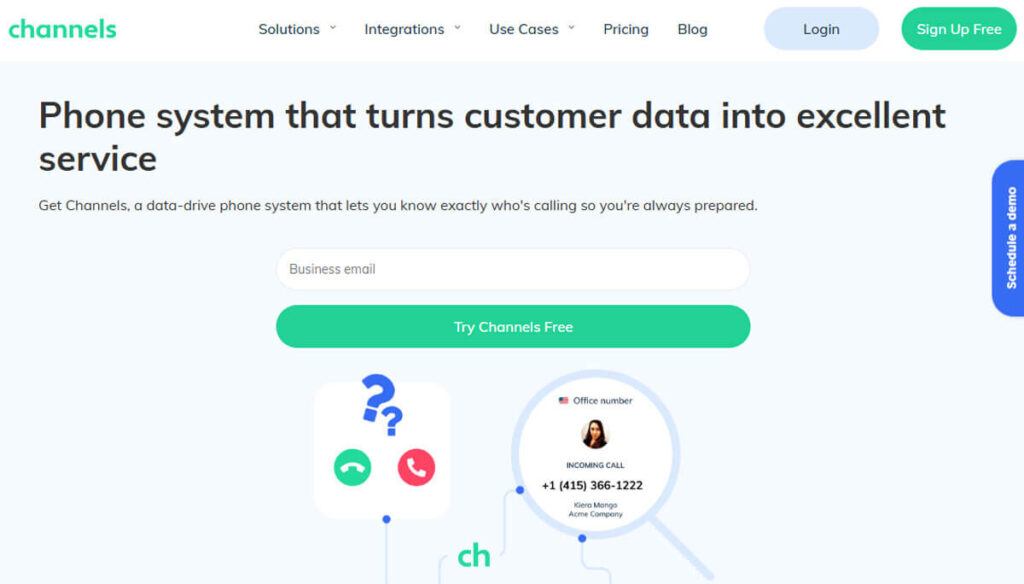
Channels, formerly called CrazyCall, is designed to help sales teams build strong connections and close more deals.
Channels makes outbound prospecting and follow-up easier with a set of useful features.
These features include auto-dialers for efficiency, click-to-call for quick engagement, shared scripts for consistent communication, warm transfers for smooth handovers, and a website callback widget to capture leads from your site.
Channels primarily focus on outbound calls, but they also work well for other use cases, especially in e-commerce.
Sales reps can access important customer order and history data because Channels integrates with e-commerce platforms such as Shopify, Magento, and Pipedrive.
This integration helps improve call connection rates and boosts productivity by giving sales teams real-time insights.
Every subscription plan includes strong customer support, easy integration with other tools, and an API for customization.
Channels has clear per-minute pricing, bundled minutes, and offers both local and international phone numbers, so you know exactly what you’re paying for.
You can try out the platform before rolling it out to your whole sales team to make sure it fits your needs.
Talkdesk: The Best Call Center Software for All-Inclusive Customer Support
Talkdesk is a top solution with a comprehensive set of tools to boost employee engagement, improve customer interactions, and deliver actionable analytics.
Talkdesk gives customers a complete experience by combining automation, AI virtual assistants, and smart routing to lower costs and increase satisfaction.
Talkdesk’s AI-native Customer Experience Automation (CXA) layer automates repetitive tasks by streamlining key processes and enabling human agents to work more effectively with AI systems.
This system also identifies the best ways to handle customer questions, allowing your team to concentrate on more complex issues and provide personalized support.
Agents can use Talkdesk with popular platforms like Salesforce, Zendesk, Slack, Zoom, and Microsoft Teams, making daily work smoother.
The easy-to-use desktop interface works on both web and mobile devices and includes call recording and analytics features.
Supervisors receive specialized tools for reporting, quality checks, and coaching to improve team performance and service quality.
Talkdesk is used across a range of industries, including retail, e-commerce, finance, healthcare, travel, and hospitality.
Talkdesk offers solutions for sales, customer support, and BPO services, and works for businesses of all sizes, from startups to large corporations.
If you have questions or want to schedule a demo, contact Talkdesk. Notable clients include Peloton, IBM, and Dropbox.
Aircall is a user-friendly communication platform, making it a great choice for teams that need to handle phone calls easily from different locations.
Its simple interface makes it easy to make and receive calls, so users can use the platform easily, even when they are on the move.
Aircall: Making Communication Easier for Businesses
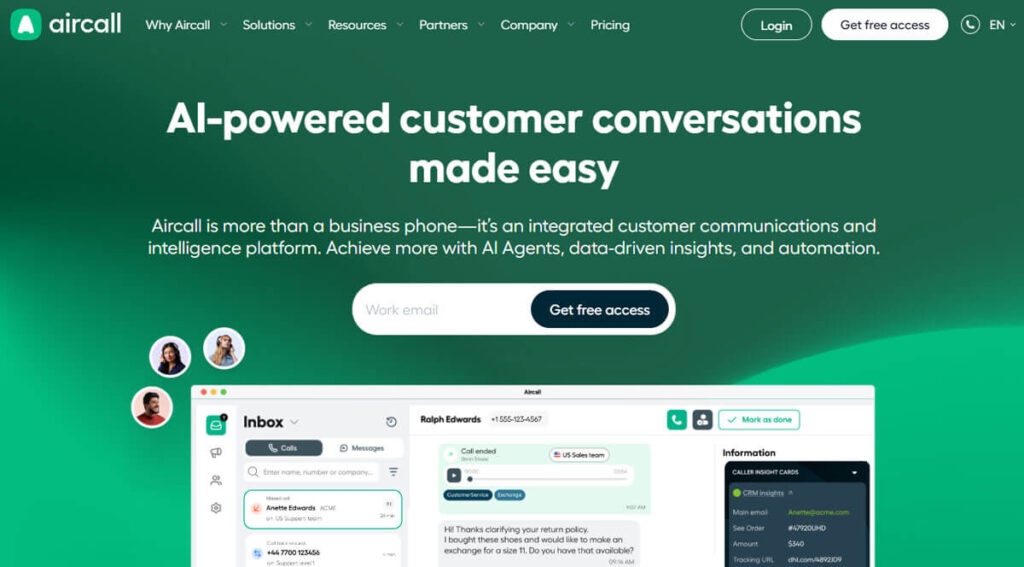
A key feature of Aircall is its real-time access to critical customer information during calls.
Helps team members have the context they need to talk with customers effectively, leading to better conversations and higher customer satisfaction.
Aircall also integrates well with popular CRM tools like Salesforce and HubSpot.
This integration allows users to stay in one app, making communication more efficient and ensuring all customer interactions are logged and tracked.
Aircall supports remote work by helping team members stay connected and respond to customer needs, no matter where they are.
This connection helps teams respond faster and keeps everyone informed, which improves customer service.
Avoxi: Transforming How Businesses Utilize Cloud Communication
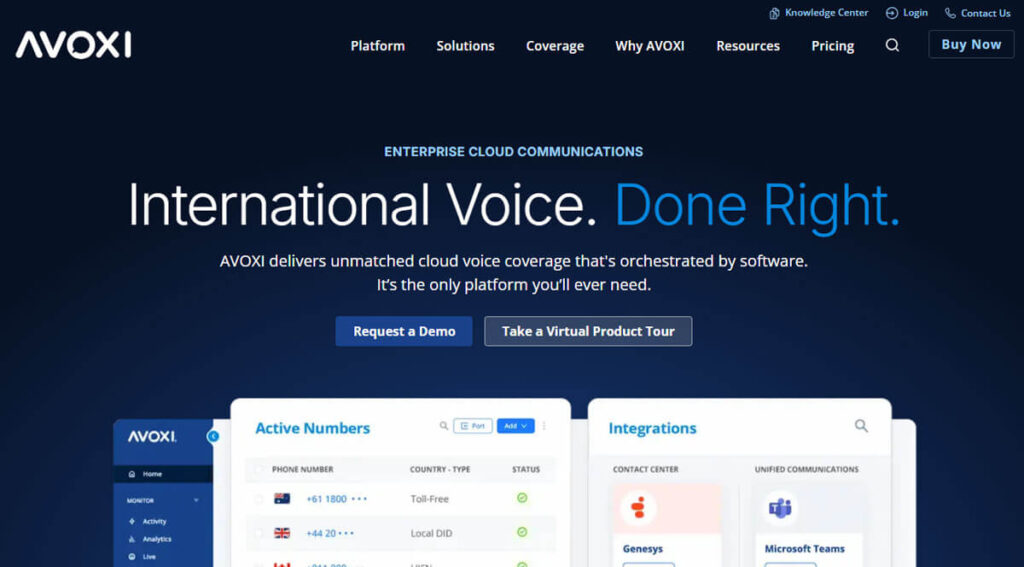
Avoxi stands out for its robust cloud phone systems, specifically designed for call centers.
Avoxi uses advanced technology and easy-to-use interfaces to help businesses improve their customer service.
Avoxi’s detailed call tracking is one of its main features.
This feature provides businesses with detailed call analytics, including call duration, frequency, and other performance metrics.
With these insights, organizations can make smarter decisions, better understand customer behavior, and enhance their services.
Avoxi also offers advanced interactive voice response (IVR) systems to simplify call routing.
These systems help handle incoming calls efficiently and improve the customer experience.
With self-service options, customers can quickly get the information they need without waiting for an agent, reducing call volume and increasing satisfaction.
Avoxi’s solutions are especially helpful for companies that want to improve their global customer support.
Avoxi offers features that help businesses communicate consistently and manage customer interactions efficiently, making it a strong choice for improving customer service and operations.
Genesys Cloud: Improving Customer Experience with Easy-to-Use Tools
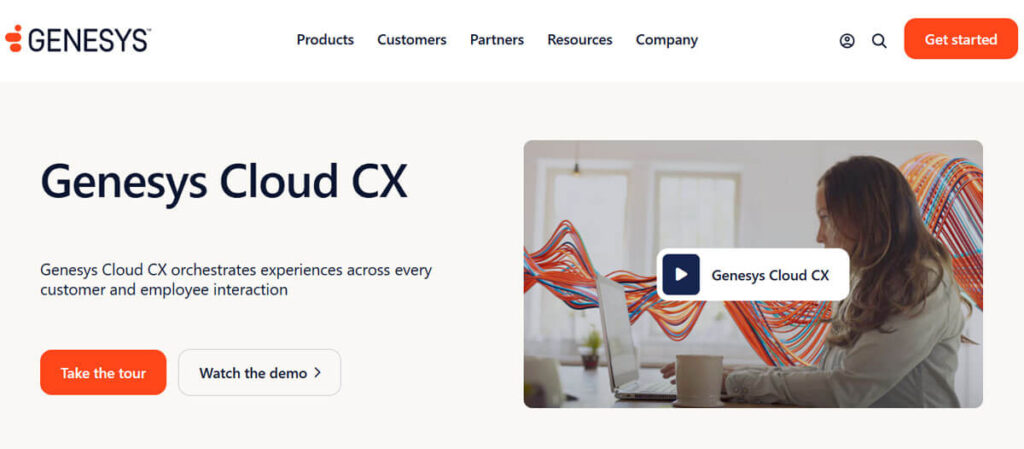
Genesys Cloud is known for its advanced artificial intelligence, making it a top choice for organizations looking to improve customer service.
This platform offers robust support for multiple channels, enabling businesses to manage customer interactions across voice, chat, email, and social media.
With this setup, customers can easily move between channels, ensuring a consistent experience.
Genesys Cloud’s advanced smart routing system is one of its main features.
This system reviews incoming requests and sends them to the best agents based on their skills, availability, and the type of issue.
Reduces response times and increases customer satisfaction and engagement.
This routing feature also helps customers connect with the right person quickly, which reduces frustration.
Genesys Cloud also provides organizations with detailed reporting and analytics tools.
These tools help businesses track key metrics such as response times, resolution rates, and customer interactions.
By analyzing these trends, companies can make smarter decisions to enhance customer engagement, increase efficiency, and better align their services with customer needs.
This solution is tailored for large businesses seeking a scalable, advanced way to engage with customers.
With its advanced technology and easy-to-use design, Genesys Cloud helps organizations meet and even exceed their customer service goals, building loyalty and supporting long-term growth.
Dialpad: Bringing Communication Tools to the Next Level
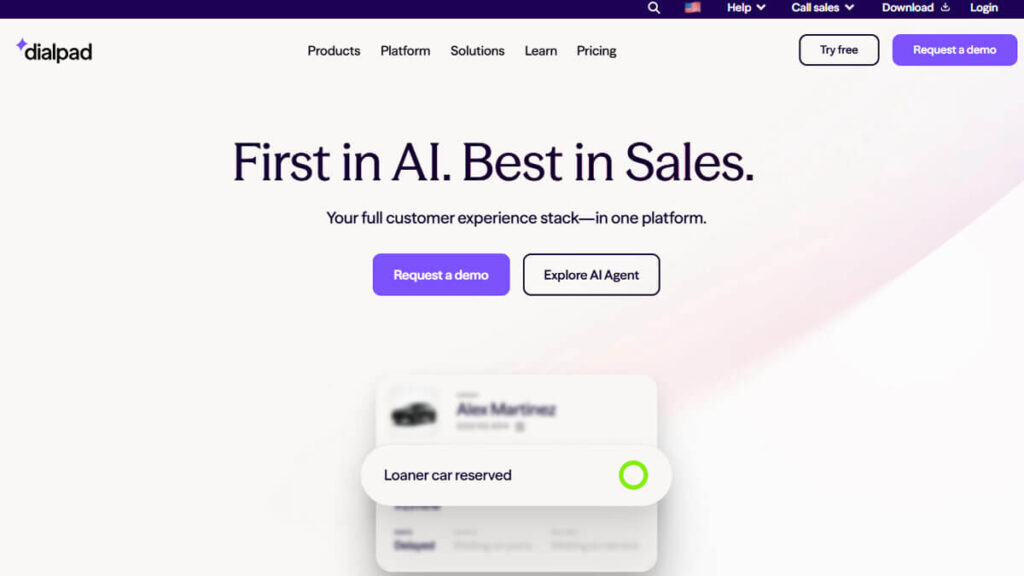
Dialpad is a communication platform that uses advanced artificial intelligence to improve the customer experience.
One of its main features is real-time transcription, which records conversations as they happen, so no important information is missed.
Helps teams review past conversations and follow up with customers, improving communication.
Besides transcription, Dialpad also gives analytical insights from the conversations it records.
Assists enterprises in recognizing and analyzing patterns within customer interactions, thereby enhancing their comprehension of customer needs and preferences.
These insights help teams improve their engagement strategies by using real data rather than guesswork.
With AI, Dialpad makes customer interactions faster and more accurate, and helps businesses improve their service.
These tools help organizations ensure customer interactions are efficient, personalized, and relevant, leading to higher satisfaction.
Dialpad gives businesses the tools they need to make customer service more dynamic and responsive.
JustCall: A Complete Communication Solution
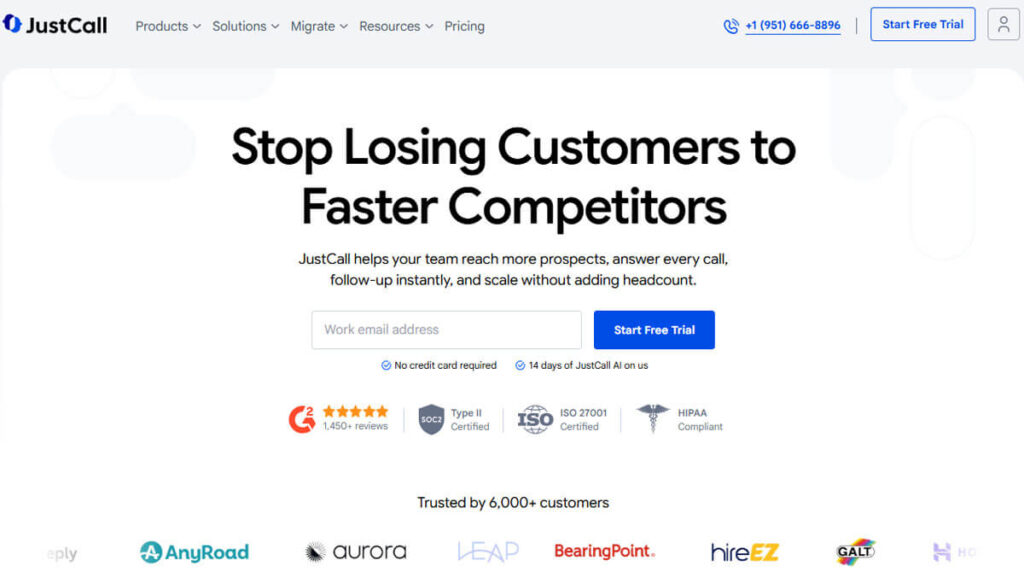
JustCall is made for small and medium-sized businesses, making it easier to handle phone calls.
Its simple interface helps teams connect with customers more easily, focusing on building strong relationships rather than dealing with complex technology.
JustCall offers many features, including call recording, which supports training, quality assurance, and the review of customer interactions for improvement.
The platform also provides robust team collaboration tools, making it simple for team members to communicate and respond quickly to customer questions.
With these features, JustCall helps businesses maintain high service standards and respond more effectively to customer needs.
Helps businesses create a more personal customer experience and build loyalty and trust with clients.
Twilio Flex: Building Better Customer Engagement with Custom Contact Centers
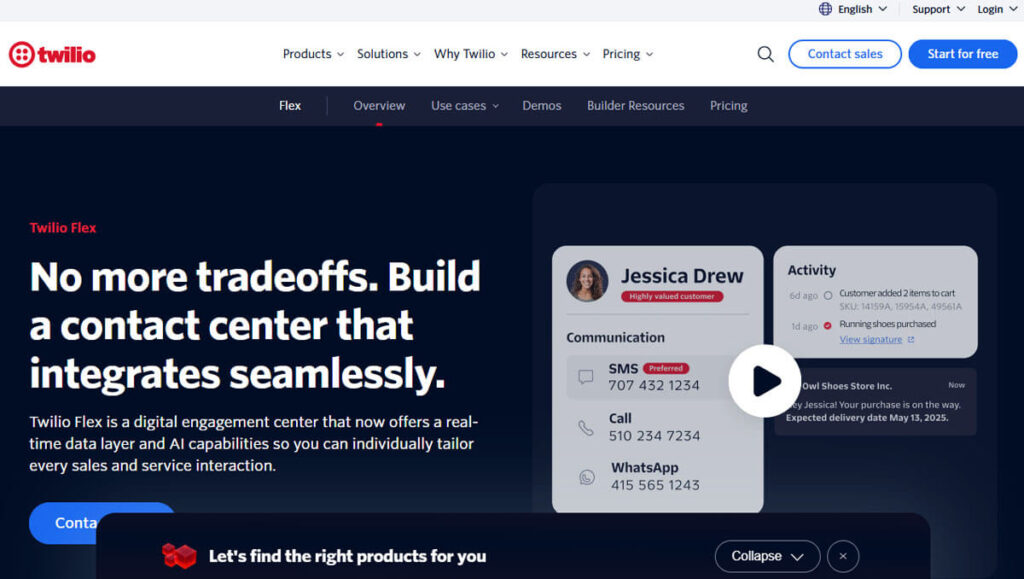
Twilio Flex is a flexible contact center platform that helps businesses create a personalized call center experience to fit their needs.
It offers many customizable features, allowing organizations to adjust the interface and functions to align with their customer service goals.
With Twilio Flex, companies can easily add many APIs, expanding their capabilities and enabling them to use the latest technologies.
A key strength of Twilio Flex is its scalability, letting businesses adjust their operations as demand changes while keeping service efficient.
This flexibility is important in today’s fast-changing market, where customer service needs can change quickly.
Using Twilio Flex enables organizations to adopt a modern, efficient customer service approach, helping them respond to changing market dynamics and customer needs.
Twilio Flex also supports communication across channels such as voice, messaging, and chat, giving customers a seamless experience everywhere.
This approach improves customer satisfaction and strengthens relationships between businesses and their clients.
Overall, Twilio Flex is a modern solution for anyone wanting to improve customer service and succeed in a competitive market.
How to Select the Best Call Center Software for Your Business
To choose the right call center software for your business, use a step-by-step approach.
Begin by creating a shortlist of platforms that meet your needs and requirements.
Next, use any available trial periods to let your team test the software themselves.
Finally, consider the total cost, including both upfront and ongoing expenses, as well as potential returns on investment.
Omnichannel Supports
Today, customers want seamless support across multiple channels, including voice, SMS, chat, email, and social media.
Supervisors need a complete, unified view of every customer interaction.
Helps agents switch between channels without losing context, leading to a better customer experience.
Digital Channel Evaluation
Start by carefully reviewing the digital channels that matter most to your business.
Decide which channels you need right away, like social media, email, live chat, or customer service portals. Set aside others, such as SMS or new platforms, for later integration.
Remember that distributors have different pricing models. Some charge per channel, while others offer bundles at a lower overall cost.
Make sure your reporting or analytics tools cover all the channels you plan to use.
Check how well AI features, such as automated summaries and chatbots, work across your chosen channels. Make sure they perform reliably and consistently.
Call Center Type
Decide what your call center will focus on. Will it handle both incoming and outgoing calls, or just one type?
If you expect a lot of calls, focus on features that improve customer experience and make your operations more efficient.
These features might include IVR systems to guide callers, queue callbacks so people keep their place in line, and self-service options for simple questions.
Set up clear service metrics to track and review your team’s performance.
If your main focus is outbound calls, invest in advanced dialing tools like preview, power, and predictive dialers to help your agents work more efficiently.
Consider using list management systems to organize contacts, local presence dialing to boost connection rates, and compliance tools to meet regulatory requirements.
Adjust your call center setup to fit your goals. Change routing, dashboards, and KPIs depending on whether you want to focus on troubleshooting or increasing sales.
Integration Requirements
Check whether your call center platform can connect directly to your current help desk and CRM systems, such as Salesforce, HubSpot, Zendesk, or Microsoft Dynamics.
Make sure your agents can quickly view past interactions, transaction histories, and caller profiles to ensure customers have a smooth experience.
If you use custom workflows, check that open webhooks and APIs are available for flexible integration.
Ask about how conversation data is sent to your analytics platforms.
Find out how you can export your data for reporting and analysis. Also, make sure you follow any rules about where data is stored and accessed.
Reliability, Security, and Compliance
If you manage payments or handle sensitive data, ensure you have solid PCI compliance measures and employ strong encryption to safeguard data both during transmission and storage.
Check your security incident procedures and confirm whether your service has backups across different regions to keep things running during local outages.
Review your service-level agreements (SLAs) for uptime and reliability, as they directly affect the stability of your operations.
AI and Workforce Management Capabilities
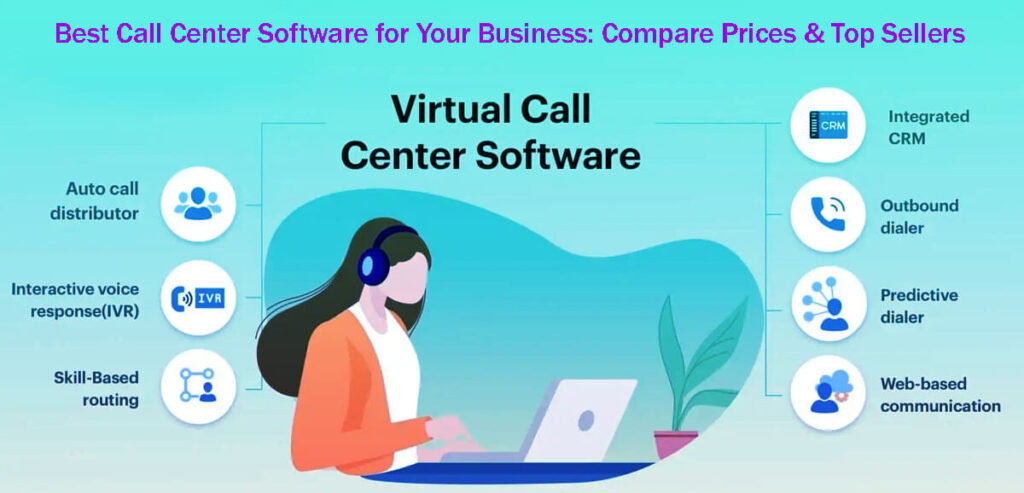
Choose a call center platform with smart AI tools that help agents in real time, automate call summaries, and offer speech and sentiment analytics for better customer insights.
Subject recognition is another useful feature. Also, check how well the platform’s workforce management tools work.
Look for strong scheduling and forecasting tools that help you assign agents efficiently. Quality management features like screen and voice recording, performance scoring, and coaching are also important.
Integrating these features can significantly impact important metrics such as average handle time, customer satisfaction (CSAT), and cost per contact.
Cost Structure Awareness: Pricing
Make sure you fully understand your platform’s pricing model before making financial decisions.
Most platforms charge by the agent. You might also pay extra for more channels, advanced analytics, workforce management, or compliance features.
Remember, phone usage is usually split by country and by whether calls are inbound or outbound.
Before subscribing to a service, determine your expected monthly call volume, typical call duration, and the distribution of calls across different channels.
Try running a pilot with a small group of agents to get a better idea of real costs and how the service performs.
Call Center Deployment Plan: 30-60-90 Days
A step-by-step rollout plan helps you move smoothly from vendor selection to setting up an efficient, data-driven call center.
This approach works especially well for small teams because it reduces risks, controls costs, and helps you hit your goals faster.
Days 1–30: Laying the Foundation and Gaining Quick Wins
Start by clearly stating your call center’s goals and scope.
Decide what types of calls your team will handle, such as support, sales, or billing. Also, set your operating hours and the languages you’ll offer.
Set clear target metrics to track, like average response time, abandonment rate, first-call resolution, customer satisfaction, and any service-level agreements.
Assign team members to roles like agents, supervisors, or administrators as needed.
Choose whether to keep your current phone numbers or get new ones. Set aside a few test numbers for IVR and pilot testing.
Next, carefully plan your call flow. Map out entry points, IVR structure, queue setups, ring groups, voicemail, and callback features.
Make your first IVR design simple. Try to keep each menu to three options or fewer to avoid overwhelming callers.
Integrate your help desk with your CRM systems. Configure screen pops to display caller history and automatically create cases when calls are answered.
Ensure call logging occurs automatically for easy reference. Enable single sign-on to simplify system access.
Finally, establish a quality assurance program to review and enhance how your agents engage with customers. It will help you achieve your performance goals.
Days 31–60: Workforce and Routing Optimization
During this phase, focus on improving your IVR system to make customer interactions smoother.
Add advanced skills-based routing so calls go to agents who match the customer’s issue, language, and product needs.
This way, callers reach the right representatives who can effectively address their needs.
When call volumes are high, adding a callback feature is very helpful.
Let’s customers get a callback instead of waiting on hold, keeping their place in line, and reducing hang-ups during busy times.
Use what you learned from your pilot phase to set up workforce management tools that forecast call volumes in 30-minute intervals.
Helps you build schedules that adjust to changing call patterns and ensure you have enough staff for meetings and breaks.
Maintains high service quality during busy periods and improves both customer satisfaction and efficiency.
Set up weekly one-on-one coaching sessions to help each team member improve.
Use call recordings, transcripts, and summaries from analysis tools to guide these sessions.
Focus each coaching session on one area, such as improving wrap-up notes, maintaining etiquette, or asking better questions to better understand customer needs.
This targeted coaching helps your team grow and leads to better customer experiences.
Standardize your wrap codes so you can spot chances to deflect calls and understand why customers are reaching out.
Means sorting calls by reason, like refund requests, how-to questions, or order status checks.
Clearer tagging makes your reports more accurate and helps you make better decisions.
As call volumes rise, start adding digital channels like live chat and SMS.
Offering more channels gives customers options and can reduce pressure on your phone support.
Ensure your SLAs and QA standards are consistent across all channels for a smooth, reliable customer experience.
Days 61–90: Reporting, Automation, and Scaling
Start automating key processes in your call center.
Means creating short post-call summaries, suggesting helpful knowledge base articles, and adding self-service options for tasks like checking orders, resetting passwords, or changing appointments.
Use advanced AI to speed up resolution times and lighten your team’s load.
Share weekly executive dashboards to keep everyone informed about key performance trends.
Include metrics like service levels, average handling time, first call resolution, QA scores, and staffing plan adherence.
Add comments that explain trends and suggest next steps for improvement.
Try A/B testing different options, like callback features, hold messages, and IVR greetings.
Keep a clear log of what you change during tests and the results you see.
This approach helps you see which strategies work best for your call center.
Set up backup phone numbers or SIP trunks so your call center stays up even if technical problems happen.
Keep a detailed log of escalation routes and build clear incident response guides to handle outages quickly.
Being prepared like this helps you keep services running and avoid major disruptions.
Before the next quarter, analyze the top three reasons customers contact your call center.
Use this information to suggest product or user experience changes that could reduce these common questions.
Making changes based on your analysis can lower call volumes and boost customer satisfaction, leading to greater loyalty and long-term success.
Time and Money-Saving Migration Tips
When moving to a new system, keep your current phone numbers active until you’re sure the new setup works well.
Make sure call quality is high, reports are accurate, and SLAs are stable for at least a week.
Use a forwarding rule so both systems can run simultaneously during the transition.
Helps avoid customer disruptions and provides a safety net while you adjust to the new system.
When launching your new IVR system, start with a simple setup.
Begin with a basic framework that your agents can easily use and understand.
As your team gets used to the system, add more complex menu options over time.
Taking it step by step prevents confusion and makes it easier to spot and fix any issues.
Train your agents using real queues and scripts in the actual environment where they’ll work.
Avoid training that relies solely on presentations or theory, as this is usually less effective.
Use guided role-plays in real applications, so your team gets hands-on experience and is ready for real situations.
Set up clear wrap codes to help you understand why customers are calling.
Make sure every call is tagged correctly from the start.
Makes it easier to analyze calls and spot trends, enabling your team to better respond to customer needs.
Make one-page checklists for common situations like outages, refunds, and escalations to streamline your operations.
These quick SOPs help agents onboard faster and handle customer issues more quickly.
Clear, simple SOPs boost efficiency and reduce confusion.
Common Mistakes to Avoid
Be careful not to customize too early. Start with the default settings to build a stable base.
Only make changes when you find clear problems that need a different setup.
This way, you keep your system reliable and only adjust it to solve real issues.
To prevent your calls from being marked as ‘spam likely,’ actively manage your caller ID reputation.
If you make outbound calls, register your phone numbers to improve credibility and deliverability.
This step helps you avoid missed calls and builds trust with your customers.
Make sure every dashboard you use leads to real actions and decisions.
Use your data to adjust your strategies every week.
For example, update your knowledge base with common questions, change routing based on call patterns, or coach agents to improve their skills.
Don’t treat quality assurance as an afterthought. Make it a key part of your operations.
Start with a small set of QA criteria and use automated sampling.
Helps you monitor performance efficiently until you can review more interactions, aiming for at least 5%.
This way, you keep improving while saving resources.
Following this detailed plan helps you launch quickly and maintain high quality as call volumes grow.
Building a culture of ongoing improvement with clear, actionable data leads to long-term success in customer service.
The Best Call Center Software for Businesses
To deliver great customer service, use cloud-based call center software (CCaaS).
After reviewing several options, I highly recommend Nextiva as the best choice.
I based this on key factors like features for different needs, strong security, easy setup, high user satisfaction, and good value for the money.
The right software boosts your team’s productivity and improves customer experience.
Nextiva excels in business communication by providing a broad array of tools for organizations of all sizes, from small teams to large global call centers.
Its features focus on reliability, scalability, and strong omnichannel tools that continue to improve with advances in artificial intelligence.
Why Businesses Choose Nextiva
Nextiva helps contact centers improve customer interactions by accelerating response times and enhancing the overall experience.
Key features include intelligent call routing to the right agents, real-time analytics for actionable performance insights, and omnichannel support that lets businesses connect with customers across phone, email, chat, and social media.
AI-driven workflows make these tools even better by streamlining processes and helping agents work more efficiently.
Nextiva is more than just software; it is a comprehensive cloud-based contact center that adapts to the evolving needs of modern businesses.
Because of its strong reputation, Nextiva is a top choice for organizations looking to improve sales and service and prepare for future business challenges.
The Best Call Center Software in a Competitive Market

Today, great customer service is essential, so having an effective call center system is key to staying competitive.
With so many options available, Nextiva is often ranked highly for its extensive features and user-friendly design.
Nextiva: Many consider it the best overall call center software because of its comprehensive feature set and user-friendly interface, which work for businesses of any size.
8×8: This platform stands out for its strong security, making it a great choice for large organizations that need to protect sensitive information.
RingCentral is known for its simple setup, making it ideal for small and medium businesses looking for a quick, easy start.
Zendesk Talk is best for automated ticketing and support, making it a preferred option for businesses seeking more efficient customer inquiry management.
Freshdesk Contact Center: This software is known for its simplicity and effectiveness, and it works well for teams of any size looking for an easy-to-use contact center.
CloudTalk: Often regarded as the top call center software for remote teams, CloudTalk helps organizations operate smoothly regardless of their teams’ locations.
Five9: This platform is an all-in-one contact center solution that combines predictive dialing, IVR systems, and workforce optimization.
Channels: This software is considered the best for outbound sales, with special tools designed to help sales teams work more efficiently.
Talkdesk: Known for providing a complete customer experience, Talkdesk helps businesses build stronger relationships with their customers.
Aircall: Making Communication Easier for Today’s Businesses.
Aircall helps businesses communicate better with simple call management tools and easy connections to other software.
Avoxi: Changing the Way Businesses Use Cloud Communication.
Avoxi offers tools that help organizations stay connected and work more flexibly in the cloud.
Genesys Cloud: Improving Customer Experience with Easy-to-Use Tools.
Genesys Cloud helps businesses connect with customers on any channel and uses advanced tools to enhance the customer experience.
Dialpad: Bringing Communication Tools Together.
Dialpad combines voice, video, and messaging in one platform and uses AI to help teams work better and stay productive.
JustCall: A Complete Communication Solution.
JustCall is a communication platform with call tracking, SMS, and CRM integrations to help streamline business processes.
Twilio Flex: Building Better Customer Engagement with Custom Contact Centers.
Twilio Flex lets businesses create custom contact centers to fit their needs and keep customers satisfied.
In summary, each of these platforms has its own strengths for different business needs, but Nextiva stands out with its all-in-one approach and sets the standard for modern contact center solutions.
12 Best Telemarketing Services for Your Business: An Effective Marketing Tool
Free Keyword Research Tool: Google Keyword Planner and Analysis in 8 Easy Steps
How to Create a Memorable Brand: Building a Brand – A Guide in 23 Easy Steps
What Is A/B Testing? How It Works: A Beginner’s Guide in 12 Easy Steps
What Is a Lead Magnet? How to Create One: A Complete Guide in 12 Easy Steps