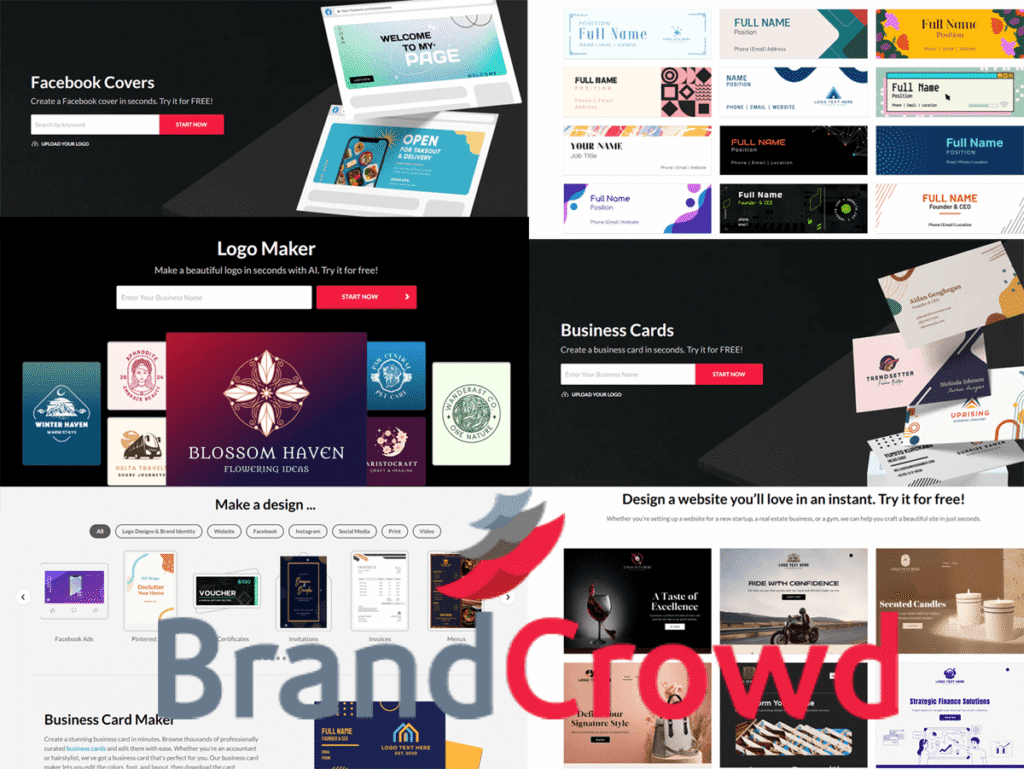





BrandCrowd Review 2027: Pros and Cons, Price & Features, Stability and Health, Pricing Structure, Social Media Design.
I may receive commissions from links on this page because This Online Web is reader-supported. This does not affect my editorial assessments or viewpoints.
BrandCrowd is a DIY design suite and online marketplace that lets users create letterhead, business cards, social media assets, logos, and more.
It’s a fast, economical way to generate on-brand images in minutes, ideal for those starting on a tight budget without hiring a designer.
Read my comprehensive review below to learn about BrandCrowd’s strengths, points for improvement, pricing, and the types of projects it supports.
BrandCrowd Pros and Cons
Pros/Benefits:
- Offers free logos and free-to-try resources (some designs can be downloaded).
- Provides multiple file types (PNG, JPG, SVG, EPS, and PDF) for instant download.
- Features affordable annual subscriptions, letting you subscribe as needed for regular revisions while keeping your downloads forever.
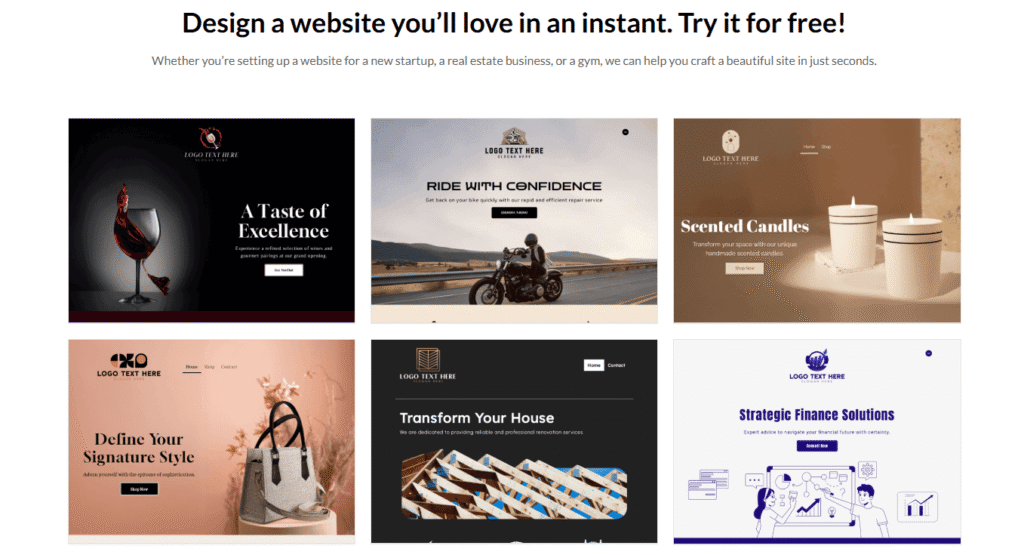
- Boasts a large library of social media and commercial templates, with over 100,000 logo designs.
- Includes extras like inspiration galleries, AI-assisted logo concepts, business name generators, and basic logo animations.
Cons/Drawbacks:
- Pricing details are often only visible at checkout and are not always clearly displayed on the website.
- Without considerable customization, templates may appear generic, and designs are generally not exclusive.
- Free downloads have restrictions, such as no file storage or post-download editing, and require an account.
About BrandCrowd
BrandCrowd provides reasonably priced digital design and branding services. Users can choose from thousands of pre-made logos and brand assets or start with a template to create their own designs.
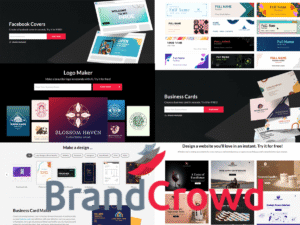
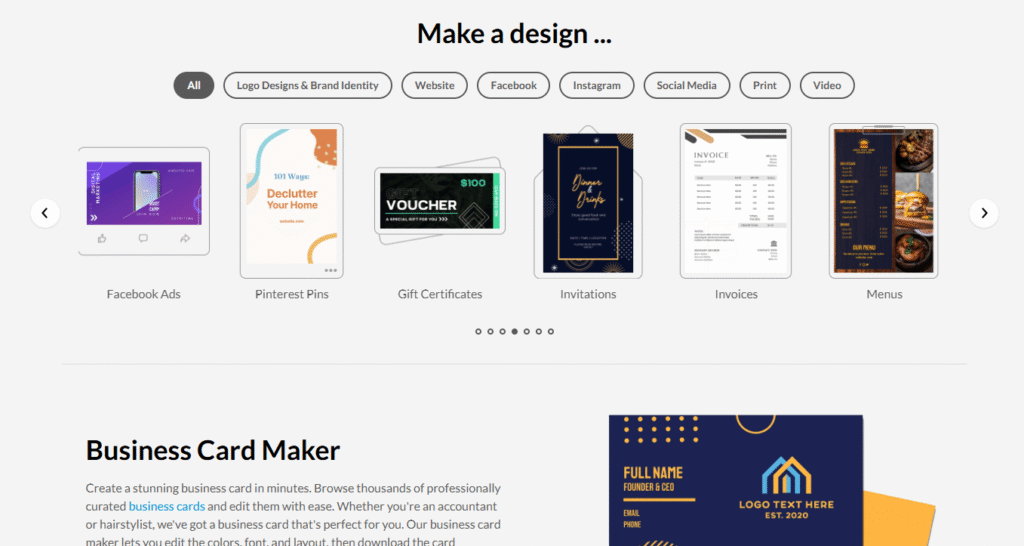
In addition to logos, BrandCrowd offers templates for Zoom backgrounds, business cards, menus, invoices, email signatures, Facebook and YouTube covers, and more.
This platform is aimed at small businesses, startups, and entrepreneurs who need quick, low-cost branding assets.
For a modest monthly fee, you can create a logo and related materials instead of paying a designer. Free logos are also available if you don’t require ongoing modifications.
BrandCrowd Stability and Health
BrandCrowd is part of the DesignCrowd/Design.com family. Launched between 2007 and 2008, DesignCrowd later developed BrandCrowd as its DIY design platform after acquiring the Brandstack marketplace in 2011. The group also introduced Design.com in 2024 as a companion platform.
In operation for over a decade and with more than 100,000 templates, the company continues to expand its toolkit and library.
Any assets you download are yours to use under the license you purchased, regardless of any future changes to the organization. To avoid relying on the platform for future access to your files, you can also store local copies.
Pricing Details for BrandCrowd
You can get started for free. Before you want to download, browse and alter designs without using a credit card or creating an account.
The fee is often displayed at checkout and depends on your plan, asset type, and payment method. Monthly plans are more expensive than annual memberships.
If you expect to create multiple assets or make frequent updates to your brand, an annual package usually offers the best value.
Monthly pricing is suitable if you only need a single download, since you can stop your subscription once your files are saved.
BrandCrowd Pricing Structure
With a BrandCrowd subscription, you can download customizable assets like business cards, social media posts, logos, and more.
Prices depend on your plan and the length of your subscription. Monthly plans cost more, while annual plans lower monthly price. Extras, such as printing, are charged separately at checkout.
The design files you purchase are yours to use indefinitely without a membership. A subscription, however, simplifies access to storage, re-editing, redownloading, and more templates and tools.
BrandCrowd Promises and Trials
BrandCrowd offers a range of free products that don’t require a credit card, including inspiration galleries, AI logo ideas, and business name generators.
You only pay when you’re ready to download. This makes it easy to test layouts, fonts, and colors before committing. Some designs are also completely free to download.
To access these, you need to sign up for a free account and select the Standard Logo Pack at checkout. Free files cannot be modified afterward and are not saved in your BrandCrowd account.
Overview of BrandCrowd
BrandCrowd meets most daily branding needs. Below are highlights of its main tools, their functions, and what users can expect.
Logo Maker
With BrandCrowd’s logo creator, you can customize one of over 100,000 professionally designed logos to fit your company’s needs. You can refine and edit the designs to match your brand’s identity.
With BrandCrowd’s logo creator, you can customize one of over 100,000 expertly designed logos for your company. Refine your search by style and layout, search by industry or keyword, or enter your company name to see design ideas instantly.
You can change the layout, backgrounds, spacing, colors, fonts, and more when you select a design. You can also add shapes or icons, apply shadows, curve text, and include a tagline. If you’ve ever used photo or website editors that are beginner-friendly, you’ll feel right at home here.
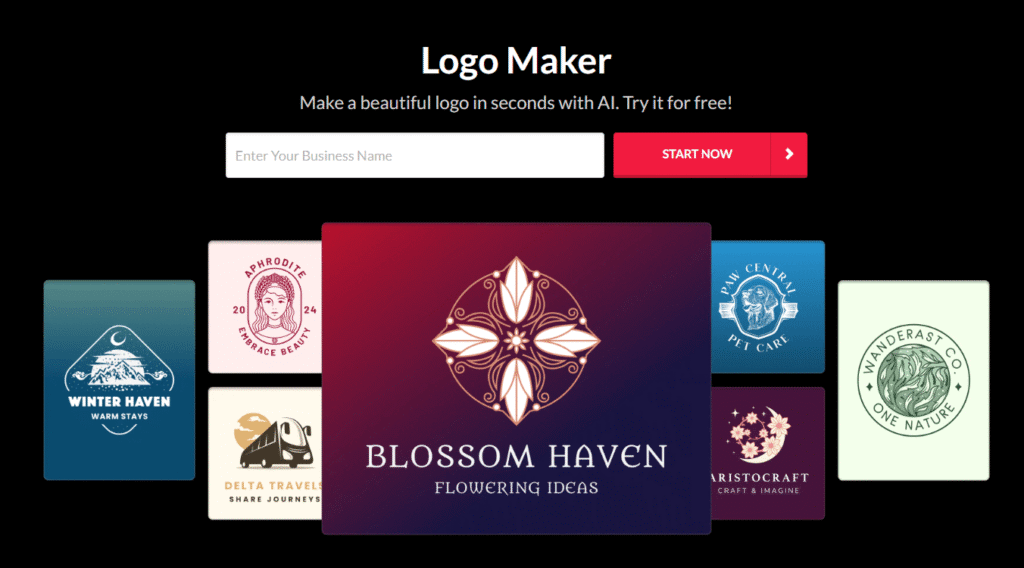
In just a few minutes, you can create a polished logo and export files ready for print and web use. Start with a text-only logo or a symbol-based design. For versatile use across websites, products, and print materials, export logos in web and vector formats.
BrandCrowd offers basic logo animations for landing pages and social media posts, including bounce and slide effects. Customization affects originality, so take time to adjust layouts, colors, and fonts to make your logo stand out.
Be aware that monthly billing for premium logo subscriptions is more expensive than annual billing.
Business Cards
BrandCrowd supports design and printing for business cards. At checkout, you can order printed cards or modify a template to get print-ready files (PNG, JPG, SVG, EPS, or PDF) for your printer. Shipping options and costs appear at checkout.
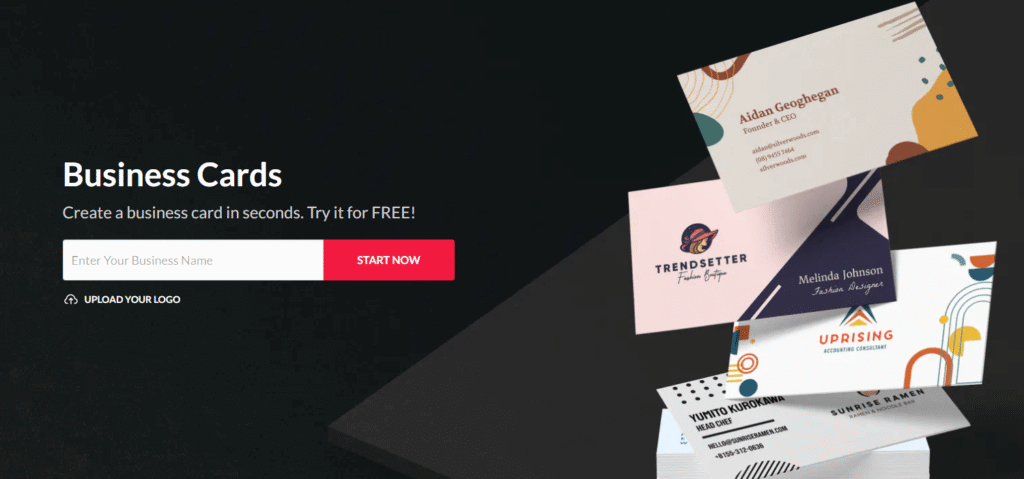
You can make business cards that match your brand’s colors and logo. It’s easy to upload your own images, or you can use the royalty-free image library for stock photos.
Printing options cover standard sizes and a few paper types. If you want special materials, foils, or unique sizes, download the print files and use a specialized printer.
The total printing cost is displayed at checkout and varies based on quantity and paper type.
Social Media Design Concepts
BrandCrowd offers ready-to-edit assets for your digital platforms. Select a template that fits the required size, make your edits in a few clicks, and download the graphics for publication.
Quickly create professional graphics for cover photos, background images, sale announcements, and event promotions.
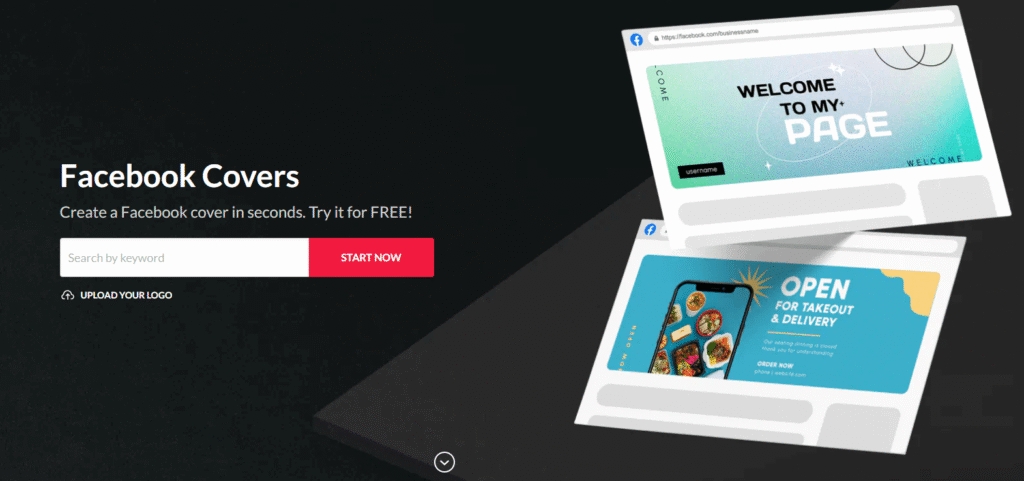
Your covers and posts will look great on all platforms if you use properly sized templates. Choose and personalize the asset you need from categories, including:
- Facebook covers
- YouTube banners
- Zoom backgrounds
- Twitch headers and banners
- SoundCloud banners
- Pinterest board covers
- Etsy and LinkedIn banners
BrandCrowd formats each template to meet the recommended dimensions for the selected channel. You can also create animated posts and simple videos to add movement to your feed.
BrandCrowd’s paid options for social designs have higher monthly fees, but annual contracts usually offer a lower monthly price.
Templates for Establishing Brand Identity
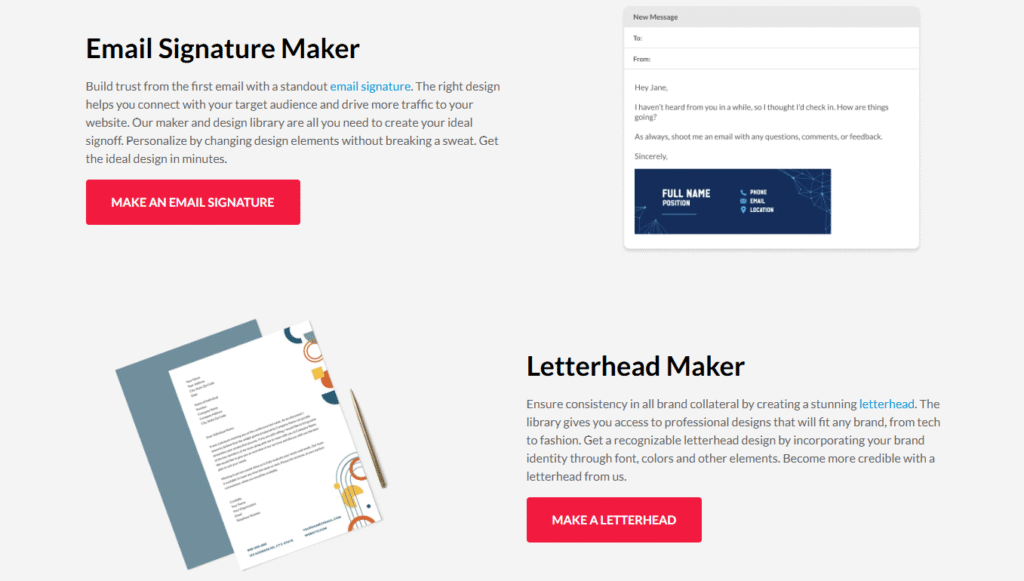
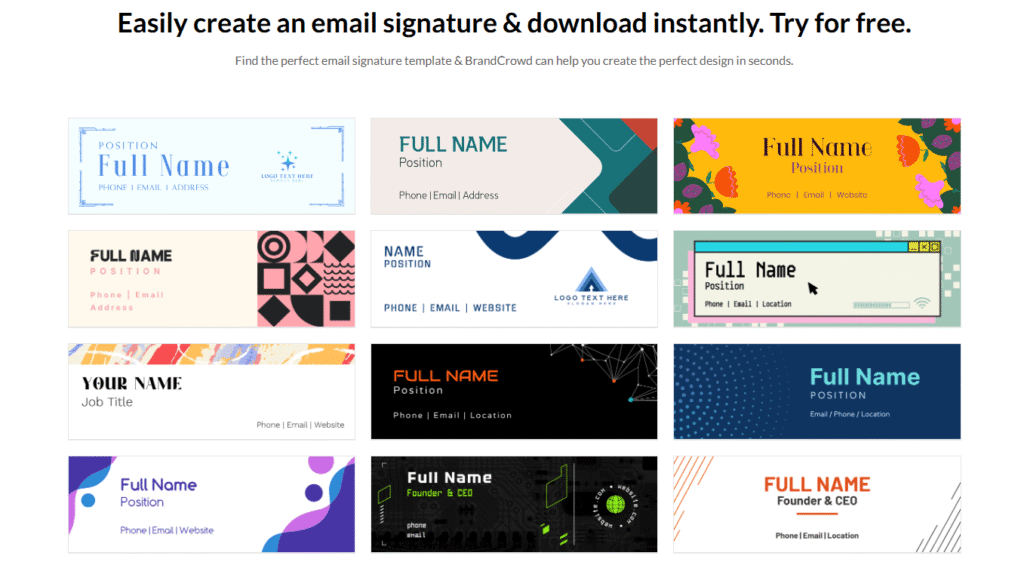
Start with a logo and expand the design to your documents, marketing materials, and signatures to create a cohesive brand identity across all platforms with BrandCrowd. For example, you can create and distribute on-brand email signatures to your team.
Make email signatures that match your company’s colors and fonts. This do-it-yourself approach is affordable, and many templates are included in lower-cost annual plans.
Additional identity templates include:
- Posters
- Invoices
- Letterheads
- Menus
- Invitations
- Gift certificates
- Thank-you cards
- Videos
- Animations
You can download print-ready files to print yourself or order prints straight from BrandCrowd for projects like flyers or menus. The price depends on the amount and the material.
BrandCrowd Reputation
Small businesses and people with side jobs who need a quick, cheap logo use BrandCrowd. People like it since it’s cheap, quick, and easy to use. Some consumers say that templates aren’t unique and that they were charged a monthly cost instead of a one-time purchase.
You could wish to hire a bespoke designer or a high-end printing firm if you want a one-of-a-kind logo or customized print finishes.
Final Judgment
If you’re a small business, independent contractor, or solopreneur who needs polished brand assets fast, BrandCrowd is a good option. You can make a unique logo, download assets right away, and design business cards or email signatures without learning complicated design software.
BrandCrowd is a great option for small businesses, freelancers, and solo entrepreneurs who need professional brand assets quickly. You can create a unique logo without needing to learn complicated design tools.
Once you’re done, you can download your files right away and easily make matching business cards, email signatures, and social media posts.
Your logo might not be a work of art, but with a few adjustments, it will look clean and consistent everywhere you use it. It’s a good idea to try BrandCrowd’s templates and editor to see if they match your brand, and you can get started for free.
Top 5 Best E-commerce Platforms: Compare and Ranking
Hunter.io Review: Pros and Cons, How It Can Save Hours
Top 15 Best Online Reputation Management Companies
Top 8 Best Web Hosting Companies & Compare Hosting
3 Best PEO Services Providers for Small Businesses