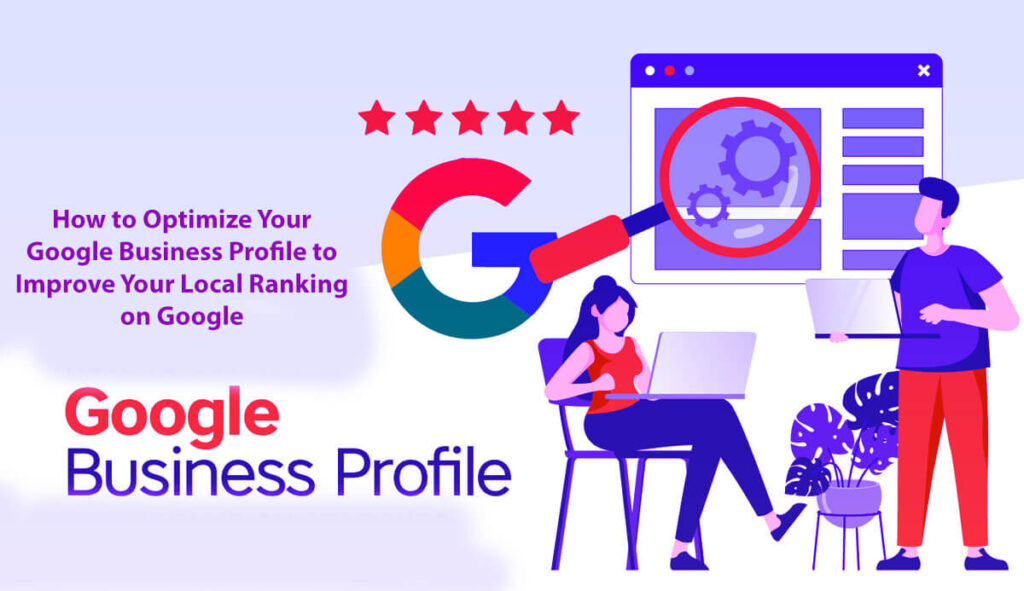





Want to make your business stand out on Google? Improve Your Local Ranking on Google: How to Optimize Your Google Business Profile. Here are 15 simple steps to help you improve your Google Business Profile and boost your local ranking. You’ll learn how to optimize your profile, improve your local SEO, claim your profile, and get more reviews.
These tips will help your business
If you want to grow your online presence or rank higher in local searches, these strategies are easy to follow and will help you get started.
Let’s dive in and make your Google My Business profile work for you!
If you want to reach more local customers, one of the most important things you can do is improve your Google Business Profile.
For many service-based businesses, optimizing your profile can make the difference between showing up in searches like “plumber near me” or being missed entirely.
If you don’t keep your profile up to date, competitors who put more effort into their online presence may get noticed instead of you.
Your Google Business Profile is a key part of your online identity. It shapes how your business appears on Google Maps and in search results.
Your profile is more than just a listing. It’s a marketing tool that controls what potential customers see about your business before they even visit your website.
It’s a wonderful way to build trust and credibility with your customers, encouraging them to call, visit your website, or even book your services. When customers feel confident in you, they’re more likely to choose your business again and again.
A weak or outdated profile can make it harder for your business to grow.
On the other hand, a strong profile makes you more visible in local searches and helps turn online visitors into real customers.
In this guide, I’ll show you step by step how to get the most out of your Google Business Profile.
This will help you get more calls, more quote requests, and more appointments from local customers.
Why Optimizing Your Google Business Profile Is Crucial?
There are many local marketing strategies to consider, such as a helpful website, positive reviews, local backlinks, and detailed service pages. Still, your Google Business Profile is one of your most important local tools.
When people search for services like plumbing, roofing, dentistry, law, medical aesthetics, or HVAC nearby, Google shows local results first—often before anyone visits a website.
That means your Google Business Profile is often the first thing people see, so it’s important to make sure it’s accurate and well-put-together.
Your profile gives potential customers easy access to important information, such as:
Business Name: Make sure it’s clear and matches your brand so people aren’t confused.
Reviews and Ratings: Customer feedback really helps in building trust with new clients, making them feel valued and understood from the start.
High ratings can strongly influence their decisions.
Star Rating: This is usually the first thing people notice and shows how past customers rate your services.
Business Hours: Being clear about when you’re open helps customers know when to contact you and builds trust.
Phone Number: Listing your number lets people reach out right away to ask questions or book your services.
Location/Service Area: Make it clear where you work, especially if you serve certain neighborhoods or cities.
Photos: Good pictures of your work, space, or products make your profile more attractive and can help draw in customers.
Service Offerings: Listing your services helps people quickly see if you offer what they need.
Website Link: Add your website link so people can learn more about your business.
Directions Link: This makes it easy for customers to find you if they want to visit in person.
Q&A Section: This lets people ask questions about your services, helping clear up any confusion.
Updates/Posts: Sharing news, special offers, or new services keeps your profile up to date and interesting.
All this information is available in one easy-to-find place.
But if your profile is missing details, out of date, or looks untrustworthy, you could lose business before people even check out your website.
Who Needs to Pay Attention to This?
Optimizing your Google Business Profile is especially important for businesses that depend on local customers, including many different industries:
Home Service Companies: Plumbers, electricians, and HVAC specialists often compete with others nearby and need a strong profile.
Healthcare Providers: Doctors, dentists, and clinics need profiles that build trust, as patients often seek quick, reliable care.
Legal Practices: Lawyers and consultants benefit from a profile that shows professionalism and expertise.
Fitness Businesses: Gyms, trainers, and wellness centers should highlight their services and client reviews to attract new clients.
Beauty and Wellness Services: Spas, salons, and wellness coaches should use compelling visuals to showcase their offerings and attract customers.
Restaurants and Hospitality: Cafes, restaurants, and hotels should highlight their atmospheres, menus, and customer experiences to attract more guests.
Professional Services: Agencies and consultants can use their profiles to show their expertise and attract local clients.
Repair Companies: Technicians should use their profiles to demonstrate reliability and quick response times.
Local Retailers: Shops serving the community can attract more walk-in customers by improving their profiles.
Service-Area Businesses: If you serve certain areas, make sure your profile clearly shows where you work.
If people search for your services with a city name, ZIP code, neighborhood, or “near me,” it’s important to have your Google Business Profile fully optimized.
Concentrating on your profile will enhance your business’s success and make it more noticeable in a competitive market.
Why You Need a Well-Optimized Google Business Profile
Having a well-optimized Google Business Profile (GBP) is essential. It forms the base of your business’s online visibility and can drive your success.
Here are three key ways a strong profile can help your business stand out online:
Improves Local Search Visibility: A well-optimized Google Business Profile significantly increases the likelihood that your business will be featured in local search results.
When individuals in the vicinity seek the services you provide, a precise, comprehensive profile helps them find your business.
Many local customers rely on search engines to discover products and services, making your profile essential in shaping their purchasing decisions.
Builds Customer Trust: Most people research businesses before they buy.
A complete, up-to-date profile shows customers that your business is real, active, and worth their attention.
When your profile looks professional, it builds trust and can help customers choose you over your competitors, especially in fields where trust matters most.
Encourages Customer Engagement: An optimized profile is more than just good looks. It makes it easier for customers to interact with your business.
A well-organized GBP clearly shows key details such as your phone number, booking link, directions, and a list of your services.
When you make it easy for people to find and contact you, your profile improves their experience. It encourages them to take action, like calling, visiting your website, or booking an appointment.
Shows that good optimization is not just about ranking higher in search results. It also helps you get more customers and build stronger relationships with them.
Step 1: Claim and Verify Your Profile
Even though this step seems basic, many businesses skip it and miss out on important benefits.
Verifying your Google Business Profile is essential because it gives you full control over your profile and its information.
Sometimes, profiles are left unclaimed or are still managed by former employees, agencies, or web vendors. It can cause mistakes that hurt your optimization.
Before you make any changes, make sure your business has:
An officially claimed profile that confirms your ownership.
The right owner access, enabling full management of the profile.
Necessary manager access for trusted team members, allowing them to assist in profile updates.
A business email account you control, ensuring communications remain consistent.
A recovery process has been established to provide a safety net in case access is ever lost.
If you try to improve your local SEO without full control of your profile, you could make mistakes or miss opportunities.
Step 2: Choose the Correct Primary Category
Choosing the right primary category is key to your profile’s success.
This category tells Google what your business does, making it easier for customers to find you.
Don’t choose broad or generic categories to sound impressive. Pick the one that best matches the main service you want to be known for.
For example:
A plumbing company should select “Plumber” as its primary category.
A law firm that specializes in personal injuries should opt for “Personal Injury Attorney.”
A spa offering medical services would do well to choose “Medical Spa.”
An HVAC service provider should be classified under “HVAC Contractor.”
After you choose your main category, add secondary categories that show all the services you offer.
Clear and accurate categories help people understand what your business offers.
Step 3: Complete All Necessary Fields
If your profile is missing information, you could lose potential customers and business.
To build trust, ensure your Google Business Profile is complete, up to date, and informative.
Be sure to fill out all the important fields, such as:
Business Name: Ensure it precisely matches your official business name.
Primary Category: Confirm the category accurately represents your main service.
Address or Service Area: Specify your physical location or the areas you serve.
Phone Number: Provide a reliable contact number for potential customers.
Website URL: Visit your official website for more information.
Standard Operating Hours: Clearly state your business hours for customer convenience.
Holiday Hours: Update any special holiday hours, if applicable.
Appointment Link: Include a direct link for scheduling services.
Business Description: Write a compelling overview that highlights your offerings and expertise.
List of Services Offered: Detail the specific services you provide.
Relevant Products: Include products that align with your services, if applicable.
Notable Attributes: Highlight unique features that set your business apart.
Opening Date: If applicable, include the date your business began operations.
These details might seem basic, but a complete profile gives Google and your customers important information about your business and helps build your credibility.
Step 4: Create an Authentic Business Description
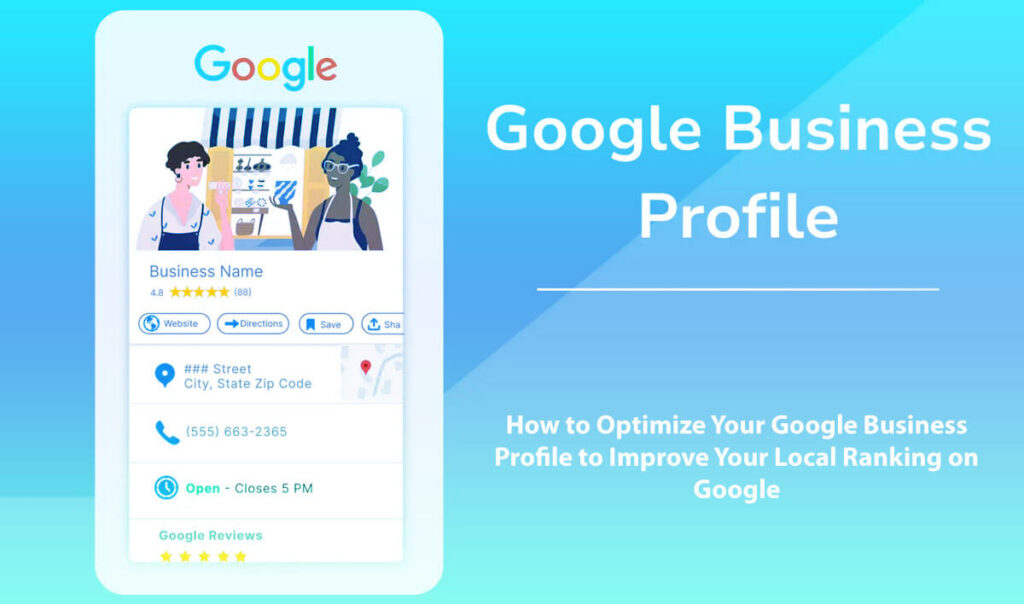
The business description is your chance to clearly explain who you are and what you do.
It’s important to write in a way that feels natural to people and avoid stuffing in too many keywords.
A compelling description typically includes:
Your Primary Service: Clearly stating the main service you offer.
Geographic Area Served: Identifying the regions or neighborhoods you cater to.
Description of Your Target Customer: Outlining who your ideal clients are.
Unique Experience or Expertise: Mentioning any specialized skills or qualifications that enhance customer trust.
Key Points Building Trust: Including endorsements or unique selling propositions.
Seamless Reference to Offerings: Naturally integrating mentions of your key services in context.
Here’s an example of a well-structured business description:
HVAC Solutions offers friendly repair, installation, and maintenance services tailored for both homeowners and businesses across the Phoenix metro area. We’re here to ensure your comfort and satisfaction every step of the way!
Our friendly team of experienced technicians is here to help with everything—from sudden AC repairs to full system upgrades. We promise prompt, reliable service with clear, upfront pricing to put your mind at ease.
Whether you need a quick fix or a full upgrade, we have the expertise to meet your needs efficiently.”
This style is much more effective and interesting than using generic lines like, “We are dedicated to quality and customer satisfaction.”
When you share real, detailed information, you connect better with customers and make them more likely to choose your business.
Step 5: Precisely Define Your Service Areas
If your business serves specific locations, it’s important to clearly define where you operate as part of your overall strategy.
Your business profile should highlight the areas you serve.
Instead of listing every nearby city to seem more appealing, focus on places where you can actually provide your services.
Be realistic—your service areas should match what your business can actually handle.
If you say you serve many cities but only work well in a few, you could hurt your reputation and frustrate customers.
If you mislead clients about where you work, they may lose trust and feel let down.
To build trust, make sure the service areas listed in your business profile also appear on your website.
If your profile says you serve 12 cities, your website should back it up with real information.
Add clear maps, pages for each area, or local service descriptions to show you really work in those places.
Step 6: Clearly List All Your Actual Services
Many businesses make the mistake of using only broad categories instead of listing their services in detail.
If you don’t provide detailed information, you may miss out on showing up in search results and attracting new customers.
Create a clear, complete list of the specific services your business provides.
Go beyond just a few categories—describe each service so clients know exactly what you offer.
For example, a roofing company might provide specific offerings such as:
Roof Repair: Addressing leaks, damaged shingles, and other integrity issues.
Roof Replacement: Full replacement of outdated or irreparable roofing systems.
Storm Damage Repair: Specialized services to fix roofs after severe weather events.
Leak Detection: Comprehensive inspections to identify and resolve leaks.
Roof Inspection: Routine checks to ensure roofing systems are in optimal condition.
Emergency Tarping: Immediate response services for temporary protection.
Similarly, a dental practice could include an extensive breakdown of its offerings, such as:
Teeth Cleaning: Regular preventative maintenance and cleanings.
Dental Implants: Permanent tooth replacement options with advanced techniques.
Invisalign Treatments: Clear aligners for teeth straightening without traditional braces.
Root Canals: Specialized treatments to save afflicted teeth.
Emergency Dentistry: Rapid response services to address urgent dental issues.
Cosmetic Dentistry: Aesthetic enhancements like whitening and veneers.
Listing all your services helps you show up on Google and gives customers confidence that you can meet their needs.
Step 7: Enhance Your Profile with High-Quality Photos
High-quality images are important for your business profile. They do more than make your page look good—they show that your business is real and trustworthy.
Good photos help potential customers feel more comfortable by showing who you are, your space, and the quality of your work.
Consider incorporating a variety of photo types into your profile, such as:
Photos of Your Storefront: Showcasing the exterior of your business creates familiarity.
Images of Your Office Space: Letting customers see the environment they will visit.
Pictures of Your Team at Work: Highlighting your skilled workforce can foster trust and connection.
Photos of Branded Vehicles: Reinforcing your brand in the community.
Before-and-After Project Shots: Effectively demonstrating the quality and transformation of your work.
Images of Completed Projects and Equipment: Showcasing your offerings can affirm your expertise.
Treatment Rooms or Workspaces: Providing insight into the professional environment that customers can expect.
Displays of Relevant Products: Engaging visuals that highlight items relevant to your services.
Don’t use stock images or skip photos altogether. Generic pictures don’t show the real you.
Your photos should give people a real, welcoming sense of your business and encourage them to learn more.
Step 8: Implement a Systematic Review Process Instead of Ad-hoc Requests
To strengthen your business profile, focus on getting many customer reviews rather than just a few random ones.
The key is to set up a review process you can use regularly.
A straightforward review system may consist of the following steps:
Complete the Job and Ensure Customer Satisfaction: Making sure the client is happy with your service before asking for feedback.
Promptly Request Feedback: As soon as you confirm their satisfaction, kindly ask for their feedback.
Provide a Direct Link for Review Submission: Simplifying the process for customers to leave a review can significantly increase participation.
Make Your Request Clear and Direct: Keep your request brief and focused to avoid confusion.
Follow Up If Necessary: A gentle reminder can encourage customers who intended to leave a review but haven’t yet.
Respond to Reviews Promptly: Engaging with reviews, whether positive or negative, demonstrates that you value customer feedback and fosters community trust.
Don’t wait for the perfect time to ask for reviews. Make it a regular part of your routine.
Businesses that ask for reviews often seem more engaged, reliable, and competitive, which can help them succeed.
Step 9: Respond to Reviews Like a Genuine Human
A common mistake businesses make is ignoring customer reviews or replying with the same generic message every time.
These habits don’t help build real relationships and can make potential customers trust you less.
Try to write replies that feel real and personal, showing you care about each customer’s experience.
Begin by honestly thanking the customer for taking the time to share their feedback.
Mention any specific services they talk about in their review to show you’re listening and care about their experience.
Keep your replies short and personal. Avoid giving too much information or using complicated words.
Don’t fill your replies with keywords, since that can sound fake and forced.
A Great Example:
“Thanks, Mike! I’m thrilled we could assist you with your same-day garage door repair.
We truly value you choosing our team.
Your support means a lot to us!”
In contrast, consider a typical canned response:
“Thank you for your positive feedback.
We value your business and strive to provide excellent customer service.”
The first reply feels warm and genuine, but the second one sounds scripted and impersonal.
When you reply honestly, you build more trust and a stronger connection with your customers.
Step 10: Use the Questions and Answers Section Effectively
Many people overlook the Questions and Answers section of their business profile, but it’s a great way to address customers’ concerns.
Some businesses ignore this section, leaving customers confused or without the information they need.
Use this area to answer the questions customers ask most often.
For instance, you might want to include answers to queries such as:
- Do you offer emergency service?
- Do you provide free estimates?
- Which service areas do you cover?
- Are you available on weekends?
- Do you accept insurance?
- Is financing an option?
By answering these questions in advance, you help customers feel more confident before they call or visit.
See the Q&A section as a helpful tool to clear up doubts and help customers make good decisions.
Step 11: Ensure Your Business Hours Are Accurate
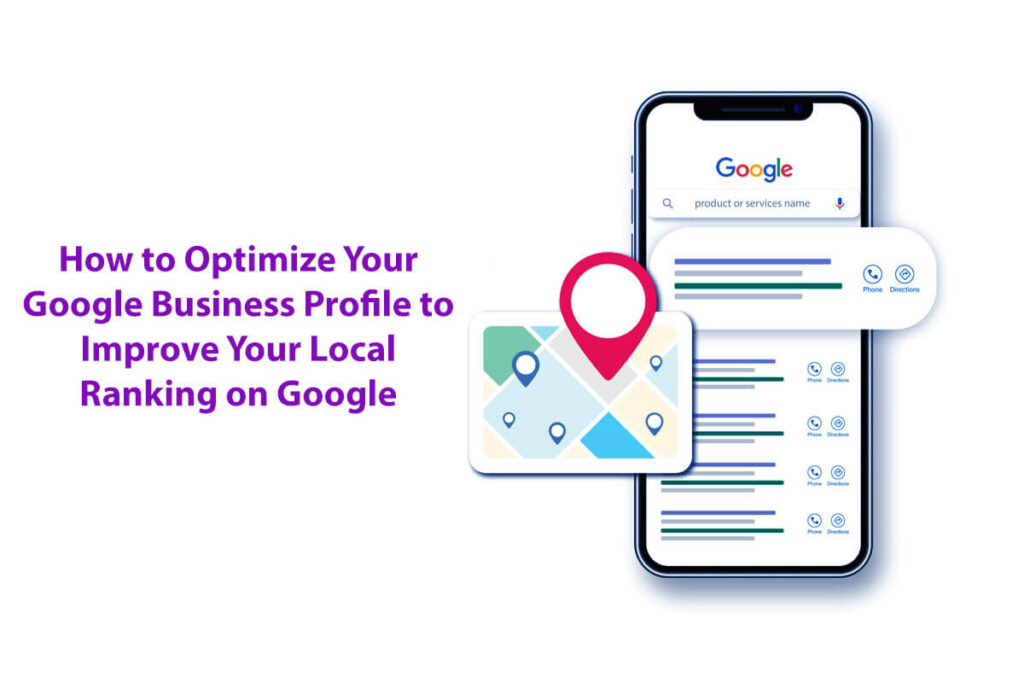
Showing the wrong business hours is a quick way to leave a bad impression.
If your profile says you’re open, but a customer finds you closed, it can really hurt the trust you’ve built.
So, always make sure your business hours are up to date.
Also, include any changes for holidays, seasons, or emergency hours if they apply to your business.
Keeping this information up to date might seem small, but it can make a big difference in how customers see your business.
Step 12: Incorporate Booking Links or Clear Conversion Paths
Making it easy for customers to take action leads to better business results.
If you offer booking, estimates, or appointments, make sure these options are easy to find on your profile.
At a minimum, your profile should make it easy for customers to:
- Call you for quick inquiries.
- Visit your website for more information.
- Request a specific service.
- Schedule an appointment at their convenience.
- Get directions to your location.
Making these steps simple is important. You don’t want customers to feel lost or frustrated when using your online profile.
Step 13: Maintain an Active Profile
If your profile appears inactive, it can make customers question your business’s reliability.
To show you’re reliable and engaged, keep your profile looking good and update it regularly.
Periodically refreshing crucial components such as:
High-quality photos that showcase your work and services
Current information about your services, including any changes
Special holiday hours or seasonal adjustments in service availability
Timely responses to customer reviews to show engagement
Any new service offerings introduced to your clientele
Updated business information if there are any changes to your contact details or address
You don’t have to update your profile every day, but it should always show that your business is active and well-maintained.
A fresh, updated profile helps attract new customers and reminds your current customers that you care about your business.
Step 14: Match Your Profile to Your Website
Building a consistent and trustworthy online presence is essential for local businesses today.
A key part of this is making sure your Google Business Profile matches your website.
It’s not just about appearances—important details need to be the same on both your profile and website.
Make sure your business name, address, service area, hours, and services are consistently listed.
If your information isn’t consistent, customers may get confused or start to doubt your business.
For example, if your Google Business Profile shows a different name or address than on your website, people may question whether your business is trustworthy.
When your information doesn’t match, it can hurt your credibility and make it harder to build a strong local presence.
When your profile aligns with your website, you build trust and credibility—both are key to attracting and retaining customers.
Step 15: Concentrate on Metrics That Truly Matter
Rather than focusing only on your star rating, pay attention to metrics that actually help your business grow.
Here are some key performance indicators (KPIs) to monitor:
Phone Calls Generated: Track how many calls come from your profile, since these connect you directly with potential customers.
Website Clicks: Count how many people click from your profile to your website. Shows interest in your services or more information.
Requests for Directions: See how many people ask for directions to your business. Helps you know if customers can find you easily.
Booked Appointments: Watch how many appointments are booked through your profile to see how well you’re turning interest into customers.
Completed Lead Forms: The more people fill out forms on your website, the more interest they’re showing in what you offer.
Growth in Customer Reviews: More reviews mean customers are engaged and likely satisfied.
Recency of Reviews: Newer reviews have a bigger impact on how people see your business, so keep asking for fresh feedback.
Visibility in Search Results: Check how often your business shows up in both searches for your name and general local searches to see how you’re performing.
In the end, optimizing your Google Business Profile isn’t just about making it look good.
It’s about getting real results and bringing more customers to your business.
Common Mistakes with Google Business Profiles
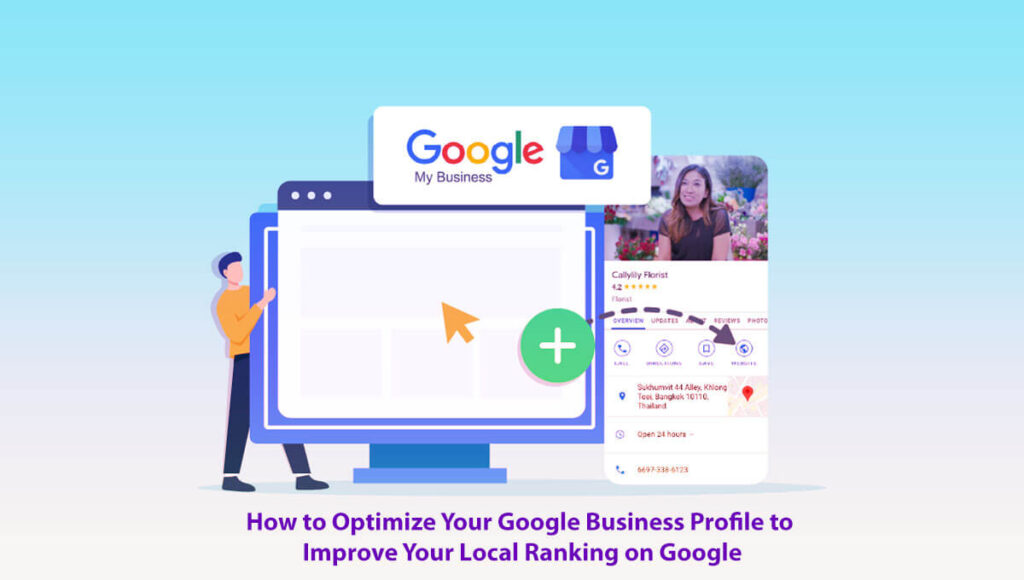
When managing your Google Business Profile, be aware of common errors that could damage your brand’s reputation and hinder success.
Selecting the Wrong Category: Picking the wrong category makes it harder for people to find you and can confuse customers.
Leaving Fields Incomplete: If your profile isn’t filled out, customers might wonder if your business is real or trustworthy.
Make sure to complete all the important information.
Using Low-Quality or Outdated Photos: Old or generic photos can make your business look uninviting.
Use high-quality, current photos to show your business is professional and active.
Neglecting Customer Reviews: If you don’t reply to customer reviews, whether good or bad, people may think you don’t care about feedback and may look elsewhere.
Overlisting Service Areas: Listing too many service areas can make customers question whether you can really serve them well.
Be specific and accurate about where you serve to build trust.
Lacking Supporting Pages on Your Website: Your profile is stronger when your website has pages with more details about your business.
Make sure your website has pages about your services, location, and other important details that support your profile.
Indicators of Profile Enhancement
As you improve your profile, you should start to see real changes in these areas:
Increased Calls: More calls from your profile mean people are engaging with your business.
More Website Visits: If more people visit your website from Google Maps or local searches, your profile is working well.
Customer Actions: More clicks for directions, phone calls, or bookings from your profile are all good signs.
Positive Review Momentum: Getting more positive reviews shows customers are happy and helps your reputation.
Service-Specific Visibility: If more people find you for the services you offer, your profile is reaching the right audience.
Enhanced Lead Quality: Better leads mean your profile updates are connecting with the right people.
You’ll see even better results if your website has strong local landing pages and you actively collect and respond to customer reviews.
How to Optimize Your Google Business Profile: Frequently Asked Questions
What is a Google Business Profile?
A Google Business Profile provides a free, straightforward way for businesses to showcase their presence on Google Search and Google Maps. It makes it easy for customers to find essential information about your enterprise.
Why is optimizing my Google Business Profile important?
When your profile is optimized, your business shows up more often in local searches. Helps customers find you easily and can bring in more visits and questions.
How do I claim my Google Business Profile?
Visit the Google Business Profile website, log in, and follow simple steps to claim or create your listing. Verification is quick and easy, with options like phone or mail that are convenient to complete.
What information should I include in my profile?
Make sure to include your business name, address, phone number, website, hours, and categories. You can also add your services and products, each with a brief description, to enhance your profile.
How can I improve my business description?
Write a short, clear description that uses keywords related to your business and services. Try to keep it around 750 characters and make it interesting to read.
Should I add photos to my profile?
Absolutely! Sharing high-quality photos of your business, products, and services is a powerful way to attract more customers. Let your brand’s personality shine through with a variety of pictures that tell your story.
How important are customer reviews?
Customer reviews significantly contribute to establishing trust and credibility. It is advisable to encourage satisfied customers to share their experiences and to allocate time for responding to their reviews—this demonstrates genuine care and professionalism.
Can I post updates on my Google Business Profile?
Yes, you can make posts to share updates, promotions, events, or news about your business. Posting often helps keep your audience interested and up to date.
What are Google My Business Insights?
Insights show you how customers interact with your profile, like how they find your business and what actions they take, such as visiting your website or asking for directions.
How often should I update my Google Business Profile?
It’s important to update your profile regularly. Change your information whenever your business details change, and keep your posts up to date.
How do I track the performance of my profile?
Use the Insights feature in Google Business Profile to see how many people view, click, and interact with your profile. Set goals and adjust your approach based on what you learn.
What are some tips for local SEO related to my profile?
Make sure your profile is complete and accurate. Use keywords in your description, keep your business name, address, and phone number the same everywhere, and ask for and reply to reviews.
If you keep your Google Business Profile up to date and optimized, you’ll boost your online presence and attract more customers.
Final Thoughts
Enhance your local business presence by building a compelling Google Business Profile. This guide offers actionable strategies to increase your online visibility and attract more customers.
Here are a few ways to help your business grow:
Start by carefully updating every part of your Google Business Profile, including your business name, address, description, and hours.
Make sure all your information is correct and matches your website. Include keywords that your customers would likely use when looking for your services.
Try different local SEO techniques that work well with your Google Business Profile.
Use location-based keywords, create content about your local area, and add structured data to help more people find and visit your business.
Make your Google My Business profile stand out by writing clear descriptions and pointing out what makes your services special.
Post updates, special offers, and events often to keep people interested and let them know what’s new at your business.
Learn about the main things that affect how your business ranks in local Google searches.
Find out why citations, backlinks, and customer engagement matter, and how you can use them to help your business show up higher in local searches.
Manage your Google Business Profile by following best practices to keep everything running smoothly.
Update your information regularly, reply promptly to customer questions, and ensure your profile always reflects the latest information about your business.
Use local SEO strategies designed for businesses in your area.
Build links with other local businesses, take part in community events, and make your content relevant to your area to boost your online presence.
Use proven methods to help your business show up more often on Google Maps.
Fill out your profile completely, add photos with location tags, and ask customers to leave reviews to help your business appear in local searches.
Try new marketing ideas to make your Google Business Profile stand out.
Share updates with Google Posts, run promotions, and work with your local community to get more people to notice your business.
Check Google’s latest recommendations often to keep your profile up to date. Helps your business stay competitive and comply with the latest guidelines.
Enhance your online visibility by claiming and verifying your Google Business Profile. It makes it easy to update your business details and unlock additional useful features.
Handle both good and bad customer reviews with care. Replying professionally can improve your reputation, build trust, and encourage more people to interact with your business.
Use high-quality images to showcase your business and capture people’s attention. Good photos can make your profile more appealing and encourage customers to check out your services.
Learn how to choose the right category for your business on Google.
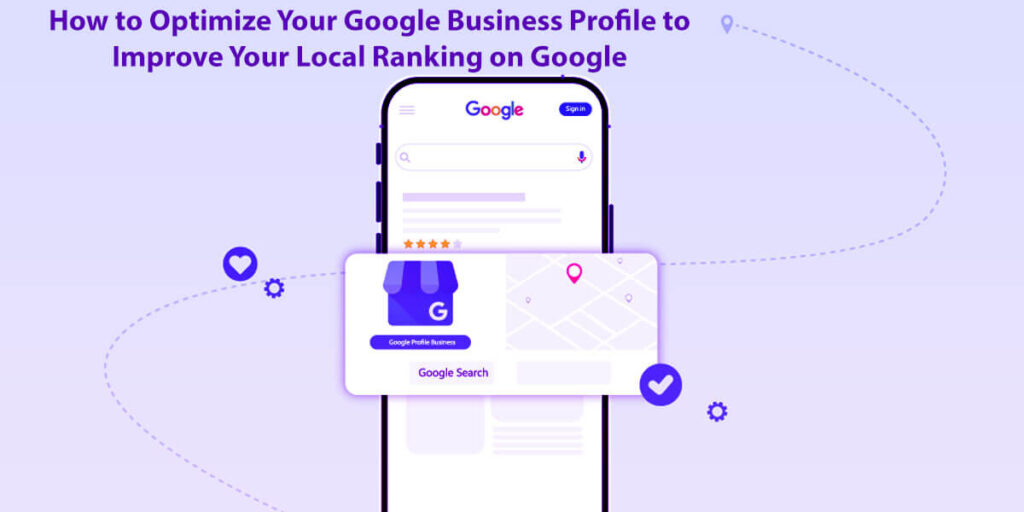
Choosing the right category helps Google match your business to relevant searches, making it easier for customers to find you.
Use these strategies to help your business stand out on Google Maps and bring in more customers.
Building a strong online presence can draw in more customers and boost your sales.
Take a step-by-step approach to managing your Google Business Profile and treat it as an important tool for growing your business.
Check and update your strategies often so your profile stays useful for your business.
Try these techniques and see your local business grow online.
If you’re serious about improving your local SEO, optimizing your Google Business Profile is a must.
It’s still one of the best ways to make your business more visible, build trust, and make it easier for customers to contact you.
This process is built on simple principles: accuracy, completeness, trust, proof, and consistency—not complicated marketing tricks.
When you get these basics right, your Google Business Profile can become one of your best tools for getting local leads.
How to Run a Giveaway or Contest That Actually Goes Viral in 8 Easy Steps
Focusing on Customer Retention Strategies to Increase Profits: Definition & Examples in 5 Easy Steps
How to Get More Google Reviews for Your Business? Manage 8 Easy Steps: A Guide
What Is Customer Retention Analytics? Metrics and Benefits — A Guide in 8 Easy Steps
What Is Email Marketing? Types of Email Marketing in 11 Easy Steps and How to Use Them