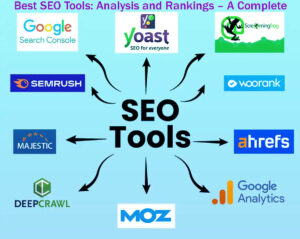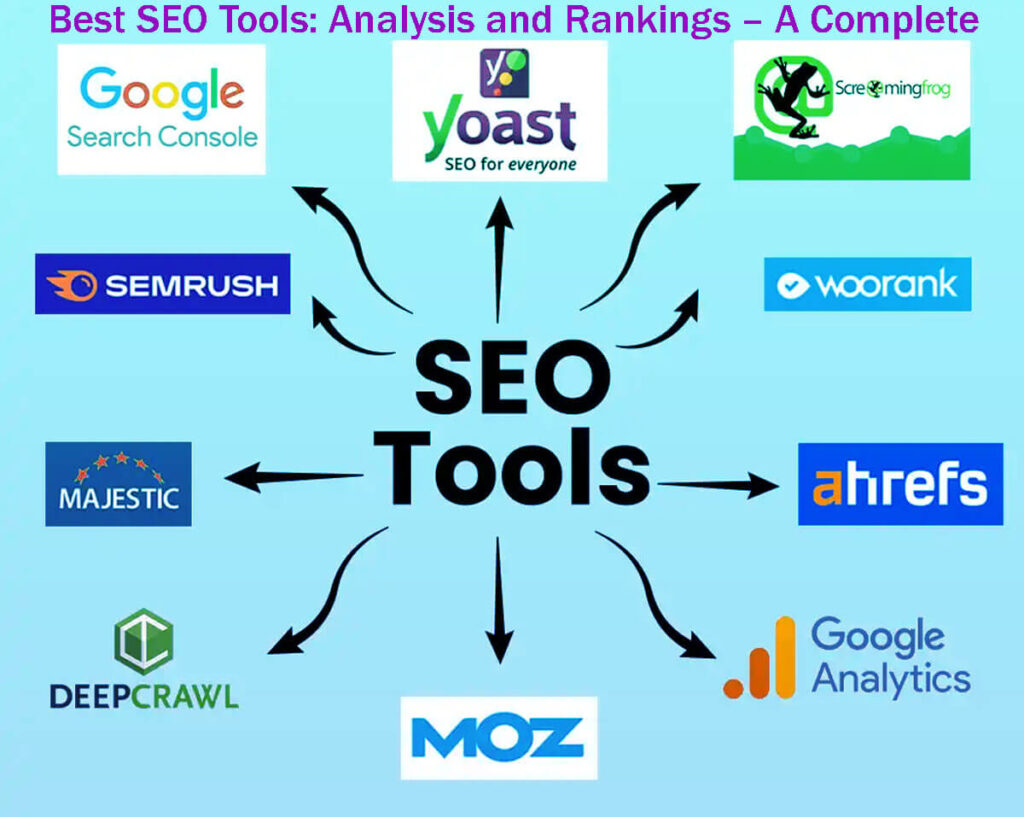





Take a look at these Top 13 Best SEO Tools: SEMrush, Ahrefs, Yoast SEO, Screaming Frog, Pitchbox, Google Analytics, Google Search Console, Moz Pro, Majestic, Google Keyword Planner, SEMrush Traffic Analytics, BuzzSumo, and AnswerThePublic. This guide is here to help anyone who wants to boost their SEO strategy.
Over the years, I’ve tried many different SEO tools, each claiming to improve website performance and search visibility.
From my experience, the best SEO professionals use a few key
This guide is for both beginners starting in SEO and experienced experts seeking advanced, efficient tools to improve their strategies.
Top 13 Best SEO Tools: Analysis and Rankings – A Complete Guide
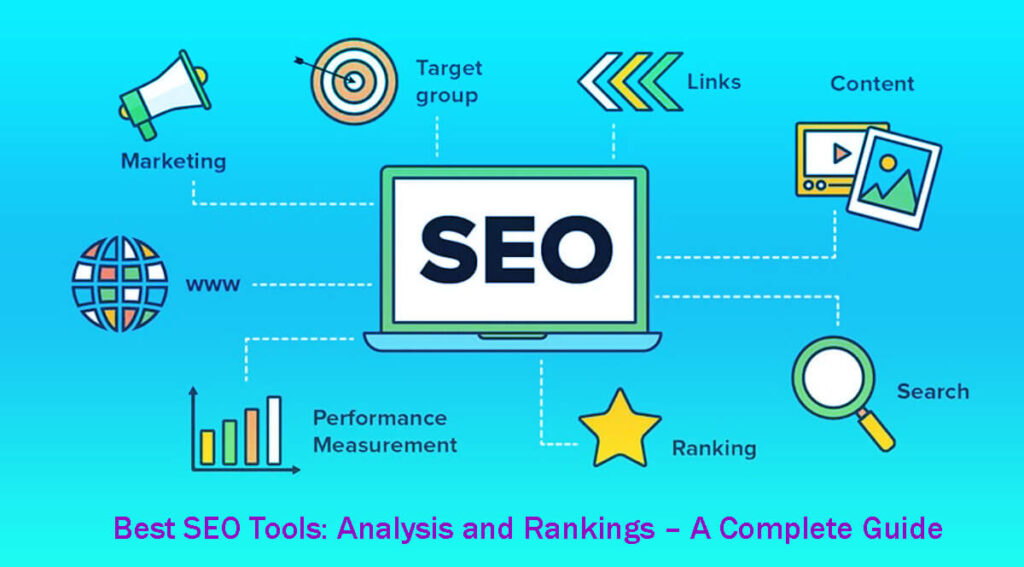
These 13 SEO tools can help improve your website’s search engine performance.
Semrush: The Best Overall All-in-One SEO Platform
Semrush is a well-rounded SEO tool with a strong set of features that cover almost every part of SEO.
It handles everything from keyword research and rank tracking to site audits and competitor analysis, making the SEO process easier for professionals.
Ahrefs: The Best for In-Depth Technical Insights and Link Intelligence
Ahrefs is well known for its strong backlink analysis and technical SEO features.
It gives detailed insights into link profiles and site traffic, making it a valuable tool for anyone looking to boost their website’s authority and improve technical details.
Yoast: The Premier SEO Plugin for WordPress Users
If you have a WordPress site, Yoast is the top SEO plugin.
It offers easy-to-use on-page optimization features that help you adjust your content for better search rankings and provides helpful WordPress-specific tips.
Screaming Frog: The Leading Software for Site Crawling and Auditing
Screaming Frog is a must-have for doing detailed site audits.
It scans websites to identify SEO issues such as broken links, duplicate content, and metadata errors.
This detailed check helps users quickly and effectively fix problems.
Pitchbox: The Ideal Tool for Outreach and Link-Building CRM
If you focus on outreach and link building, Pitchbox makes it easier to find prospects, manage communication, and track your results.
Its CRM features help SEO professionals build and maintain the relationships needed for successful link-building campaigns.
Google Analytics is indispensable for monitoring your website’s performance, user behavior, and conversion metrics. It provides critical data that helps refine your SEO strategies.
Google Search Console: monitor your site’s visibility, identify issues, and access Google data.
Moz Pro: offers a range of SEO tools, including keyword research, site audits, and a robust link analysis tool. It also has a community for learning and support.
Majestic focuses on backlink analysis and gives you detailed data about your link profile and your competitors’ backlinks.
Google Ads Keyword Planner, part of Google Ads, helps you research keywords, find new ideas, and see how they might perform.
SEMrush Traffic Analytics gives you insights into your competitors’ traffic and online strategies, helping you stay ahead in your field.
BuzzSumo is great for content research. It helps you find trending topics, key influencers, and see how content performs on social media.
AnswerThePublic helps you understand user intent and find long-tail keywords by showing the questions and phrases people type into search engines.
Combining these tools gives you a well-rounded approach to managing and improving your SEO.
Select the options that match your priorities, whether it’s content, technical SEO, or link-building.
Today, Semrush and Ahrefs dominate the SEO market, providing a broad range of features to handle different SEO tasks.
While Moz Pro remains a reliable option, most professionals prefer Semrush or Ahrefs for their comprehensive features and user-friendly interfaces.
These tools are key for tasks such as tracking rankings, researching keywords, analyzing competitors, and checking backlinks.
But using too many SEO tools at once can make you lose focus and work less efficiently.
In my experience, handling big SEO projects without a main platform can cause major problems. I learned this the hard way.
Choosing your main tool early in your SEO work can give you a real advantage.
After you pick your main SEO tool, it’s important to add other tools that support your strategy.
Google Analytics 4 (GA4) and Google Search Console (GSC) are must-have, free tools that give you reliable first-party data.
They provide important insights for managing your site and checking its performance.
If your website has special needs, such as large-scale crawling, complex outreach, or big content projects, it’s smart to use specialized tools for those tasks.
Here’s a simple roadmap to help you choose your SEO tools:
Pick your main SEO suite: Choose Semrush, Ahrefs, or Moz Pro based on what you need and your budget.
Install a trusted SEO plugin: If you use WordPress, pick a reliable plugin like Yoast to optimize your content.
Use a dedicated crawler: For medium or large websites, use a tool like Screaming Frog for detailed site checks and audits.
Add an outreach tool: If getting high-quality backlinks is important for you, try Pitchbox or a similar tool to manage your outreach.
Set up Google Analytics 4 (GA4) and Google Search Console (GSC): These are key for tracking your site’s performance, understanding user behavior, and identifying areas for improvement.
By following this roadmap, you’ll have the right SEO tools to handle the challenges of online visibility and performance.
Semrush: The Best SEO Tool Overall
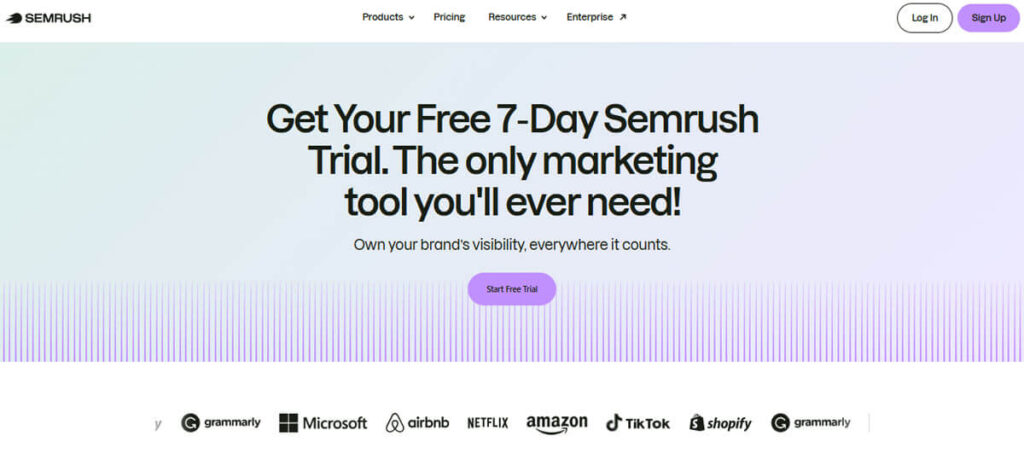
If you’re new to SEO, I highly recommend starting with Semrush.
It’s the most user-friendly of the major SEO suites, combining simplicity with a wide range of powerful features.
The platform’s easy-to-use interface lets anyone find important information without getting lost in too many tabs or settings.
One of Semrush’s best features is the “Position Tracking” tool, which quickly shows how your website is ranking.
This tool helps you spot changes in your rankings right away, so you can react quickly.
The Keyword Magic Tool, Backlink Gap analysis, and Domain Overview also make research and competitor analysis much easier.
These tools help you find valuable keywords and check backlink profiles, giving you a clear picture of your competition.
The Site Audit feature also identifies technical issues such as Core Web Vitals and indexability, so you can focus on fixes that really improve your site.
Semrush also tracks SERP features, labels search intent, and helps you create useful content briefs, all of which strengthen your SEO and content planning.
If you want to try it, Semrush has a free trial (terms may change), so you can see how its tools fit your workflow.
Pro Tip: Set up a separate Project for each website you manage. Connect it to Google Analytics 4 and Search Console to schedule weekly audits.
Helps you regularly find new content ideas, fix technical issues, and track ranking changes, so your strategy keeps up with search engine updates.
Ahrefs: The Best SEO Tool for Advanced Users

If you have more experience with SEO and want deep insights into links and content, Ahrefs is a great choice.
Ahrefs includes key features like Site Explorer, Keywords Explorer, Content Explorer, and Rank Tracker, which reveal detailed opportunities that many other SEO tools miss.
Ahrefs is known for its large backlink index and advanced anchor text analysis, making it a valuable tool for finding prospects, running digital PR, and analyzing competitors.
Recent updates have added a focus on AI visibility and organic performance.
Gives you insights into how changes in search results can affect your site’s traffic, helping you adjust your strategy.
If your main goal is to get high-quality backlinks, Ahrefs is hard to beat, thanks to features that few other tools offer.
Yoast: The Best SEO Plugin for WordPress
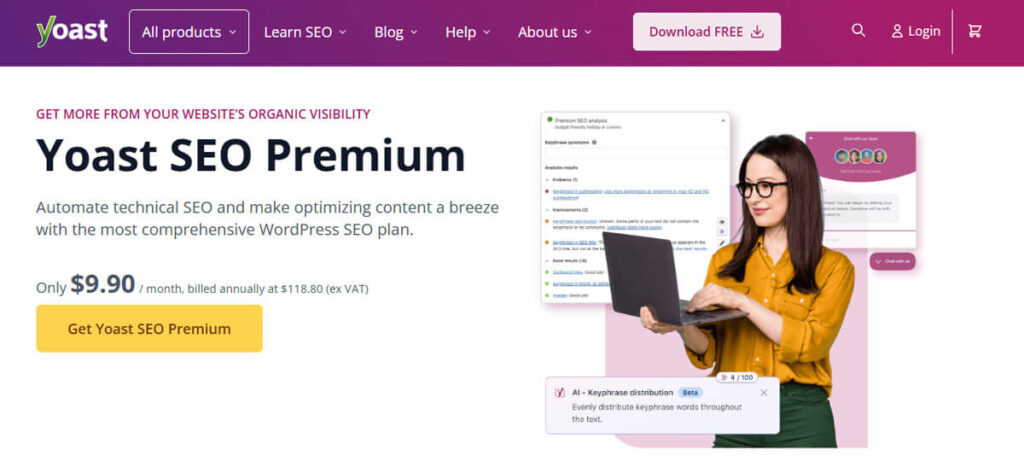
Among all WordPress SEO plugins, Yoast stands out for its reliability and feature-richness.
Yoast is built to handle important SEO tasks efficiently and includes an easy-to-use schema graph from the start.
Use Yoast to manage key elements like titles, meta descriptions, canonical URLs, and robots meta settings.
It also helps with basic schema setup and creates XML sitemaps, which are important for search engines to understand your content.
Yoast is also a great tool for content creators, helping you spot readability issues and giving SEO tips before you publish.
For most websites, the free version of Yoast is enough for your SEO needs.
Just make sure it’s set up correctly and fits smoothly into your publishing process.
Let’s you spend more time creating great content and building strong backlinks, while Yoast handles the technical SEO details.
If you want to find the best SEO plugins for WordPress, check out my carefully chosen list of top recommendations.
These tools can help your website perform better and stand out from the competition.
Screaming Frog SEO Spider: The Best SEO Crawling Tool
If you manage a medium or large website, using a dedicated SEO crawler is essential.
Screaming Frog SEO Spider is among the top options you can consider.
While many all-in-one SEO tools struggle with large sites, Screaming Frog can quickly audit thousands of URLs in just minutes.
It offers convenient features like JavaScript rendering and easy integration with Google Search Console and PageSpeed Insights, helping make your experience smoother and more efficient.
These features help you identify technical issues that could affect your site’s performance.
The free version allows crawling up to 500 URLs, making it ideal for smaller websites.
To get all the features, you can buy the annual paid license.
The paid version adds advanced features like scheduling crawls, saving custom reports, using API connectors, and extracting custom data.
Screaming Frog is great at finding issues such as broken links, redirect chains, thin or duplicate content, and slow-loading templates.
It also points out missing or duplicate tags, orphaned pages, and incorrect canonical tags to help keep your site healthy.
The custom extraction feature lets you pull structured data or specific on-page elements at scale.
For agencies and in-house teams, it’s important to schedule regular crawls and treat audits as ongoing tasks. Helps prevent SEO issues from building up and affecting your website.
Pitchbox: The Best Outreach Tool
In the past, simply creating great content was enough to boost your website’s traffic.
Today, while good content still matters, effective outreach can help you get results faster and increase your visibility.
Managing outreach manually can get messy, especially when working with a team.
Keeping track of responses, follow-ups, and outreach status can be overwhelming and inefficient.
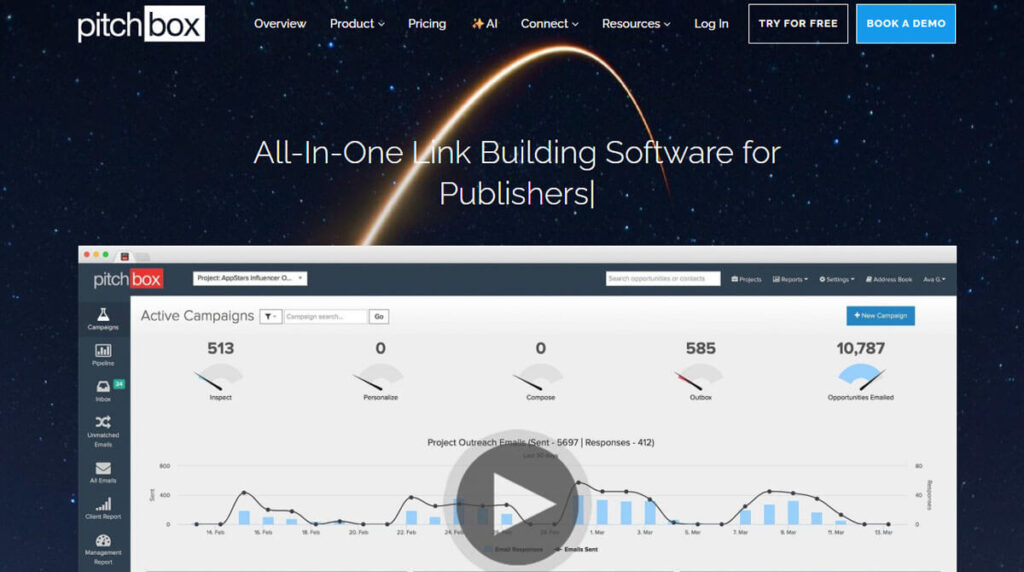
Pitchbox is a tool built to make the outreach process much easier.
It helps you find prospects, connect with outreach targets, improve your workflow, and provides detailed reports.
With Pitchbox, you can organize your outreach campaigns, keep your inbox tidy, and build real relationships with prospects.
Master Google Analytics and discover valuable insights for your business
Google Analytics is a powerful tool that provides comprehensive insights into your website’s performance.
It monitors user interactions on your site, including behavior, conversion rates, and engagement, providing a clear overview of how visitors navigate your website.
With this data, you can make smart decisions to improve your search engine optimization (SEO) efforts.
Identify the content that most engages your audience, improve underperforming pages, and optimize your marketing strategies to reach potential customers more effectively.
Google Analytics also allows you to create personalized reports and dashboards, helping you easily focus on the metrics that matter most to your business.
You can track user demographics, see where your traffic comes from, and measure how well your marketing campaigns are working. These tools help you focus on what’s most important for your organization.
If you regularly review and act on the insights from Google Analytics, you can make your website more engaging and help your business grow.
Google Search Console: Discover How to Use Google Search Console to Improve Your SEO
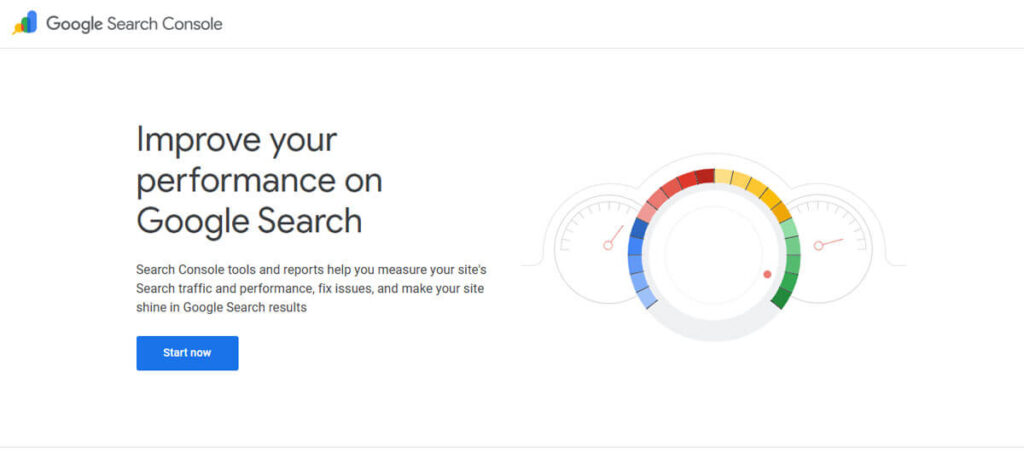
Google Search Console is a free, easy-to-use platform that provides website owners and marketers with helpful insights.
It helps you monitor, maintain, and enhance your site’s visibility in Google search results, strengthening and inviting your online presence.
It provides useful insights into how Google crawls and indexes your website, helping you understand the factors that influence your search rankings.
A key feature of Google Search Console is its ability to spot technical issues that could hurt your website’s performance.
It assists you in identifying crawl errors, which occur when Google’s bots cannot access your pages, as well as broken links that can negatively impact user experience and reduce your search rankings.
Fixing these issues quickly helps make sure Google can index your content properly.
The tool also gives you tips to boost your site’s visibility in search results.
It shows you which keywords your website ranks for, so you can see how people are finding your content.
You can look at click-through rates (CTR) and impressions for certain searches to help guide your SEO strategies.
Once you identify the terms that drive traffic, you can customize your content to meet users’ needs and enhance engagement.
Google Search Console also has a Performance report, where you can see data on your site’s search traffic, such as the number of clicks, search queries, and the devices people use to visit your site.
It also gives you information about your site’s mobile usability, alerts you to security issues, and lets you submit sitemaps and check your backlinks.
Overall, Google Search Console is essential for anyone looking to boost their website’s performance in Google search results.
By using the insights from this tool, website owners can improve their SEO, boost their site’s visibility, and attract more organic traffic.
Moz Pro: The Complete SEO tool to Help Your Website Get Noticed Online
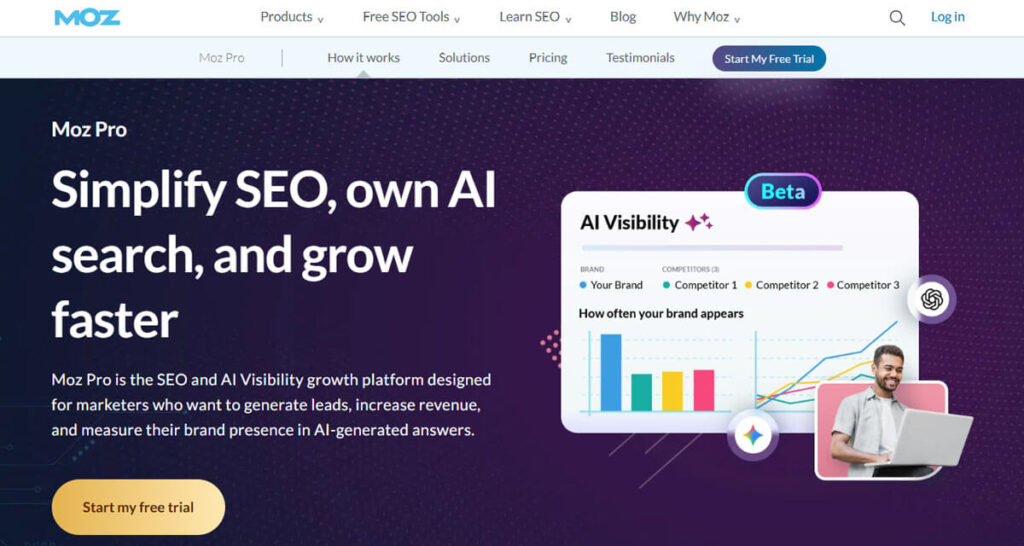
Moz Pro offers a full range of SEO tools to help boost your online marketing efforts. One of its main features is a keyword research tool that helps you find valuable search terms to bring targeted traffic to your website.
This tool helps you discover both popular keywords and long-tail variations that can attract more specific audiences.
Moz Pro also includes strong site audit features that check your website for technical issues and SEO problems, such as broken links, slow pages, and missing content.
This thorough analysis helps you optimize your site and improve its search engine rankings.
Another key feature of Moz Pro is its link analysis tool.
This tool lets you review your backlink profile, see who links to your site, and check the quality of those links.
You might also find it helpful to compare your backlink profile with your competitors. This can give you a clearer picture of your place in the industry and help uncover exciting new link-building opportunities.
Moz Pro also has an active community of SEO professionals and enthusiasts.
This community provides resources like webinars, guides, and forums where users can learn and share knowledge.
With these resources, users at any skill level can learn more about SEO and improve their strategies.
Overall, Moz Pro is a must-have for anyone serious about improving their online presence.
Majestic: Discover the Power of Nature-Inspired SEO Insights
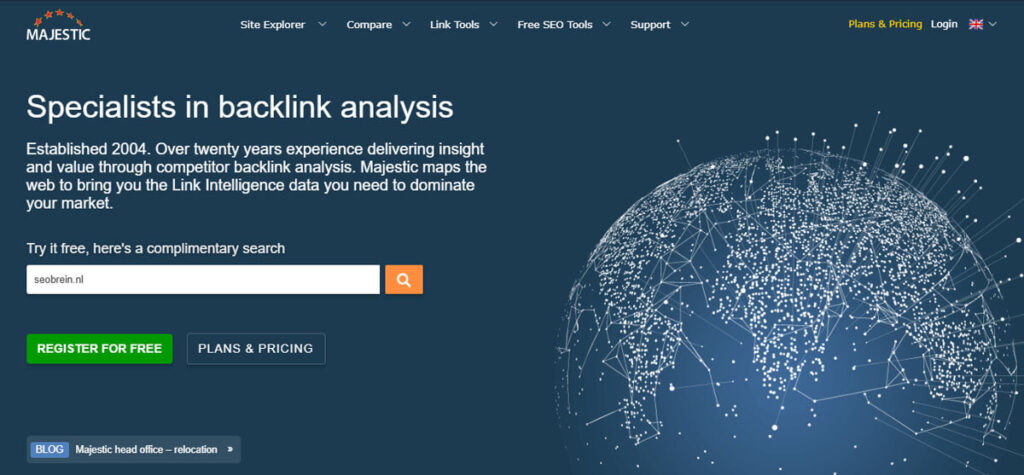
Majestic is a top platform for backlink analysis, offering users a detailed view of their own website’s link profile and competitors’ link profiles.
Majestic uses a massive database of backlinks to provide you with important metrics such as citation flow and trust flow.
Citation flow shows how many backlinks point to a page, indicating its popularity. Trust flow indicates how reliable backlinks are, based on their sources.
Both of these metrics are key for judging the strength of a website’s link profile.
Understanding your link profile can greatly improve your SEO efforts.
This knowledge helps you optimize your current links and find new link-building opportunities.
With this information, you can create better strategies to boost your website’s authority, improve search rankings, and attract more organic traffic.
Majestic is an essential tool for anyone who wants to improve their backlink strategy and build a stronger online presence.
Google Ads Keyword Planner: A Complete Guide to Using Google Keyword Planner for SEO Success
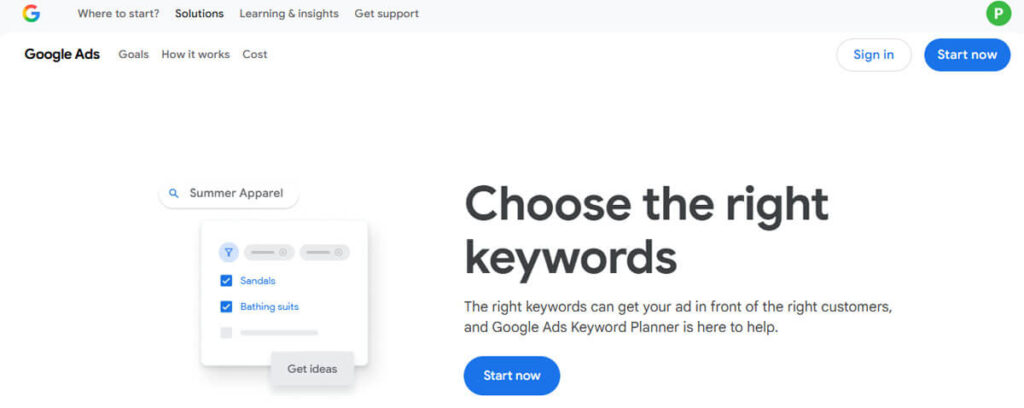
Google Keyword Planner is a vital tool for anyone conducting keyword research, especially for improving digital marketing strategies.
This tool helps you find many new keyword ideas that can make your paid search campaigns more effective.
With Keyword Planner, you can see detailed search volume estimates for keywords, so you know how often people search for certain terms.
It also shows you how competitive each keyword is by telling you how many advertisers are bidding on it. Helps you better understand the market.
The tool tracks trends over time so that you can spot seasonal changes and emerging interests in your field.
If you work in the semiconductor industry and want a strong keyword strategy, Keyword Planner is especially helpful.
It helps align your keyword strategy across organic and paid search, enabling you to reach your audience more efficiently.
By using this tool well, you can choose the best keywords to focus on, improve your campaign results, and get a better return on investment.
SEMrush Traffic Analytics: An Easy-to-Follow Overview of SEMrush Traffic Analytics
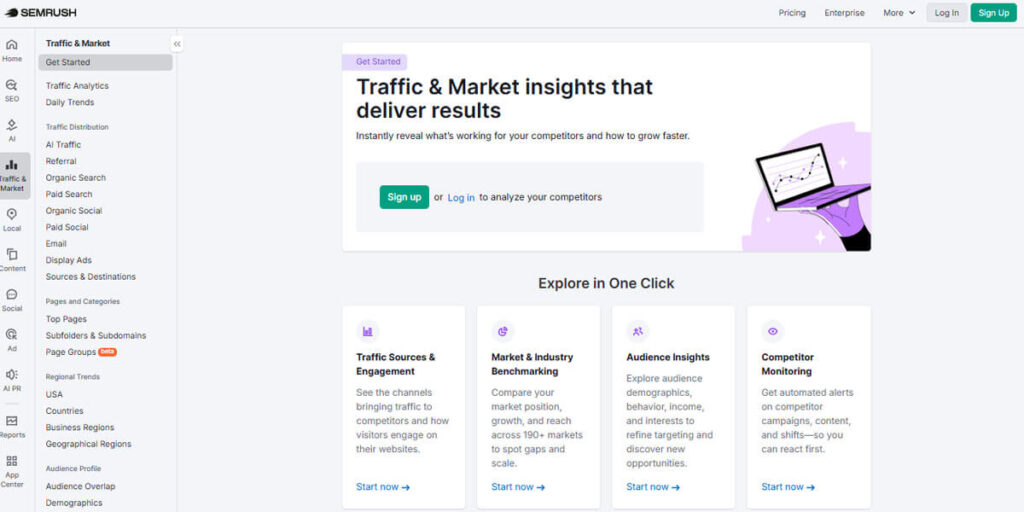
SEMrush Traffic Analytics gives you a deep look at your competitors’ online performance and marketing strategies, offering valuable insights to improve your digital efforts.
By looking at different traffic sources like organic search, paid ads, social media, and referral links, you can see which channels bring the most visitors to your competitors’ sites.
The platform also provides detailed engagement metrics, including bounce rates, average session length, and page views per visit.
These numbers help you see how well competitors keep users interested and how good their content is.
You can also look at website performance data, such as load times and mobile optimization, to understand what helps them succeed.
By studying this information, you can find out exactly what tactics your competitors use in their digital marketing, including SEO, content marketing, and pay-per-click ads.
By using these insights, you’ll be able to improve your marketing strategies and stay ahead in the industry.
Knowing how your competitors attract and engage visitors helps you learn from their successes and spot areas where you can do better.
BuzzSumo: Get in-Depth Content Insights
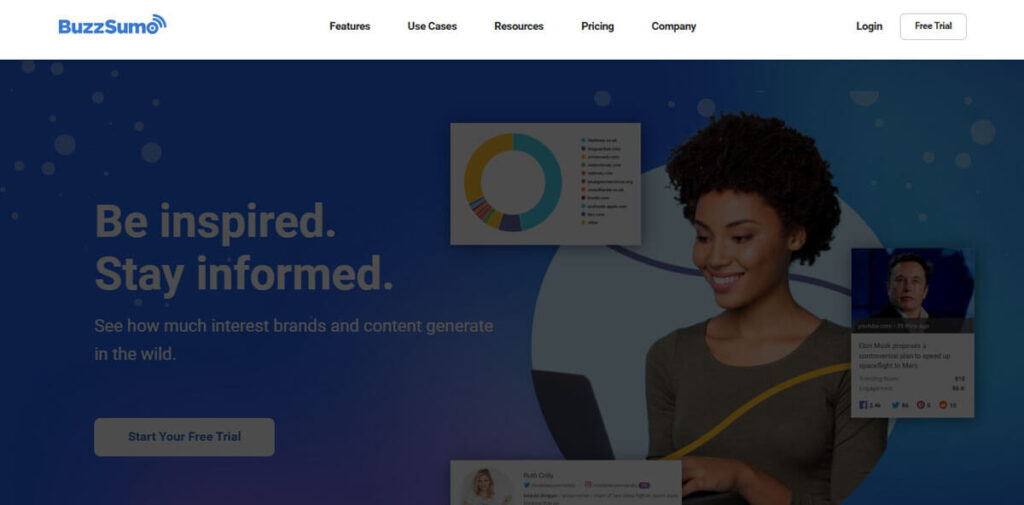
BuzzSumo is a great tool for improving your content marketing and social media strategies.
It focuses on content research and helps you find trending topics in your industry.
Helps marketers stay ahead by finding topics that their audience cares about right now.
BuzzSumo also helps you find key influencers on different social media platforms. These people or organizations can help spread your content to a wider audience.
Working with these influencers lets you reach more people and build your brand’s credibility.
BuzzSumo also analyzes how your content is performing and shows you which pieces are most successful at engaging audiences on different social media channels.
This data helps marketers determine which content works best and why.
Using BuzzSumo insights, you can refine your content strategy.
Helps you create high-quality, engaging, and shareable content that resonates with your audience and leads to better marketing results.
AnswerThePublic: Help You Find New Ideas and Improve Your Content Strategy
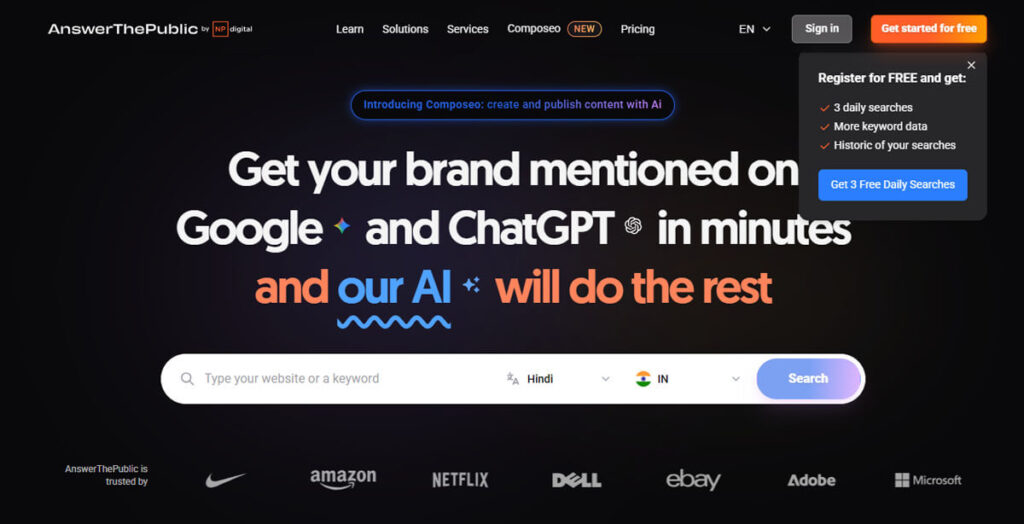
AnswerThePublic is a creative tool that shows you what people are searching for by visually displaying common questions and phrases on specific topics.
It creates visual maps that show a wide range of keyword queries, including both short and long-tail keywords.
By looking at these visuals, you can find out which queries are most common in your niche and learn about your audience’s main concerns and interests.
This knowledge is important for content creators, marketers, and SEO professionals because it helps them create targeted, relevant content that answers users’ questions and needs.
Incorporating insights from AnswerThePublic into your content strategy can boost your website’s visibility in search results.
Creating content that addresses questions and concerns identified by this tool can better meet user needs, increase engagement, attract organic traffic, and improve search rankings. This builds trust and demonstrates care for your audience’s interests.
Using AnswerThePublic can really help you connect better with your audience and increase your online presence. It’s a great way to discover what your audience cares about and make your content more relevant and inviting.
Utilize Google’s Free Tools
For web analytics, I always use Google Analytics 4 (GA4).
It offers many features and useful data to help you analyze user behavior and site performance.
Google Search Console (GSC) works alongside GA4 and gives you reliable data about your site’s search performance. The best part is that both tools are free.
Setting up Google Search Console is easy and user-friendly.
You can verify your site’s ownership in several ways, like DNS verification, uploading an HTML file, or adding a meta tag.
After setup, linking GSC to GA4 gives you more insights by letting you see search queries along with user behavior in GA4’s reports.
GSC offers several reports you can use to improve your SEO strategy.
The Performance report shows data on search queries and page performance, while the Indexing report points out coverage issues that could hurt your site’s visibility.
The Experience and Enhancements reports also provide insights into structured data and Core Web Vitals, both of which are important for user experience.
I always make sure to install both GA4 and Search Console before working on any website.
These free tools often do a better job than many paid analytics solutions at meeting key SEO needs.
Using these tools helps you make smarter decisions and continually improve your SEO.
Top SEO Tools
SEO is always changing, but two tools I rely on most are Semrush and Ahrefs.
Both platforms are powerful and flexible, with features that work well for beginners and experienced users alike.
If you manage a WordPress site, Yoast SEO is a great tool to add.
This plugin makes on-site optimization easier by guiding you through key SEO tasks like improving titles, metadata, and schema, all without confusing technical terms.
Its easy-to-use design and helpful tips are especially valuable for content creators who want their work to be noticed.
For in-depth site crawling and technical audits, Screaming Frog is hard to beat.
This advanced SEO tool works especially well for bigger websites.
It quickly identifies problems such as broken links, duplicate content, and weak metadata that can hurt your site’s performance.
Whether you check your site occasionally or run regular audits, Screaming Frog helps keep your website in good technical shape.
If you need to manage large link-building campaigns, Pitchbox is a specialized outreach CRM that can help.
It makes it easier to find link-building partners, personalize your messages, follow up, and create reports.
Pitchbox streamlines outreach so that you can spend your time and resources more wisely.
Using these tools together helps you spot growth opportunities faster, set clear priorities, and adapt to evolving SEO.
Semrush and Ahrefs offer deep data and efficient workflows, while Yoast SEO covers the key on-page basics.
Screaming Frog keeps your site technically healthy, and Pitchbox makes link-building outreach easier.
Tools Breakdown:
Semrush: Known as a top all-in-one tool, Semrush handles rank tracking, keyword research, competitor analysis, and full site audits.
Its easy dashboard and wide range of features make Semrush a good fit for both beginners and experts who want a complete view of their SEO.
Ahrefs: Built for advanced users, Ahrefs gives you detailed link data so you can fully analyze your backlink profile.
It also tracks how rankings change over time and offers detailed research tools to find new keyword opportunities.
Ahrefs recently added AI visibility tracking, making its search features even stronger.
Yoast SEO: This essential WordPress plugin makes it easy to optimize titles, meta descriptions, and schema. It’s built-in tips help you follow best practices and keep your pages well-optimized.
Screaming Frog: This leading crawler is a must-have for big sites and regular technical checks.
It’s great at spotting problems like broken links, missing alt text, or thin content, all of which can affect your search rankings.
Pitchbox: Made for outreach, Pitchbox helps you manage link-building campaigns with ease.
This CRM streamlines everything, from finding prospects and personalizing messages to tracking follow-ups and reporting on your link-building success.
Google Analytics is crucial for monitoring your website’s performance, user engagement, and conversion metrics. It provides important insights that help shape your SEO strategies.
Google Search Console is a free, helpful tool that monitors how your website appears in Google search results. It quickly identifies any issues and offers friendly suggestions to help you improve your site.
Moz Pro offers a range of SEO tools, including keyword research, site audits, and a robust link analysis tool. It also has a community for learning and support.
Majestic focuses on backlink analysis and gives you detailed data about your link profile and your competitors’ backlinks.
Google Ads Keyword Planner, part of Google Ads, helps you research keywords, find new ideas, and see how they might perform.
SEMrush Traffic Analytics gives you insights into your competitors’ traffic and online strategies, helping you stay ahead in your field.
BuzzSumo is great for content research. It helps you find trending topics, key influencers, and see how content performs on social media.
AnswerThePublic helps you understand user intent and find long-tail keywords by showing the questions and phrases people type into search engines.
Adding these tools to your SEO strategy can boost your website’s traffic and visibility.
Still, remember that while these tools help, your results depend most on your content strategy, execution, and attention to detail.
Additional SEO Tips
Remember, tools are important, but following best practices will make your SEO even stronger:
Focus on E-E-A-T (Experience, Expertise, Authority, Trust): Demonstrate your genuine experience in your content.
You can achieve this by citing reliable sources, including detailed author bios, and adding evidence such as data, screenshots, or original images to build trust.
Understand user intent and add real value: Don’t just give basic answers in your content.
Share unique insights, real examples, practical checklists, and visuals that help your readers reach their goals.
Stay on top of Core Web Vitals by paying attention to important metrics like Largest Contentful Paint (LCP), Interaction to Next Paint (INP), and Cumulative Layout Shift (CLS). Keep these in mind to ensure a smooth and seamless experience for your users!
Fast-loading, responsive pages help you keep your rankings and improve your conversion rates.
Use appropriate schema types, such as Article, Product, How-To, FAQ, or Organization, to incorporate structured data. This practice enhances search engines’ comprehension of your content and improves the likelihood of obtaining rich snippets.
Update and combine your content: Keep your existing pages fresh and relevant.
Consolidate related pages into thorough resources and remove superficial content that cannot be improved.
Improve your internal links: Create topic clusters and add helpful links within your content.
Assisting both users and search engines to explore your website effortlessly, ensuring your pages feel more relevant and simple to navigate.
By applying these best practices alongside the right tools, you’ll be prepared for strong, long-lasting SEO results.
Final Thoughts on SEO Tools
With so many new tools coming out all the time, it’s important to be selective about what you use for SEO.
Instead of chasing every new trend, build a reliable set of core tools.
Rely on a solid tool like Semrush or Ahrefs, add Yoast for WordPress, use Screaming Frog for technical audits, and manage outreach with Pitchbox. This setup covers most of your SEO needs.
Keep in mind, SEO is an ongoing process, not a one-time job.
Stay committed to learning, publishing content regularly, and always looking for ways to improve.
With the right tools and a focus on helpful, user-focused content, you’ll build a strong foundation for growth and beyond.
What is a Brand Story? How to Tell Your Brand Story: 12 Easy Steps
Google Ranking Factors: A Complete Guide in 212 Easy Steps
How To Improve SEO Rankings: Boost SEO Performance in 15 Easy Steps
15 Best Call Center Software for Your Business: Compare Prices & Top Sellers
Review Your Products, Get Customers, and Generate Social Proof in 10 Easy Steps