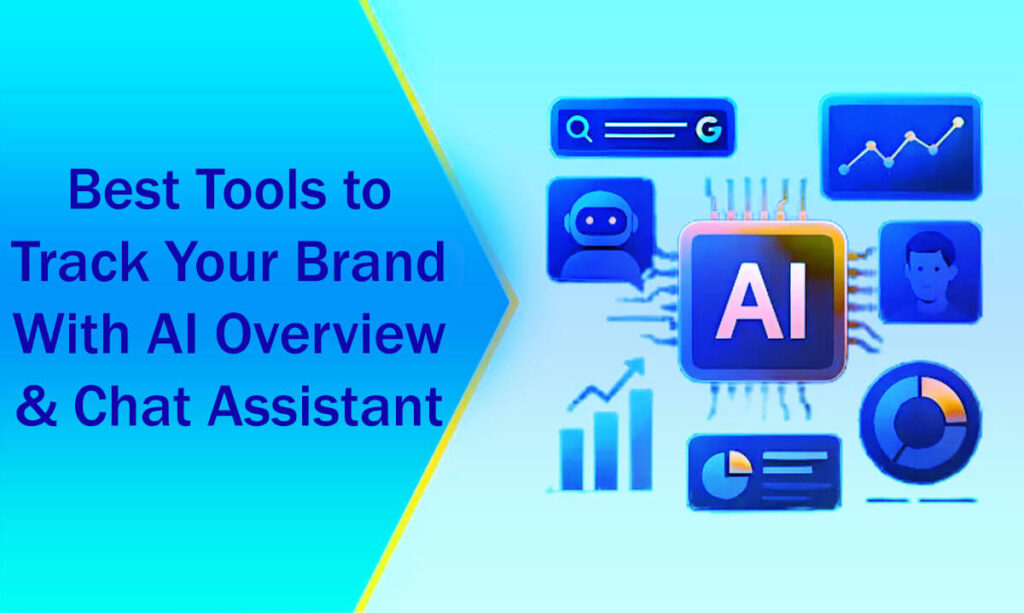





Here are the 10 Best Tools to Track Your Brand With AI Overview & Chat Assistant. These include features like AI overviews, chat assistants, and search monitoring.
Some links on this page may earn me a commission, as This Online Web relies on reader support.
This does not affect my editorial opinions or assessments in any way.
Today, chat assistants and AI-generated summaries are becoming important ways for people to interact with your brand.
Popular platforms like Google’s AI Overviews, ChatGPT, Claude, Perplexity, Gemini, and Copilot often answer questions like:
- Which [tool] is the best option for X?
- Which businesses can be trusted for Y?
- What would be a suitable alternative to [competitor]?
If your brand isn’t showing up in these responses, or if you’re not sure whether it is, you could fall behind your competitors.
One challenge is that most traditional analytics tools and Google Search Console
Luckily, new technologies are now available to help you track how often your brand is mentioned in AI Overviews and chat assistants.
These tools let you see how people talk about your brand and which competitors get the most attention.
This guide will show you how to set up a basic AI visibility stack that tracks traffic and connects it to revenue, highlighting the best tools available today.
What You Want to Track in AI Search:
Understanding the Fundamentals of AI Search Monitoring
AI visibility is more than just tracking your rankings in a new interface.
You should focus on a few key questions:
Where is my brand being referenced?
This includes mentions in Google AI Overviews/AI Mode and by various assistants, such as ChatGPT, Claude, Gemini, Perplexity, and Copilot.
How often do I get mentioned or cited?
Are you recognized as the leading suggestion, merely a footnote, or completely ignored?
How do I compare with my competitors?
When users ask about “best tools,” “top platforms,” or “alternatives to [competitor],” how does your presence stack up against others in your industry?
What questions and topics make AI mention your brand?
It’s important to know which queries help you get noticed and where you’re missing out.
What is the main sentiment and story about your brand?
Are AI models sharing old details about your features, pricing, or brand, or are they showing what you really offer?
Is AI-driven traffic actually growing?
Are clicks from AI responses or Overviews leading to real conversions?
With the tools below, you can start treating AI search as a real channel for engagement instead of a mystery.
Top Best Tools to Track Brand Mentions in Chat Assistants and AI Overviews
The market for these monitoring solutions primarily consists of three categories:
SEO-first platforms with AI overview and visibility modules.
Generative Engine Optimization (GEO) systems are specifically designed for AI applications.
Native or hybrid tools that seamlessly integrate within your existing analytics or content management system (CMS) infrastructure.
1. SE Ranking: AI Visibility Toolkit & AI Results Tracker
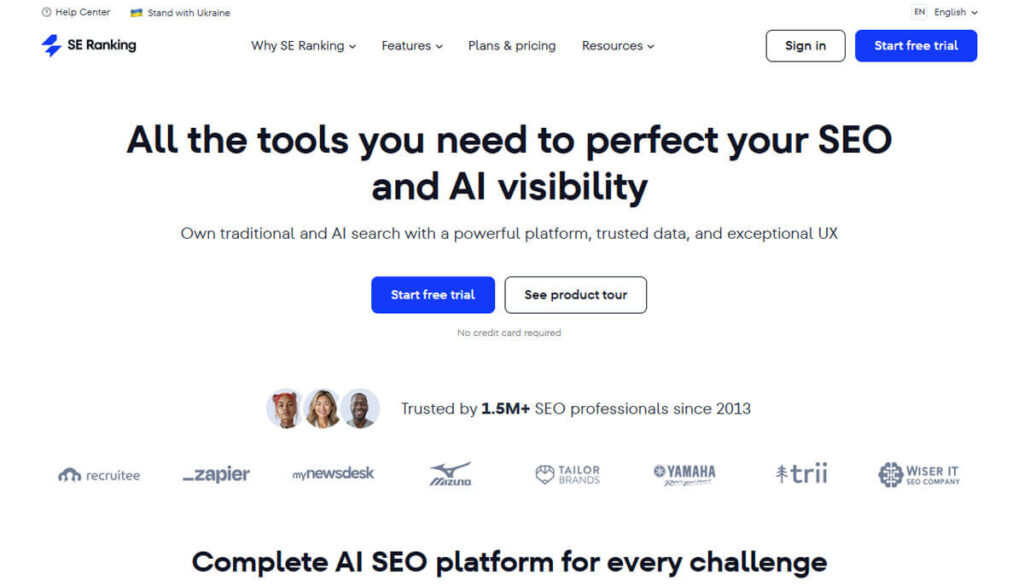
Best suited for: SEO teams looking to visualize AI Overviews data alongside their traditional search rankings.
SE Ranking is a new SEO tool that offers AI Results and an AI Overviews Tracker.
This feature lets you closely track which of your keywords trigger Google’s AI Overviews and whether these responses mention your domain compared to your competitors.
With SE Ranking’s updates, you can now track your usual SERP positions and see how often your brand is mentioned in different AI-driven results.
Key Features:
AI visibility tracking blended with your current keyword sets: Achieved through project-based tracking aligned with your SEO strategy.
Comprehensive overview of AI responses: See which URLs are cited and how your content appears, whether as lists, cards, or paragraphs.
Competitor visibility insights: Find out when your competitors are mentioned, but your brand is not.
Boosting AI visibility with How to Use SE Ranking involves:
Setting up a new project encompassing your existing selection of SEO keywords.
Activating AI Overviews and AI Results tracking for your most strategically important keywords.
Generating a report that uncovers:
Which queries result in the presentation of an AI Overview?
Which URLs are utilized, and whether your domain appears in those results, and options to sort and analyze the data for effective decision-making.
These tools help you to gain a clearer understanding of your brand’s visibility within the evolving AI-powered search landscape, enabling you to stay current with industry developments and discover new opportunities for growth and engagement.
High-Value AI Requests: Unveiling Opportunity Areas
In today’s fast-changing digital world, it’s important to spot high-value requests.
These are questions closely linked to artificial intelligence that come up in places where your brand is missing.
These types of questions often highlight competitors who rank at the top of search results, even if your product or service is mentioned.
To close this gap, you can build an AI-focused content strategy that starts with a clear list of key areas to target.
Start this list with your current web pages that bring in strong revenue but don’t show up enough in AI-generated answers.
SEOClarity: AI Overviews Tracking & Enhancing AI Search Visibility
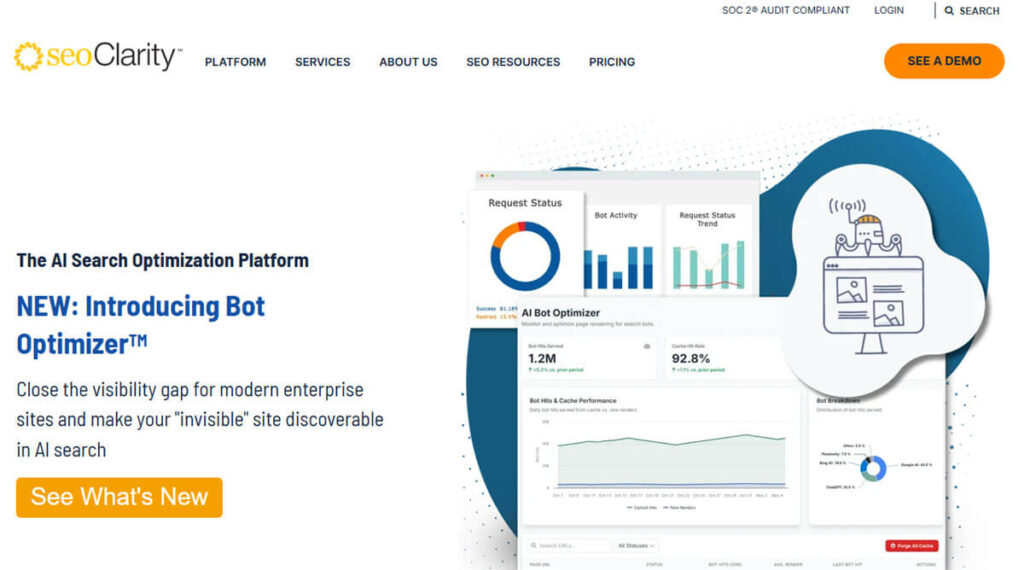
Best for organizations with large, content-heavy websites, especially those that handle many keywords and are supported by enterprise SEO teams.
The Clarity of SEO:
SEOClarity has built on its rank-tracking system to launch a new set of tools focused on AI Overviews and AI search visibility.
This advanced tool helps websites analyze key patterns and goes beyond simple screenshots by tracking thousands, or even millions, of keywords.
Key Features:
AI Overview Detection Tool: Identify which tracked keywords trigger AI Overviews or responses so that you can focus your optimization.
Complete AI Response Capture: Collect full summaries, reference domains, and images for a detailed look at AI-generated content.
Traffic Impact Modeling: Compare changes in traffic and click-through rates (CTR) between situations affected by AI and those unaffected by AI.
Competitive Benchmarking: Spot where competitors are gaining ground when your brand is less visible.
How to Use SEOClarity for AI Search:
Sort your best keywords by how much they help with leads or revenue.
Use SEOClarity to see which of these keywords trigger AI Overviews.
Analyze the following:
Keywords that trigger AI Overviews but don’t mention your brand.
Keywords that have lost organic traffic as AI overviews have become more common.
Focus on updating content and creating new material for high-value questions that AI responses already cover.
This step-by-step approach helps you develop your skills.
“What did AI do to our SEO?”
Strategy: This is especially helpful for large organizations competing in a crowded market.
Cross-Engine AI Visibility Command Center with Profound Best for organizations that want a complete view of AI mentions across different search engines.
Profound: Cross-Engine AI Visibility Command Center
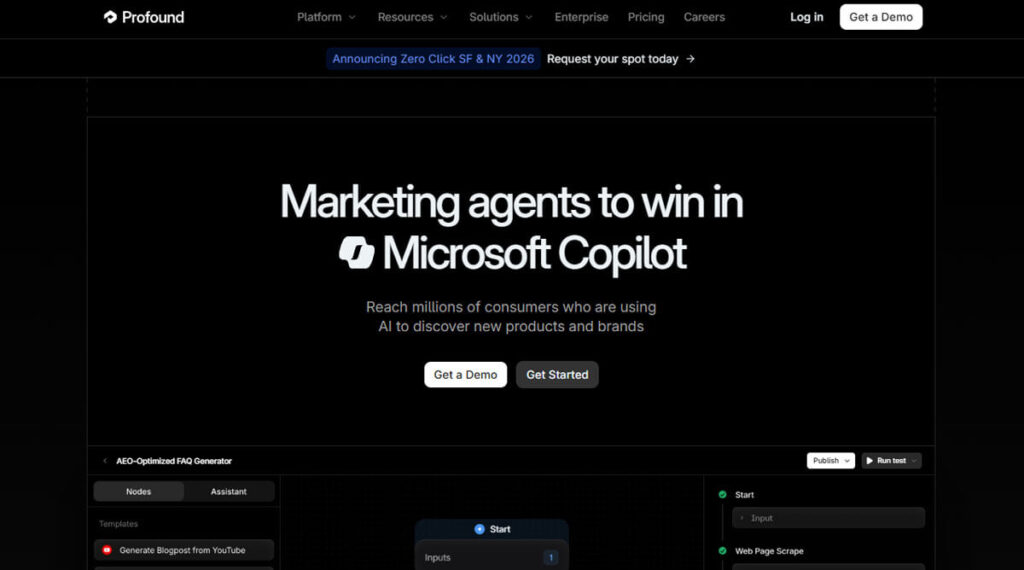
Profound, built on a GEO-first platform, highlights why AI visibility matters in today’s digital world.
Instead of just looking at traditional rankings, Profound starts by reviewing AI-generated responses and tracks where and how your brand appears online.
What Profound Monitors:
Brand Mentions Across Platforms: Track your brand across many platforms, such as ChatGPT, Claude, Gemini, Perplexity, Copilot, Google AI Overviews/AI Mode, and other top digital assistants.
Topics and Questions: Elevating Your Brand: Review the topics and questions that can boost your brand’s visibility in AI-driven settings.
Competitive Analysis: See how much your brand is mentioned compared to selected competitors.
Sentiment and Accuracy Assessment: Check how AI describes your product or service and whether the information is positive and accurate.
How to Use Profound:
Define your brand alongside three to five key competitors.
Start with a baseline analysis to find where your brand is missing across different search engines.
Sort these gaps into three main groups:
Search engines where your brand is missing, for example, strong in ChatGPT but weak in Google AI Overviews.
High-intent searches where competitors lead.
Situations where AI provides incorrect details about your features, pricing, or brand position.
Using these key insights will help you improve your product positioning, PR campaigns, digital outreach, and content.
Profound provides a detailed view of who controls the AI response, but it can be complex for smaller sites, as each perception category can significantly affect business results.
Geoptie: All-in-One GEO Rank Tracker and Free GEO Tools
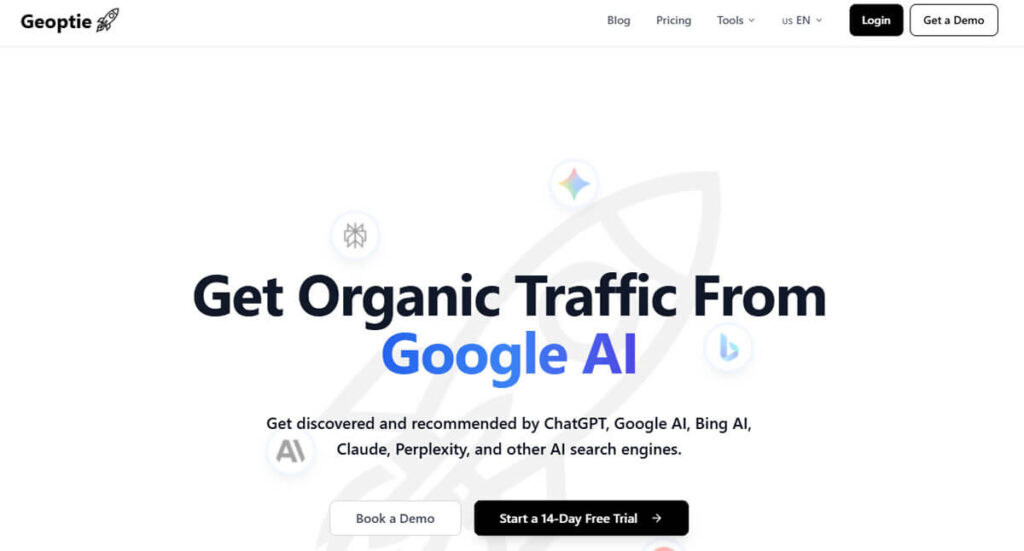
Best for teams that need an easy-to-use, affordable GEO toolbox with a specialized AI rank-tracking tool.
Geoptie is a key part of the GEO-focused platform. It offers a robust GEO Rank Tracker that checks your visibility across AI platforms such as ChatGPT, Claude, Gemini, Perplexity, and Bing’s AI tools.
Along with the rank tracker, Geoptie includes tools like GEO Audit, GEO Content Checker, and GEO Keyword Finder. Together, these provide full monitoring and useful optimization tips.
Notable Characteristics:
These advanced features help teams strengthen their online presence and avoid being left behind in a fast-changing, AI-driven market.
By using this all-in-one approach, businesses can make their digital strategies more reliable and effective.
How to Improve Your AI Visibility: A Complete Guide
Improving your AI visibility is now essential to staying ahead of the competition.
Use location-based AI tracking tools to see how your visibility varies across countries and regions.
There are plenty of resources in this area. Many tools are free or offer a basic version, making it easy for any business to get started with AI visibility.
How to Use Geoptie Instructions:
Run a GEO Audit of your main website to determine whether AI systems can understand, trust, and reference your content.
This first step helps you spot any gaps in your AI visibility strategy.
Next, set up the GEO Rank Tracker for your business and main competitors on top AI platforms. This lets you track performance and get an edge in visibility.
Use the GEO Content Checker and GEO Keyword Finder to improve your website’s structure and boost user engagement.
These tools help you update your FAQs and improve the wording on your pages for important prompts.
If you’re new to AI visibility and don’t want to change your whole SEO strategy, Geoptie is a great place to start.
Similarweb: Unleashing AI Brand Visibility Within a Traffic Intelligence Platform
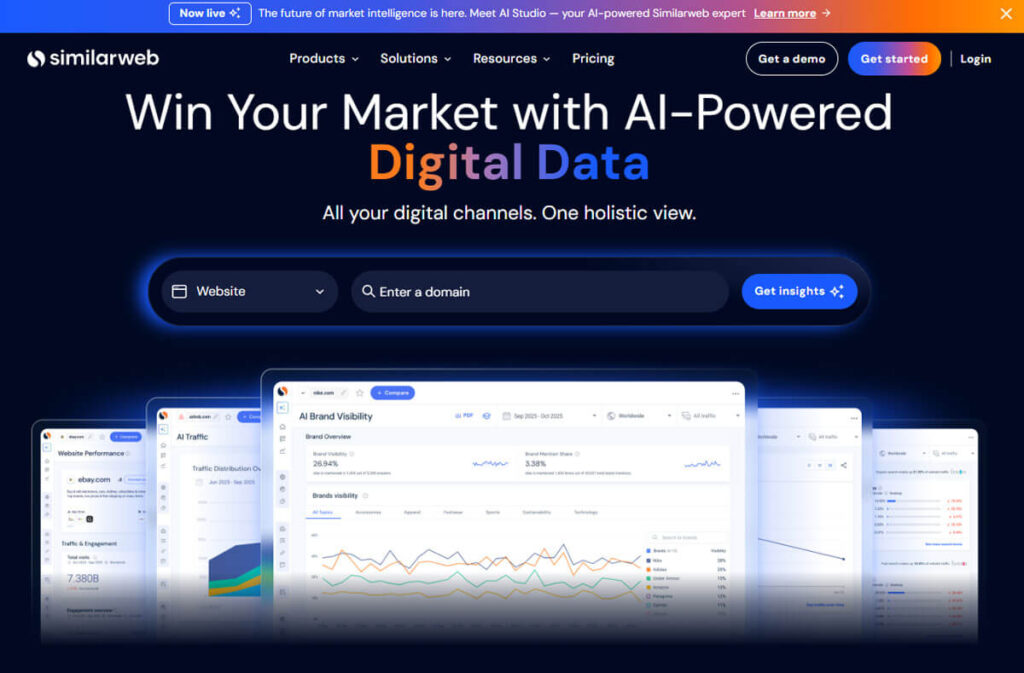
Best for: Teams currently utilizing Similarweb for traffic and market insights.
Similarweb adds AI visibility tools to its analytics and traffic data so that you can see the bigger picture of AI-driven traffic and visibility across different channels, not just specific prompts.
With Similarweb, you can find important insights like:
Estimated Traffic Volumes: Understand the traffic coming from AI-powered platforms to gauge your current visibility.
Top Questions and Topics: Identify which inquiries and themes are effectively driving traffic from AI sources.
Competitive Benchmarks: Analyze how competitors in your industry are leveraging AI exposure to attract more visitors.
Think of Similarweb as a filter for financial results. It checks if the AI mentions you find with other tools actually lead to real traffic and sales, helping you plan your marketing strategy.
Writesonic: A Complete GEO Content Engine with AI Visibility
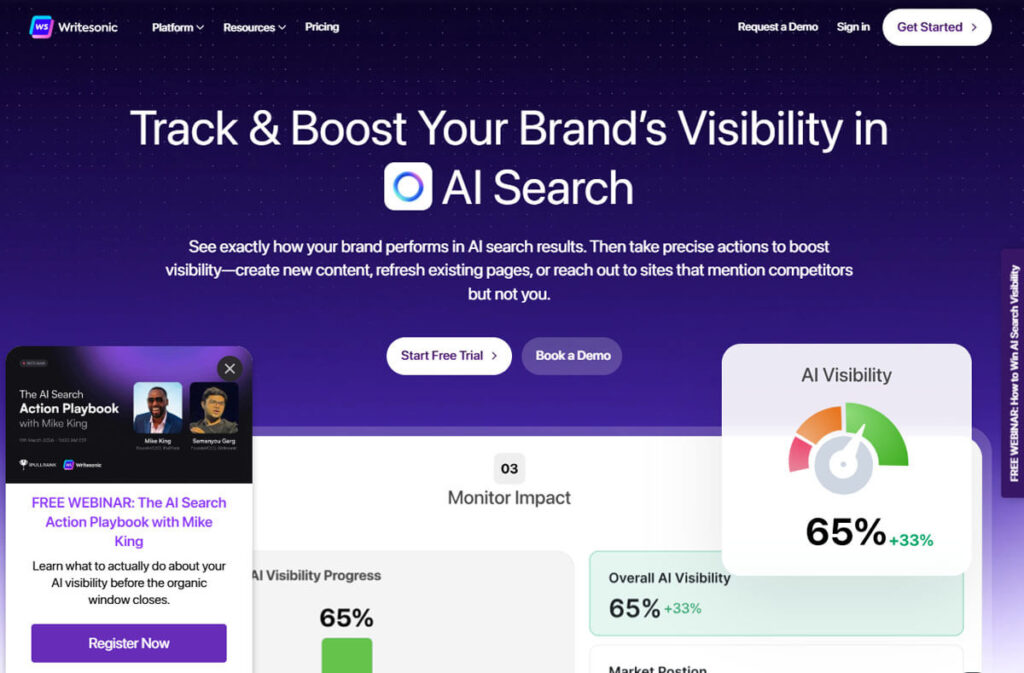
Best for: Businesses aiming to blend AI content creation, optimization strategies, and visibility tracking within a cohesive ecosystem.
Writesonic started as a simple copywriting tool but now offers many features for AI visibility and geographic optimization, such as:
Comprehensive AI Visibility Tracking: Monitor AI visibility across multiple platforms such as Perplexity, Gemini, and ChatGPT.
Brand Visibility and Sentiment Analysis: Understand how your brand is viewed online and gauge public perception.
Tailored Content Creation Strategies: Create new content plans focused on geo-targeting, going beyond standard SEO methods.
How to Use Writesonic: A Step-by-Step Guide
Start by scanning for brand visibility to find valuable prompts where your brand is missing or underrepresented. The content engine lets you:
Address Misleading Narratives: Correct inaccuracies that AI may be propagating about your brand.
Update Outdated Content: Ensure your articles are up to date to provide accurate responses to AI queries.
Conduct Regular Rescans: Monitor improvements in brand sentiment and citation frequency over time.
Writesonic provides clear, practical tips to help you close any gaps in your AI visibility.
Wix: An Exclusive Overview of AI Visibility for Wix Sites
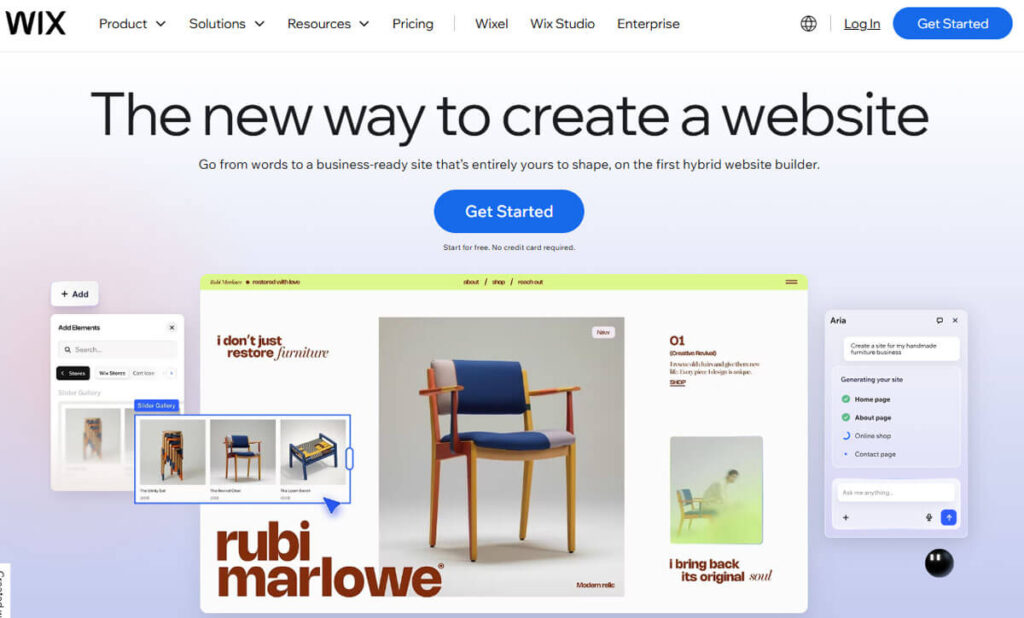
Best for: Small to medium-sized businesses currently utilizing Wix for their online presence.
If your website is on Wix, you can get GEO-style insights right from the analytics dashboard, without using extra tools.
The AI Visibility Overview in Wix provides a clear picture of how your website appears on AI platforms such as ChatGPT, Gemini, and Perplexity.
Key Features Include:
AI Citations Overview: Track how frequently your website is included in AI-generated responses.
Brand Storytelling and Sentiment Tracking: Monitor narratives surrounding your brand and assess overall sentiment.
Competitor Comparisons: Evaluate your AI visibility against industry benchmarks.
Traffic Volume Estimates: Gain insights into query volumes sourced from AI insights.
For Wix users, this dashboard is a key tool for tracking AI searches and makes analysis easier, though it may not be as detailed as specialized GEO platforms.
Surfer: An Easy-to-Use AI Tracker Add-On for Existing Surfer Users to Monitor AI Visibility
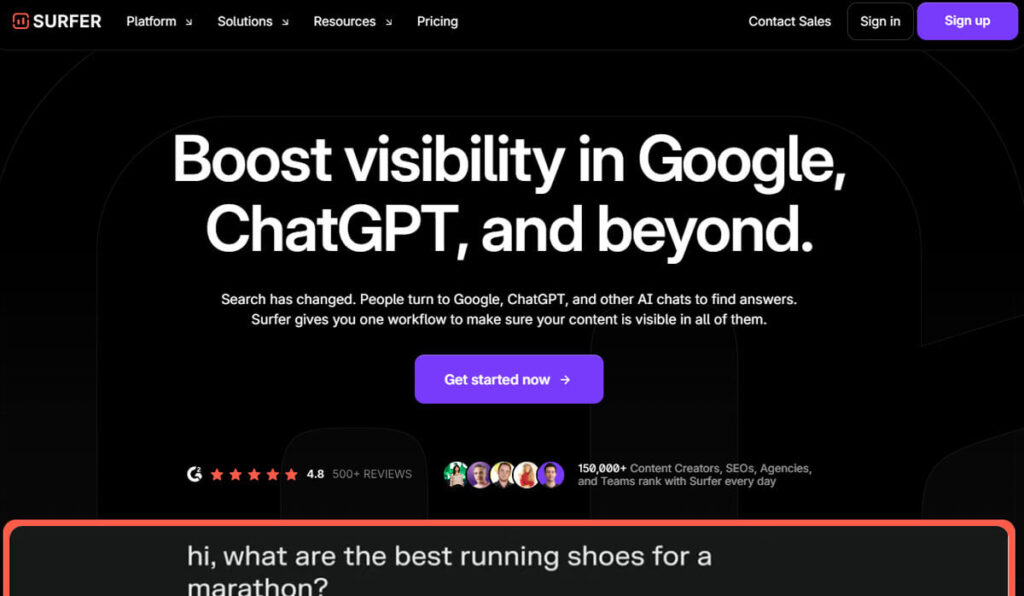
Best for: Teams already utilizing Surfer for content optimization who seek to add a straightforward AI visibility component.
The Surfer AI Tracker add-on integrates seamlessly into your existing content planning and optimization workflows.
It provides crucial insights, including:
Visibility Metrics: Detailed reports on where and how often your brand is mentioned in AI-driven buyer intent prompts.
Web Page Performance Analysis: See which of your web pages show up in AI responses so you know where to focus your optimization.
Content Impact Analysis: Track how new content affects your AI visibility over time.
How to Use Surfer AI Tracker:
Turn on the AI Tracker for your main brand and top products to get the best results.
Compare Surfer’s insights, such as data for clusters like “best email marketing tools,” with the AI Tracker to see where AI is using your pages.
Check your monthly or weekly reports to track your progress and stay ahead as AI visibility continues to evolve.
Understanding Your Brand’s AI Visibility
To truly understand your brand’s presence online, look at where your brand is mentioned, how often it comes up, and in what context—especially in buyer-focused prompts created by AI tools.
Find out which pages from your website show up most often in AI-generated answers.
This helps you see what parts of your brand connect best with users.
Keep track of how your new content affects your AI visibility over time.
This provides useful insights for your digital strategy and helps you adapt to changing customer needs and market trends.
Using the Surfer AI Tracker: A Step-by-Step Guide
Start by activating the AI Tracker for your primary brand and top-performing products.
This tool helps you see if AI systems are using your web pages to answer people’s questions.
To learn more, match each keyword group you track in Surfer, like “best email marketing tools,” with the data you get from the AI Tracker.
Use the monthly or weekly reports from the AI Tracker to:
Identify Content for Updating: Identify which content is often cited and needs regular updates to remain relevant and accurate.
Uncover Visibility Gaps: Spot where your brand is mostly missing.
Check different search engines and prompt types to create new keyword groups that fill these gaps.
This method helps current Surfer users, especially those focused on location targeting, to smoothly add new insights without much disruption.
BuzzSumo: Harnessing the Power of Content Insights
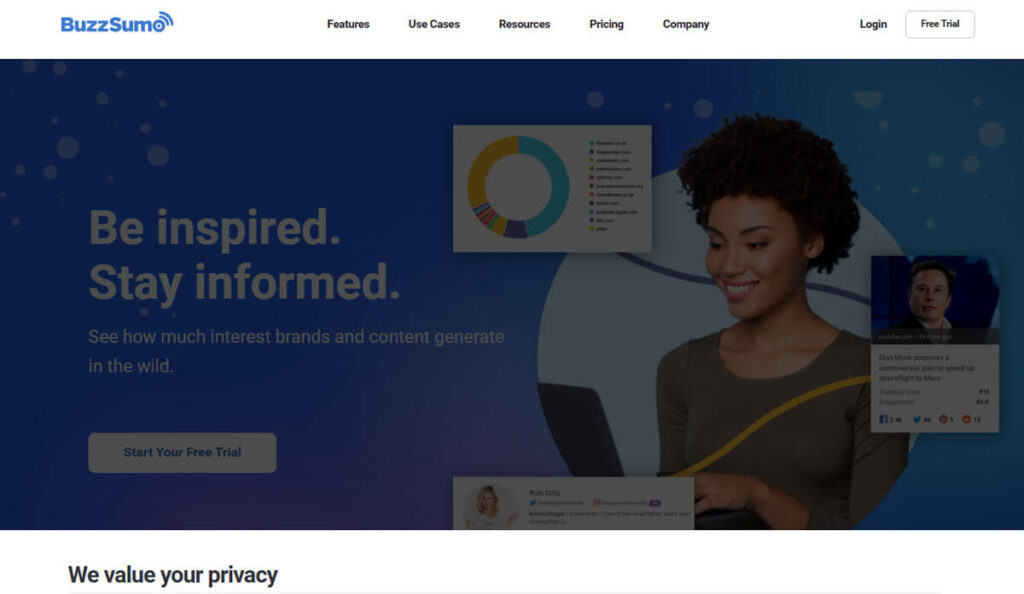
BuzzSumo is a great option for anyone interested in content research.
It provides numerous features that enable users to monitor and evaluate how their brand’s content performs across various online platforms.
This tool gives you useful insights into how your audience interacts with your content.
It shows clear, easy-to-understand analytics about your content’s reach, engagement, and effectiveness.
These metrics enable you to fine-tune your content strategy, helping you connect more effectively with your audience and ensuring your campaigns match their interests.
BuzzSumo also helps you find trending topics and connect with key influencers, so you can create content that is relevant and grabs your audience’s attention.
How to use BuzzSumo AI Tracker:
Here’s how to get started with BuzzSumo AI Tracker:
Sign up for a new account on BuzzSumo’s website, or log in if you already have one.
After logging in, go to the AI Tracker section, which you’ll usually find in the dashboard or main menu.
Create a new tracker by entering keywords, topics, or brand names you want to monitor. You can customize the criteria to focus on what matters most to you.
Once your trackers are set up, BuzzSumo gathers data on mentions, engagement, and content performance from different platforms.
Check this information to spot trends and see how your audience is interacting.
Use filters to sort results by date, content type, or engagement. This helps you find the most relevant content for your needs.
Set up alerts to get real-time updates. You’ll receive email notifications whenever there are new mentions or relevant content.
If you want to examine the data more closely or share it with your team, utilize the export option to save it as a CSV or PDF file.
Use the AI Tracker’s insights to create reports or presentations.
Analyzing this data can help shape your content strategy, identify influencers, and monitor competitors.
Check the AI Tracker frequently to stay up to dateon industry trends and adjust your strategy as needed.
Using BuzzSumo’s AI Tracker tools and insights can help you improve your content marketing and stay up to date on your brand’s online presence.
BrandMentions: Monitor Your Brand’s Voice
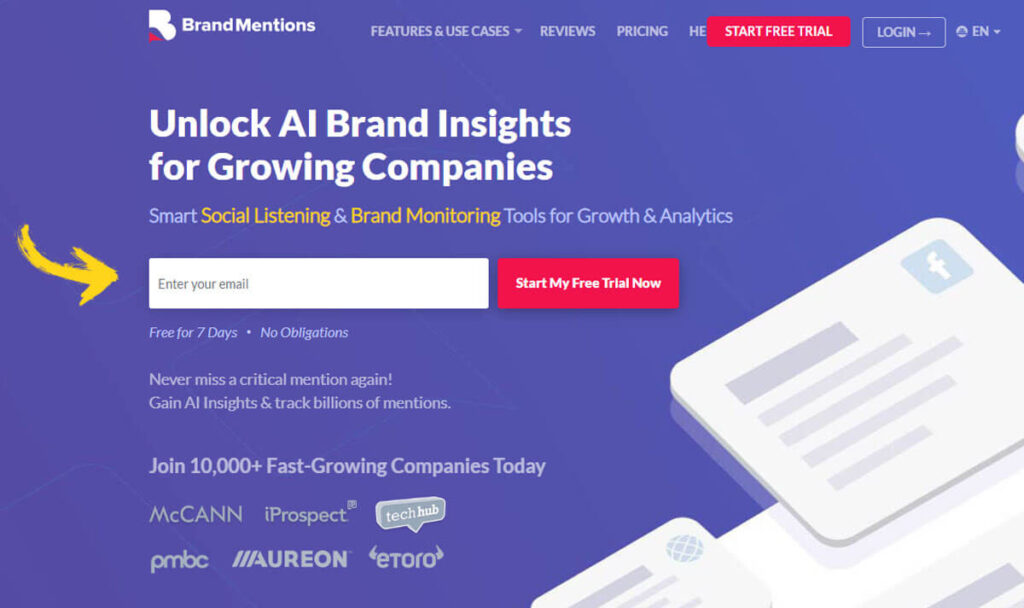
BrandMentions is a modern tool for monitoring your brand’s presence across the internet.
It focuses on social media, blogs, news sites, and SEO mentions to give you a real-time view of your brand’s reputation.
By seeing where and how people talk about your brand, you can quickly address concerns, highlight positive feedback, and build stronger connections with your audience.
This awareness helps protect your brand’s image and build a strong, positive online presence, which can lead to more customer loyalty and trust.
BrandMentions is a reliable tool made to monitor and analyze your brand’s presence across the digital world.
This platform offers many features for tracking across channels such as social media, blogs, online news, and SEO mentions.
BrandMentions lets you check your brand’s reputation in real time and provides helpful insights into how people are talking about it.
With these insights, you can quickly respond to new concerns, highlight positive feedback, and build stronger relationships with your audience.
Knowing where conversations take place and what people feel about your brand helps you engage your audience more effectively.
This awareness not only protects your brand’s image but also helps you build a strong, positive online presence.
BrandMentions also helps you find important influencers and supporters in your industry, so you can build relationships that expand your brand’s reach.
By staying active with your audience and responding to both good and bad feedback, you can build customer loyalty, earn trust, and strengthen your brand’s position in a changing market.
This kind of engagement not only strengthens your brand’s reputation but also helps set you up for long-term success online.
How to use BrandMentions AI Tracker:
Here’s how to use the BrandMentions AI Tracker:
Go to the BrandMentions website and create an account, or log in if you already have one.
After logging in, add your brand name or keywords you want to track.
This might include your business name, product names, or other important terms.
Pick the platforms and types of mentions you want to monitor.
You can track social media, blogs, forums, and more.
Once you’ve set it up, the AI Tracker will collect data for you. Check the dashboard to see all mentions and analyze sentiment, reach, and engagement.
Set up alerts to get real-time notifications about new mentions. This way, you won’t miss any important conversations about your brand.
Use the reporting features to create detailed insights about your brand’s performance. These reports can help with your marketing strategies or presentations.
Take action based on the data you collect. Respond to mentions, connect with customers, or update your strategy as needed.
Keep monitoring your brand over time to stay informed about public perception and new trends.
By following these steps, you’ll be able to use BrandMentions AI Tracker to improve your brand management and engagement.
How to Choose the Right AI Visibility Stack?
Selecting the Best Tools to Improve AI Visibility
When choosing tools to boost your AI visibility, remember that you don’t need every tool out there. Pick what fits your goals.
Using too many tools can make your dashboards confusing and your analytics harder to understand.
Instead, focus on building a simple set of tools that solve your main challenges and answer your key questions.
For Small Teams or Solo Entrepreneurs
If you run a small team or work alone, focus on tools that are affordable, easy to use, and can show how AI visibility affects your business results.
Start by using Geoptie’s free tools to get a basic idea of your AI visibility and run a full GEO audit.
If you already use SE Ranking or Surfer, try turning on their AI visibility features instead of adding a new tool.
In your first 60 to 90 days of testing, focus on these goals:
Assess Current AI Response Standing: Check how visible your brand is in AI-generated content right now.
Enhance Targeted Content: Make specific updates to your content based on what you learn.
Monitor Traffic Shifts: Watch for changes in AI-driven traffic or brand mentions as a result of your work.
For Growing E-Commerce or SaaS Brands
As your e-commerce or SaaS brand grows, it’s important to see how people view your brand, compare yourself to competitors, and understand how AI exposure affects both your organic and paid traffic.
Using a smart mix of tools can really help:
SEO Tracking and Insights: To track traffic and get AI insights, try platforms like SEOClarity or SE Ranking.
Prompt-Level Insights: For detailed insights on prompts and mentions across different AI engines, use tools like Writesonic, Geoptie, or Profound.
It’s important to include AI visibility in your overall strategy.
Track key metrics like conversion rates, sessions from AI, and your share of voice in AI-generated responses as part of your regular reviews.
For Content-Driven Businesses
If your organization focuses on content, don’t treat AI exposure as just a separate number.
See it as an important channel that complements your SEO, paid search, and social media efforts.
By taking this broad approach, you can incorporate AI visibility into your marketing strategy, ensuring it supports and enhances your work across all channels.
Choosing a Reliable Record System for Full AI Visibility
Choosing a robust system of record is key to ensuring your AI visibility efforts are effective.
Tools like Writesonic, Profound, Similarweb, and SEOclarity can help you with this process.
When you add AI mention data to your BI dashboards and data warehouse, your organization can gain several strategic benefits:
Data-Driven Insights: Connect branded search queries, traffic, and sales pipelines to measurable AI visibility. This helps you make decisions based on real data.
Clear Ownership and KPIs: Give your SEO, content, and communications teams clear roles and KPIs that show how they contribute to AI visibility.
Proactive Monitoring: Think of AI assistants as a new type of review site that needs its own monitoring strategy.
By being proactive instead of reactive, your brand can stay ahead of the competition.
A 90-Day Strategic Plan for Turning AI Visibility Into a Genuine Growth Channel
Here is a practical 90-day plan to help you get the most out of these tools:
Weeks 1–2: Setup and Baseline Assessment
Tool Selection: Pick your main AI visibility tool, and have a backup option in case you need extra support.
Question Inventory: Make a list of 20 to 50 important questions that your potential customers might ask, such as:
“What are the leading [category] tools currently available?”
“What alternatives exist for [competitor]?”
“Which [use case] is best suited to [specific category]?”
Conduct Baseline Assessments: Focus on checking:
The landscape of Google AI / AI Mode interactions to understand user engagement.
Use different AI models, such as ChatGPT, Copilot, Claude, Gemini, and Perplexity, to determine which are most relevant to your industry.
Document Critical Insights: Collect information about:
Where your brand is mentioned across different channels, such as social media, forums, and AI platforms.
Points of engagement achieved through these channels.
Areas where competitors have established significant visibility and presence.
Weeks 3–6: Discover New Opportunities and Enhance Your Messaging
Categorize Emerging Opportunities: Sort opportunities into three clear groups:
High-value search queries that you are not currently capturing but are yielding AI-driven responses.
Queries where your brand appears, but your content is perceived as a less viable option.
Searches where AI inaccurately portrays or contains outdated information about your offerings.
Take Action: For each group, choose one or two specific steps to take:
Create new landing pages or update your existing content to give clear, AI-friendly answers to these questions.
Build comparison pages that highlight your strengths over competitors and ensure the information is easy to read and engaging.
Make your product, pricing, and feature details clearer by adding FAQs, using an organized layout, and including schema markup to improve indexing.
Optimize for AI Comprehension: Make sure all updates are easy for AI to understand and reference. Use geographic tools when needed to boost local relevance and visibility.
Weeks 7–12: Grow Your Efforts, Measure Results, and Track Progress
Conduct Follow-Up Visibility Checks: Check your AI visibility again by looking at:
The quantity and quality of citations your brand is receiving within AI search results.
The overall advancement your company is making in relation to AI-driven solutions and visibility.
Leverage Comprehensive Analytics: Use analytics tools to keep track of:
Changes in direct traffic and branded search trends.
Specific query patterns or referring domains linked with AI platforms that contribute to new customer acquisition.
Intensify Efforts in High-Growth Areas: When you see growth, increase your efforts in those areas:
Concentrate on platforms and topics showing increased visibility and engagement.
Dive deeper into content topics driving sales, trials, or sign-ups, thereby capitalizing on existing momentum.
After you finish this process, you will have a repeatable way to check, improve, and protect your visibility across AI assistants and AI-generated content.
This framework gives you an advantage that many competitors might miss.
In the end, AI search becomes less intimidating and turns into a strategic growth channel where your organization can succeed with confidence.
12 Powerful Key Insights Eye Tracking Research and Studies
7 Easy Steps: How to Increase Revenue Without New Customers
8 Easy Essentials To Reputation Management for Celebrities
NetReputation Review: Pros and Cons, Easy Overview
13 Ways to Improve Your Calls to Action: Follow Easy Steps