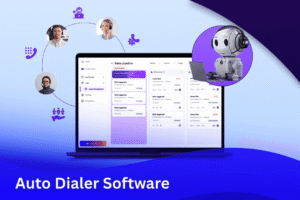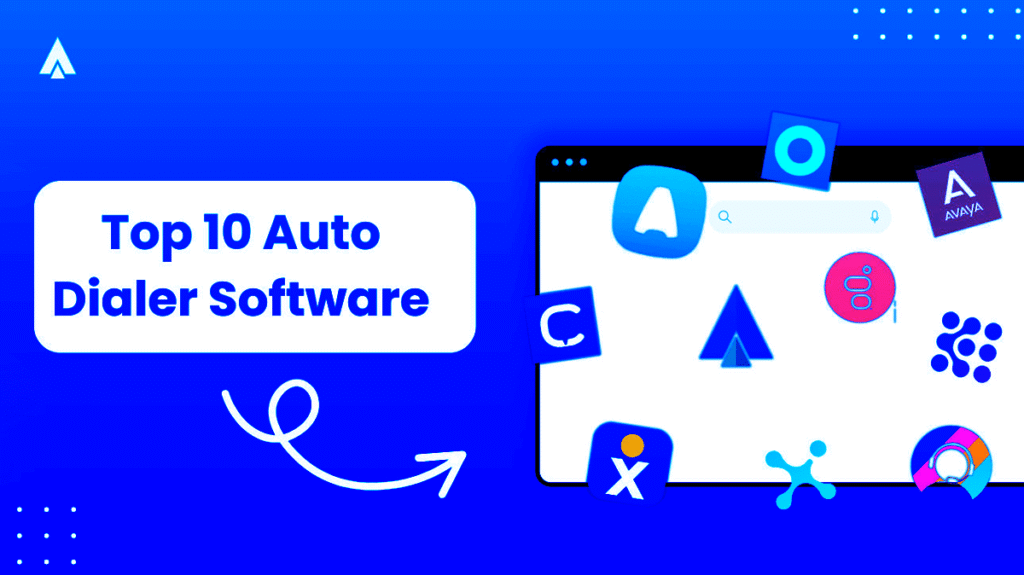





Discover the top 10 Best Auto Dialer Software options for 2027: Nextiva, Vonage, RingCentral, Five9, DialedIn, CallHub, Voicent, NICE, contactSPACE, and Aircall. Find the perfect fit for your needs with these trusted solutions!
Some links on this page may earn me a commission, as Readers support This Online Web, and my reviews and opinions remain unbiased.
Auto-dialer software automatically calls phone numbers from a predefined list
Whenever someone reaches out, the system quickly connects them to a friendly live agent or plays a helpful recorded message, ensuring smooth, hassle-free communication.
When used effectively, auto dialers (also called autodialers) reduce idle time, allow agents to spend more time talking, and provide managers with a clear view of campaign performance.
Autodialers are important across many areas, including emergency alerts, political campaigns, fundraising, and outbound sales.
Understanding how these tools are used across different industries can help you decide whether they fit your needs.
Auto-dialer software eliminates the hassle of spreadsheets and manual call lists by handling dialing, routing, and call logging.
Allows teams to focus on real conversations and deliver results.
You can think of it as the engine that powers a modern outbound call center.
Top 10 Best Auto Dialer Software Options in 2027
- Nextiva – Best overall auto dialer software.
- Vonage – Best for CRM integrations.
- RingCentral – Best predictive dialing tool.
- Five9 – Best for creating exceptional customer experiences.
- DialedIn – Best for small businesses.
- CallHub – Best for nonprofit, political, and advocacy groups.
- Voicent – Best for delivering pre-recorded messages.
- NICE – Best suited for business call centers.
- contactSPACE – Easiest to set up and use, perfect for rapid campaign deployment.
- Aircall – A cloud-based phone system that integrates with your CRM.
I’ve carefully reviewed the top autodialers available today and compiled a list of 10 great choices.
For each one, you’ll find details on strengths, main features, typical uses, current pricing, and what to look for when buying, so you can choose with confidence.
Use this guide to compare key features, including predictive dialing, TCPA compliance, CRM integrations, and AI coaching tools.
It will help you pick the solution that best fits your team’s needs.
Nextiva: Best Overall Auto Dialer Software
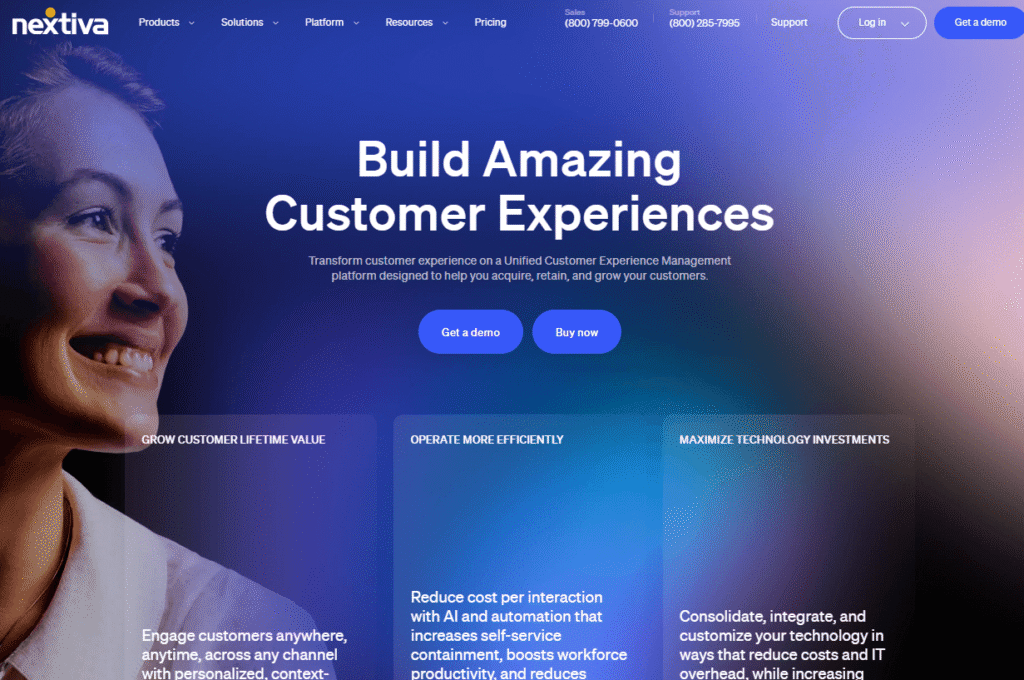
Nextiva stands out as the best overall auto-dialer software for its reliable call quality, seamless integrations, and flexible features.
It gives your team confidence in outbound calls and provides managers with steady performance data.
The audio quality is excellent, uptime meets high standards, and admins have detailed control over user access, devices, and policies.
Nextiva isn’t a standalone predictive autodialer, but it offers many auto-dialer benefits without the usual complexity.
It includes features such as click-to-dial, power dialing, and robust CRM integrations.
These features help reduce manual work and limit the need for agents to switch between tasks.
With Nextiva’s integration with top CRMs like Salesforce, HubSpot, Zoho, Oracle Sales Cloud, and Zendesk, sales reps can start calls right from contact records and log their activities automatically.
lets you start and record calls directly in the CRM, so there’s no need to copy and paste or switch between screens.
Thanks to list segmentation tools on platforms like Salesforce and HubSpot, your team can run targeted calling campaigns quickly without rebuilding lists elsewhere.
This streamlined setup delivers faster responses than manual dialing, fewer errors, and keeps all your data in one place in the CRM.
Nextiva offers more than just click-to-call. It’s a full communications suite that supports your daily work, including:
- Unlimited calling throughout the US and Canada
- Video conferencing capabilities
- Unlimited faxing and internet services
- File sharing features and team chat integration
- Multi-level auto attendants
- Complimentary caller ID and number porting
- Flexible call groups, call queues, and hold music features.
- Calendar and productivity integrations
You’ll find advanced collaboration tools and CRM features in the mid-tier plans or above.
Check the public pricing page for regular deals. Prices depend on the number of users you have and your contract terms.
If your team uses Microsoft Teams or ServiceNow or needs Single Sign-On (SSO) and advanced call pop-ups, consider the enterprise tier for more features.
In short, let Nextiva handle calling, logging, and management so your pipeline and call activity stay organized in your CRM.
Get started with Nextiva today for a smoother calling experience.
Vonage: Best For CRM Integrations
Vonage stands out for its CRM integrations, including Interactive Voice Response (IVR), skills-based routing, and deep CRM integration.
These tools help managers create a smooth customer experience.
Even the basic plans include key features like IVR, skills-based routing, Single Sign-On (SSO), and post-call quality checks.
Thanks to seamless integrations with leading platforms such as Salesforce, Zendesk, ServiceNow, and Microsoft Dynamics 365, reps can view customer information, scripts, and options on a single screen.
This setup makes work easier, helps agents be more efficient, and improves overall customer interactions.
Landing Page for Vonage CRM Dialer
Vonage’s CRM dialer brings together dialing, note-taking, and result tracking in one place.
It leverages built-in CRM integrations to streamline your workflow.
This platform helps contact center managers run operations more efficiently and maintain consistent communication strategies.
Key features include customizable virtual assistants for your organization, workforce management tools to allocate resources, and gamification elements to keep agents engaged.
The platform also offers advanced speech analytics, screen recording, post-call surveys, and visual engagement tools.
These features help IT teams create solutions that fit your contact center’s needs.
Vonage’s CRM dialer is easy to set up, connects to your CRM right away, and keeps your data secure.
The system automatically logs calls and uses AI to support both incoming and outgoing calls.
Let’s business leaders quickly and confidently set up the solution.
Contact Vonage today for a quote tailored to your needs.
RingCentral: (Expert Market) Best For Predictive Dialing App
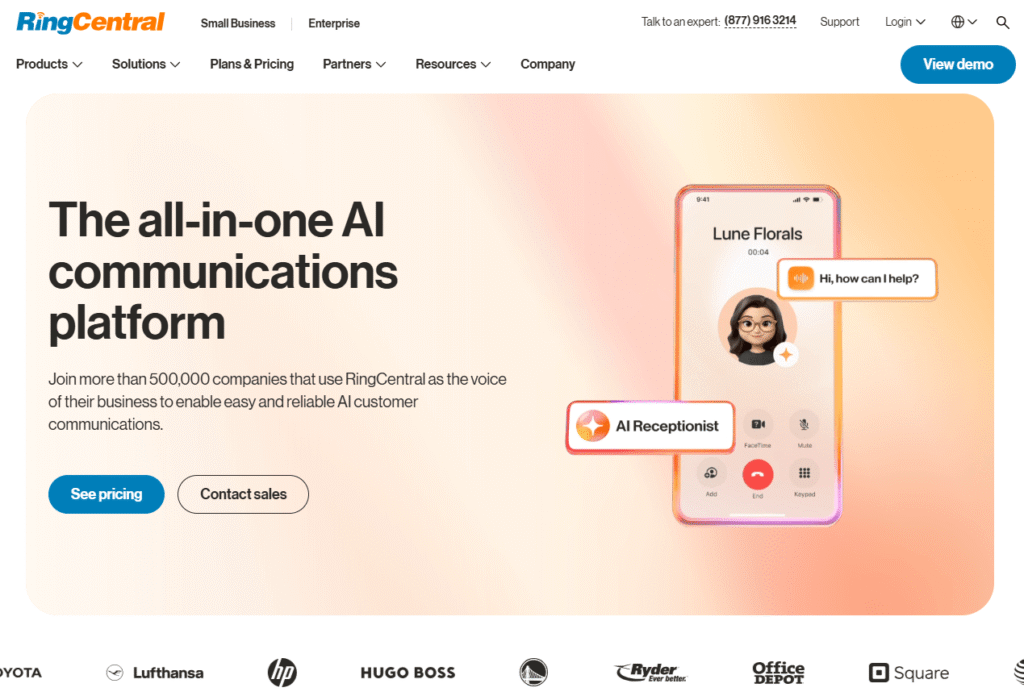
RingCentral is a leading contact center platform known for its robust outbound calling capabilities.
Its outbound package includes Safe Dial features to help you stay TCPA compliant.
You also get preview, progressive, and predictive dialing, all designed to keep your marketing campaigns legal and effective.
Supervisors can use live monitoring, coaching tools, and detailed analytics to track and improve agent performance.
Agents work more efficiently with information pulled straight from your CRM and data tools designed for their needs.
RingCentral offers over 300 integrations and is known for its reliability, with a target uptime of 99.999%.
Key highlights include:
- Industry-Leading Uptime: 99.999% uptime for reliable operations.
- Tailored Marketing: Personalized ads that work with different dialing modes to reach more people.
- Extensive CRM Integrations: Connect easily with many CRMs and data tools.
- Safe Dial Controls: Features built to handle TCPA-sensitive situations.
- AI-Driven Insights: Uses AI for conversation analytics, quality checks, and agent support.
- Diverse Dialing Options: Choose from progressive, predictive, or preview dialers.
RingCentral’s contact center packages go beyond basic phone plans and include advanced predictive dialers in both RingCX and enterprise options.
If you want to upgrade your current setup or start fresh, request a quote to find the right features for your team and workflow.
Five9: Best For Enhancing The Client Experience With Innovative Solutions
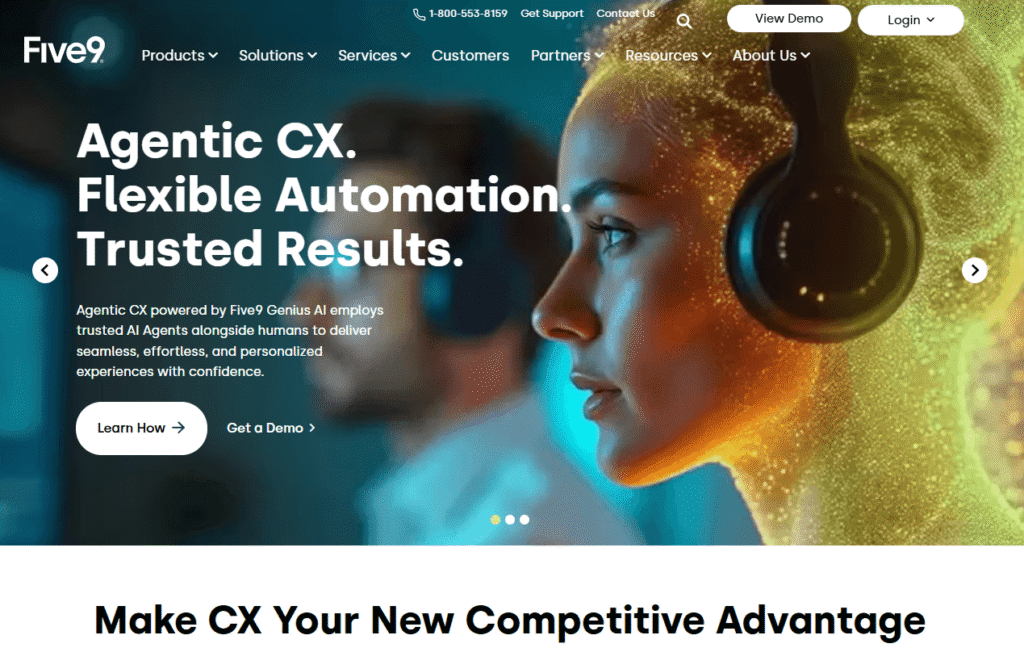
Five9 is a top cloud contact center provider, known for its strong dialer performance and advanced enterprise features.
With predictive, progressive, powerful, and preview dialers, teams can connect with more clients and focus on real conversations.
The platform uses AI for quality monitoring, call summaries, and real-time coaching, providing agents with tools to improve and deliver great customer experiences.
Administrators have granular control over lists, time zones, pacing, and compliance, and access to in-depth reports for review and planning.
Key features include:
- Intuitive Predictive Dialing: Matches agent availability to boost connections.
- Variety of Dialer Options: Power and progressive dialers for different team sizes and goals.
- Contextual Preview Dialer: Gives reps key information before they call prospects.
- Advanced AI Capabilities: Supports post-call analytics, mentoring, and quality checks.
Five9 pricing depends on your usage, number of seats, and selected features.
Contact Five9 for a consultation to build a package that fits your team.
DialedIn: Best Solution For Small Businesses
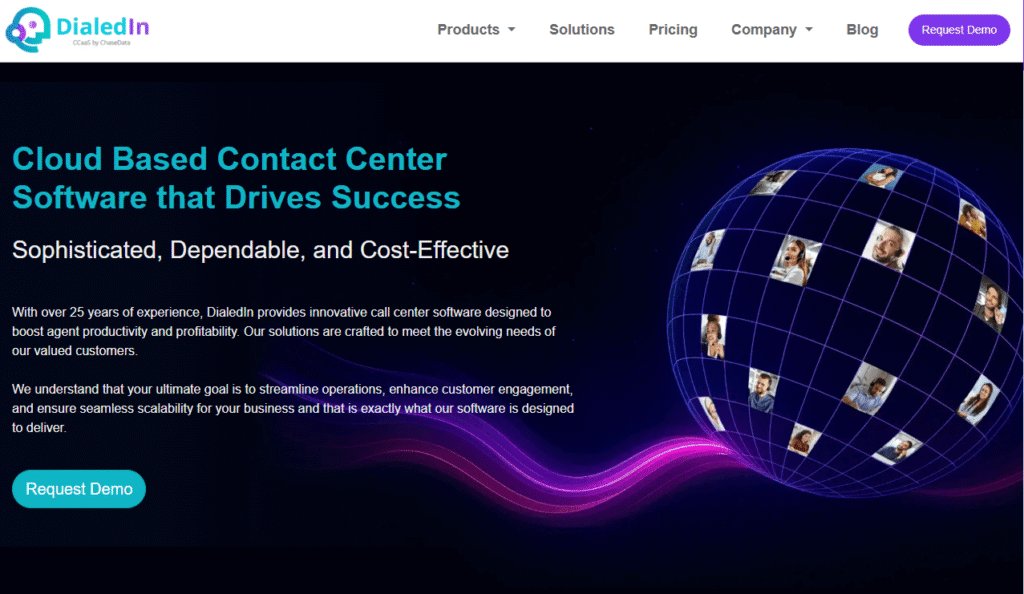
DialedIn (formerly ChaseData) is a cloud contact center built for smaller teams. Its easy-to-use interface still offers full functionality.
The platform includes modern dialers, simple campaign management tools, and industry-specific configurations to help small and medium businesses get started.
It works well for many use cases, including financial services, insurance, utilities, travel, home services, debt collection, nonprofits, consumer sales, and B2B or SaaS businesses.
Administrators can easily customize scripts, automation, and call outcomes without needing much IT help.
DialedIn uses a flexible pay-as-you-go plan and seat-based pricing, with discounts for bigger teams.
Plans range from small-business basics to advanced enterprise features, so you can start simple and upgrade as your needs change.
Organizations seeking to improve their outreach typically find predictive dialing included in more advanced service packages.
Preview and progressive dialing are good starting points for businesses new to these tools.
DialedIn offers a range of tools to help you connect with your audience and support your outreach goals.
Contact DialedIn today to try a demo and see current pricing.
CallHub: Best For Nonprofit Organizations, Political Advocacy, And Campaigns
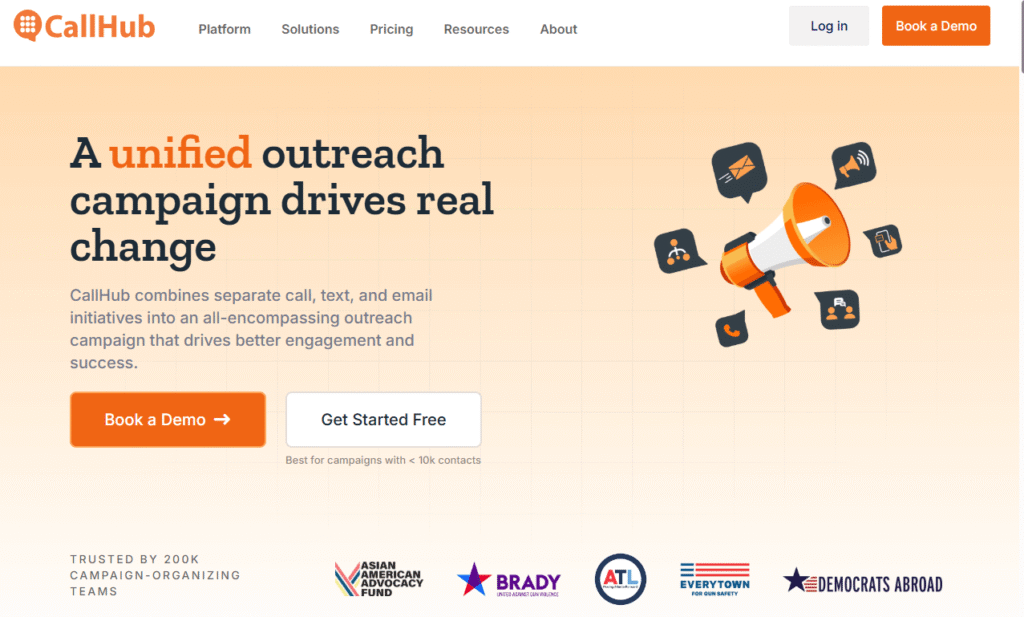
CallHub is a complete communication platform that brings together texting, audio broadcasts, and phone calls in one place.
Globally, nonprofits, political campaigns, and advocacy organizations choose CallHub because its campaign dashboards are easy to use and accessible to all, including those without technical skills.
CallHub offers simple workflows for volunteers and integrates with tools such as Databank Connect and NationBuilder to streamline campaign management.
With predictive dialing, preview, and robo-dialing options, CallHub helps organizations reach more people faster.
Important features such as compliance checks and caller verification are built in to improve answer rates and engagement.
CallHub Auto Dialer Software: Tailored for Campaigns
CallHub’s auto-dialer is designed to meet the needs of campaign work.
It includes various dialer modes, integrates with CRM systems, and offers easy-to-use tools designed for volunteers.
Other helpful features are local presence, custom caller ID, follow-up scheduling, live monitoring for training, DNC list management, and answering machine detection.
CallHub also offers number verification, follow-up SMS, and custom scripts to help make your outreach effective and compliant.
The reporting tools enable organizations to track conversations and agent performance, allowing them to adjust their outreach as needed.
CallHub helps manage campaigns from start to finish, with tools for creating scripts, tracking results, generating reports, and easily importing contact lists.
Pricing for calls and SMS is based on usage, and you can upgrade to live chat and faster support as needed.
Rates vary by country and call type, so it’s a good idea to check the current rate card before launching a large campaign.
CallHub is especially useful for groups focused on nonprofit work, political advocacy, or lobbying.
Voicent: Best For Pre-Recorded Messaging
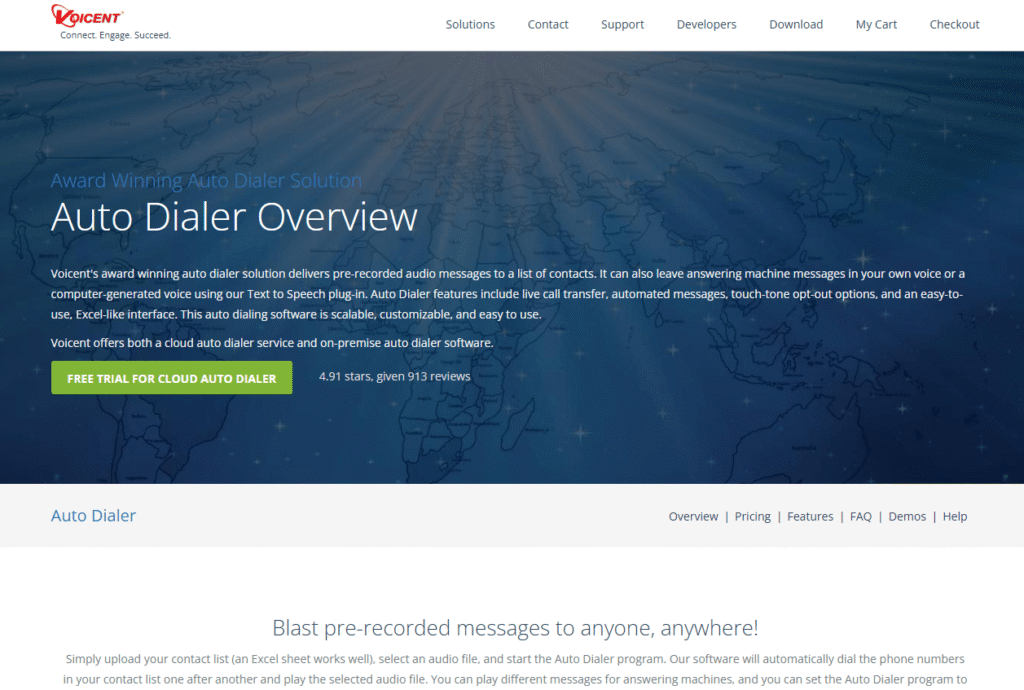
Voicent is a well-known platform for marketing automation, SMS, inbound voice, and outbound calls.
All of Voicent’s tools work together, so you don’t have to juggle different apps for big pre-recorded messaging campaigns.
Voicent’s voice broadcasting lets organizations quickly send large volumes of pre-recorded messages, making it reliable for emergencies, reminders, and announcements.
You can import contacts from Excel, use advanced text-to-speech, handle multiple calls at once, and make unlimited robocalls with certain plans.
The built-in CRM tracks contact history and automates follow-ups, so you don’t miss important messages.
Voicent offers a free 30-day trial and is available on-site or in the cloud. Pricing includes a license or subscription plus per-minute charges.
Check the latest rate card before launching a major campaign to ensure it fits your budget.
NICE: Best for Managing Large-Scale Enterprise Call Centers
NICE is designed for large contact centers, helping teams work more smoothly and giving useful performance insights.
It includes real-time analytics and compliance tools, all built in with predictive, progressive, and preview dialers.
AI features help agents during calls, collect results, and point out coaching opportunities for managers.
Users can also compare their KPIs with peers’ to identify areas for improvement.
If you want to learn more about custom features and pricing for your business, you can request a demo.
Trial options depend on the package you choose and your location.
contactSPACE: The Most User-Friendly Option
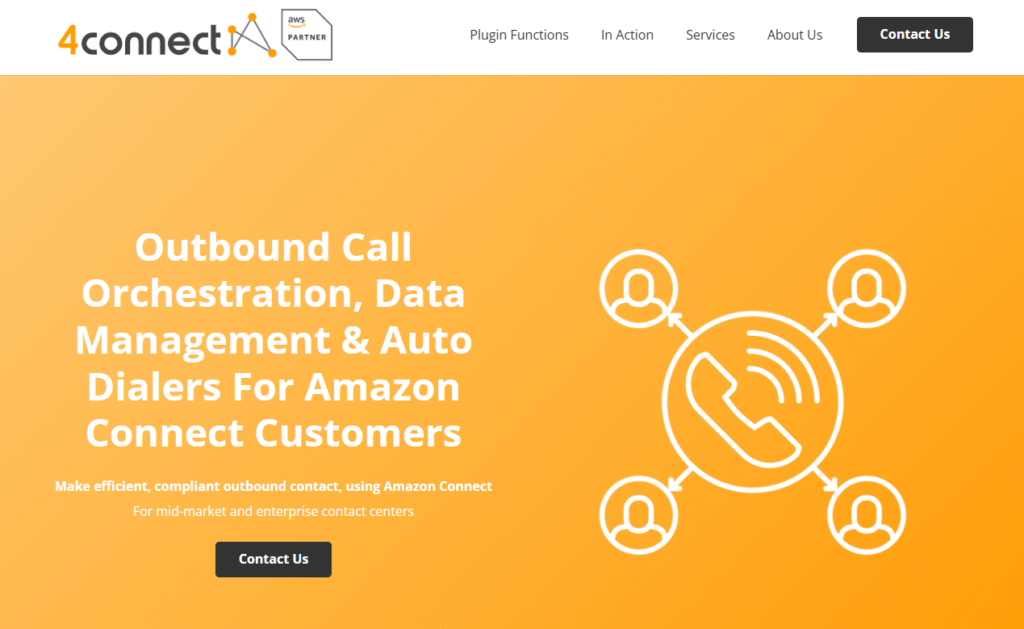
contactSPACE is easy to set up, so even small teams without IT support can use it.
The platform lets you run complex outbound programs with a cloud auto-dialer, and the vendor handles setup, onboarding, and ongoing support.
Smart cloud calling helps users pick the best next contact, reach people at the right times, and match calls with the right agents.
ContactSPACE’s simple processes, filters, and segmentation tools help avoid delays, so new leads get quick follow-ups and reps stay focused during live chats.
ContactSPACE offers several dialer options—predictive, power, progressive, and preview—and gives you personalized onboarding.
Admins can group prospects, set callback urgency, and connect contacts with the right agents.
The platform’s easy-to-follow interfaces, with scripts and tracking, help new reps get up to speed faster and make onboarding smoother.
ContactSPACE offers four pricing tiers: Silver, Gold, Platinum, and Diamond.
Each tier matches different dialer modes and levels of analytical support.
As of October 2025, the monthly costs per user are: Silver: $105; Gold: $139; Platinum: $175; and Diamond: $239.
Before making budget decisions, speak with sales representatives to confirm currency, minimum user requirements, andthe contents of each package.
Helps keep things transparent and builds managers’ confidence in their investment decisions.
To see how ContactSPACE fits your needs, contact their team to schedule an ROI assessment and a demo.
This way, you can feel informed and supported as you explore what the software can do.
Aircall: A cloud-based phone system that integrates with your CRM
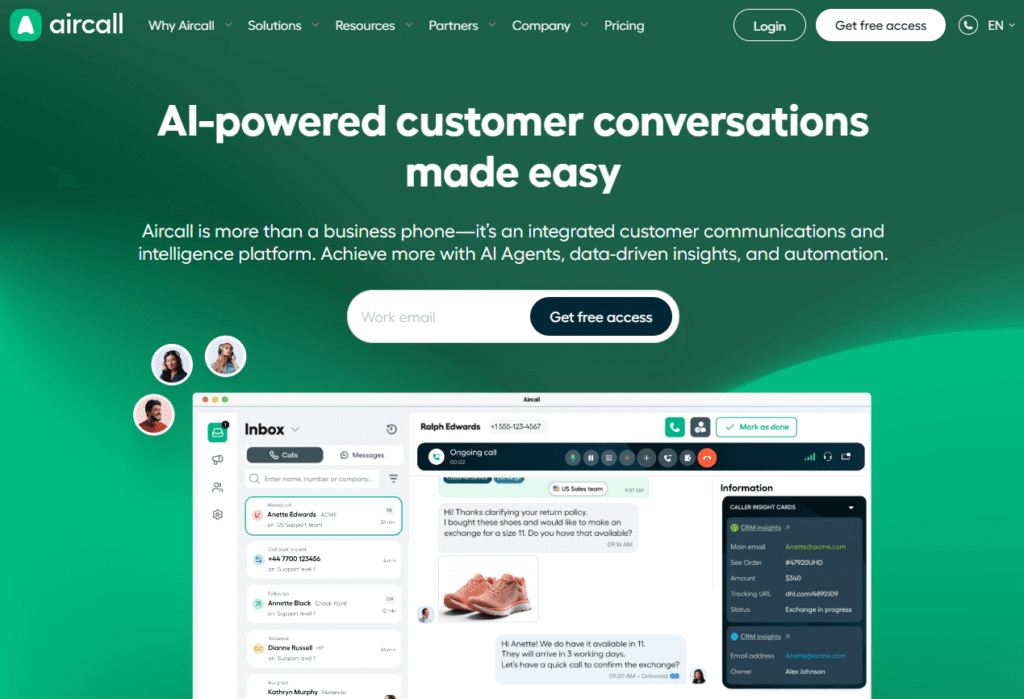
Aircall is a modern, cloud-based phone system that integrates seamlessly with many popular CRM platforms.
It helps teams improve communication and increase efficiency.
Aircall offers features like automatic dialing, call monitoring, and smart call routing.
These tools are tailored to fulfill the needs of sales and support teams.
Its easy-to-use interface lets professionals manage calls and track every interaction, so nothing is missed.
Users can view real-time performance metrics to improve their strategies and get more done.
Makes Aircall a valuable tool for organizations seeking to work and connect more effectively with customers.
Aircall also integrates with popular tools like Slack and HubSpot, making it easier for teams to collaborate and view all customer interactions in one place.
This approach helps teams work more smoothly each day and build stronger client relationships by making every conversation count.
With these features and integrations, teams can respond faster and earn customer trust, leading to higher satisfaction and loyalty.
How to Find the Best Auto Dialer Software for Your Needs
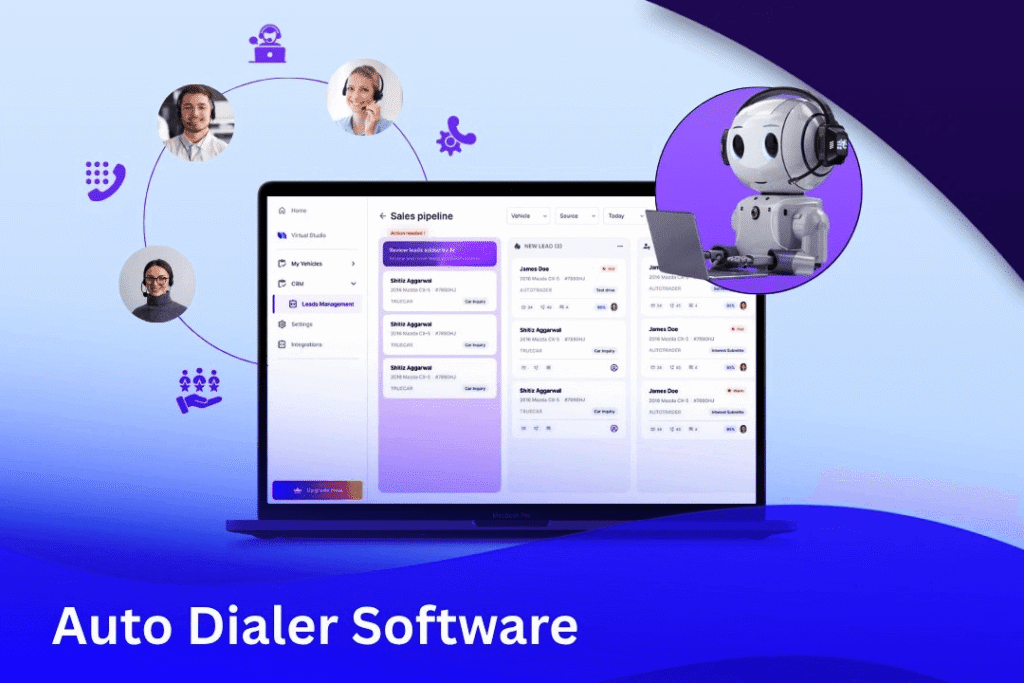
Choosing the right auto-dialer software means ensuring it aligns with your IT setup, daily operations, and compliance needs.
Here are the key criteria I used to make my shortlist, which you can also use in your evaluation:
Usability
A good autodialer should streamline communication and give agents more time to speak, rather than adding extra administrative work.
If agents spend too much time on scripts, making call lists, or switching between windows, you lose the efficiency you hoped for.
Choose systems with easy admin tools for non-technical staff, one-click callbacks, and a clear agent desktop that shows scripts, notes, and call results.
After any demo or trial, make several calls using a real list.
If it takes more than a few hours to get a caller started and having real conversations, keep looking for a better solution.
Automation Features
The software you choose should include key features such as automatic call logging, advanced answering machine detection, full call recording, and dial modes to fit your needs, including preview, progressive, power, and predictive dialing.
Advanced features such as branded calling, STIR-SHAKEN caller verification, voicemail drops, time zone management, list controls, and AI coaching can significantly improve your operations by 2027.
Even small improvements, such as countdowns to reduce clicks or removing manual steps, can save you hundreds of hours each year.
CRM Integration
Keeping all your contact information in one place is key to running things smoothly.
When choosing an autodialer, ensure it integrates seamlessly with leading CRM platforms, including Salesforce, HubSpot, Zoho, Microsoft Dynamics, and Zendesk.
Let your team start calls from their records, view past interactions, and automatically log call results.
Avoid keeping separate lists or using CSV imports and exports, as these can lead to duplicate data, outdated information, and compliance issues.
Be sure the vendor’s CRM works with the systems you already use for sales, marketing, and support.
Price
Pricing can vary widely across services.
Some charge per minute for calls and separately for each SMS or MMS, while others use a seat-based model with bundled minutes.
Enterprise platforms often have per-tenant pricing and offer add-ons for workforce management, quality assurance, analytics, or AI.
Look beyond the list price and analyze the real costs per representative and per connected call.
Be careful not to pay for extra features you don’t need, like gamification or workforce optimization.
Estimate your annual savings and negotiate volume pricing to maximize your investment.
Compliance
The platform you choose must support your operations and responsible dialing rules.
Look for features that support TCPA compliance in the US, such as setting call time windows, checking Do-Not-Call lists, and storing consent when needed.
Tackle common compliance issues, like legal risks and data security, to show managers the platform is safe and responsible.
Using STIR/SHAKEN caller verification and branded calling, when possible, can boost answer rates and lower the risk of being marked as spam.
If you handle personal data, strong security and strict access controls are a must.
It’s also important to train agents on compliant scripts and call handling, and to monitor performance with quality checks.
How well your processes work matters as much as the software you use.
Check the vendor’s support, training, and ongoing assistance to confirm your team can effectively use and manage the auto-dialer over time.
Taking these steps helps you select a vendor that offers strong support and opportunities for ongoing improvement.
A 30-Day Implementation Plan for Auto Dialers
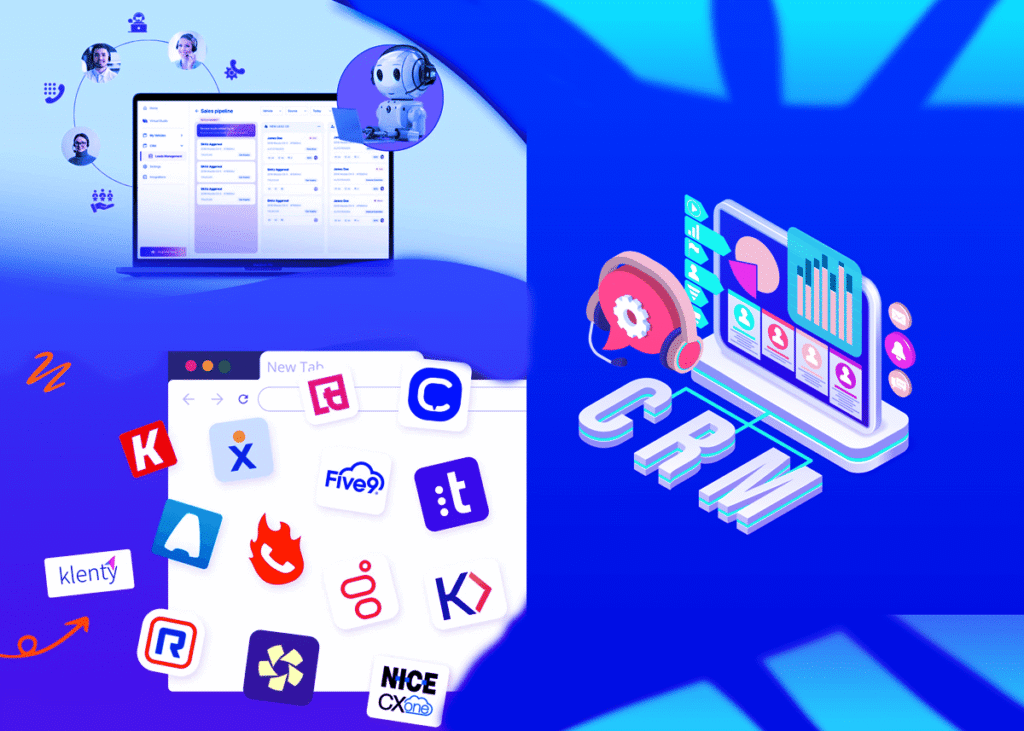
Getting the software is easy, but having a clear rollout plan is key to making more connections, having better conversations, and growing revenue.
Here’s a 30-day plan to help you implement the software successfully:
Week 1: Define Goals and Prepare Data, Develop Call Assessment Tools
Start by setting clear, measurable goals for the first 30 days, like target connect rates, qualified discussions per rep, scheduled meetings, and cost per connect.
Call Opening: Check how well the greeting works and if the representative builds rapport at the start.
Discovery Phase: Assess whether the representative asks insightful questions to understand the customer’s needs and challenges.
Next Steps: Review how clearly the representative explains what will happen after the call so the customer knows the next steps.
Compliance Language: Ensure representatives consistently use the correct legal language and disclaimers.
Wrap-Up: Review the closing techniques and assess whether the representative leaves the customer with a good impression.
Week 2: Set Up And Execute Systems for Success
Connect your Customer Relationship Management (CRM) system to handle tasks such as displaying caller information on-screen, automatically logging calls, and using clear call outcome codes, including No Answer, Callback, Qualified, and Not a Fit.
Pick the best dialing method for each group of customers:
Predictive Dialing: Use this for big, similar lists when you want to make as many calls as possible and have strong QA in place.
Progressive/Power Dialing: This works well for mid-sized accounts that need a more personal touch.
Preview Dialing: Use this for complex or high-value accounts to improve connection rates and communication.
If you can, add features like branded caller ID, STIR/SHAKEN protocols, and work to reduce spam labels. These steps help boost response rates.
Stay compliant by verifying consent, removing numbers on Do Not Call lists, following time zone rules, and setting clear calling hours.
Train your team on required disclosures and on making strong opening statements.
Start a pilot program to repeat 2-5 calls across 2-3 different customer groups.
Record every call and review the QA scorecards daily to spot trends and find ways to improve.
Week 3: Refine Messaging And Optimize Call Pacing
Review and adjust how often you call and when you follow up, based on each group’s needs.
Decide how many times to call, how long to wait between calls, and when to leave voicemails.
Test different versions of your first ten seconds and introductions. Small changes to your opening, reason for calling, or call-to-action can make a big difference in connection rates.
For less involved customer groups, consider using voicemail drops when allowed, and send short follow-up texts to confirm interest or schedule future calls.
Make sure every call outcome leads to a clear next step, such as disqualifying a lead, nurturing a relationship, scheduling a callback, or adding a lead to a sales sequence.
Share real coaching examples and review calls every day. Highlight good moments from top performers to show what works best.
Week 4: Scale Operations and Show ROI
Add more representatives to your team, but keep one group using the pilot settings so you can compare their results with the main team.
Build an easy-to-use dashboard that displays key metrics, including revenue, cost per connection, meetings per hour, and connection and meeting rates.
This dashboard helps you track your campaign’s performance and identify opportunities to improve.
Set clear strategies for good calls, such as the best times to call, how often to call, and the use of standard scripts.
Create a short, one-page guide for new team members outlining call steps and communication best practices.
Plan weekly QA and compliance checks to identify issues and provide targeted coaching where needed.
Set clear goals for the next 60 days, like improving branded calling, using predictive dialing for qualified lists, and reaching new customer groups.
Monitor key performance indicators (KPIs) and set clear targets, such as connection rates and talk time. helps your team see their progress and stay motivated.
Key Metrics to Monitor
Rate of Answers/Connections: This shows how good your contact lists are, the best times to call, and how your caller ID is viewed.
Talk Rate: Measures the percentage of calls that exceed 60 seconds, indicating how effective your message and introduction are.
Qualified Conversation Rate: The percentage of calls that match your Ideal Customer Profile (ICP), indicating how well your approach aligns with customer needs.
Hourly Meetings Scheduled: This key metric aggregates connections, conversations, and conversions into a single metric.
Cost per Connect: Add up the minutes spent on calls, licensing, and management time, then divide by the number of connections.
Helps you compare the efficiency of different groups and dialing methods.
First-Attempt Connect Rate: This shows if your pacing and retry rules are working. If the rate is low, you might need to adjust your local presence or calling times.
Common Issues And Quick Solutions
To get better results:
Switch up your confirmed phone numbers and use branded calling when you can to increase response rates.
Fix shallow conversations by making introductions shorter, sharing your value early, and clearly stating why you’re calling and what you want the customer to do.
Prevent data errors and duplicates by cleaning your lists weekly. resolves CSV file issues and keeps your CRM up to date.
Stay on top of compliance by running regular QA checks. Ensure all call scripts are standardized and use the correct terms.
By following this plan carefully and keeping customer satisfaction and compliance in mind, you can build a reliable, trackable outbound calling system in just one month.
Complete Guide to Top Auto Dialer Software
Today, contact centers and outbound sales teams face ongoing pressure to boost productivity, connect with more customers, and grow revenue.
One of the most effective ways to achieve these goals is to invest in high-quality auto-dialer software.
A good auto dialer helps agents have more live conversations each day, reduces idle time, and eliminates the need for manual dialing.
When choosing calling tools, business owners should look for key features like reliability, fast dialing, and easy CRM integration.
Understanding these features helps business owners make better choices and feel more confident in their decisions.
For organizations seeking a complete communications platform with basic auto-dialing and robust CRM integration, Nextiva is a strong option.
Nextiva stands out for its easy-to-use interface and flexibility, making it a good starting point for teams wanting to improve their calling strategies.
Sales team leaders should focus on CRM compatibility, regulatory compliance, and outbound performance to identify the right fit for their needs.
They can feel confident that they are investing in a tool that boosts productivity and helps their team communicate and collaborate more effectively.
Here are specific recommendations across various categories:
Nextiva: Choosing the top auto dialer gives contact center managers peace of mind.
Vonage: Best for CRM Integrations: Known for its strong integration with numerous CRM platforms, Vonage streamlines workflows and enables data sharing to improve sales efforts.
RingCentral: Best Predictive Dialing Tool. RingCentral uses advanced predictive dialing to dial multiple numbers simultaneously and route them to available agents, helping agents work more efficiently.
Five9: Best for Customer Experience: Five9 focuses on customer satisfaction through features such as smart call routing and multi-channel support, delivering a seamless, personalized experience.
DialedIn: Best for Small Companies: DialedIn is affordable and designed for small businesses, offering the key dialing features they need without being too complex.
CallHub: Best for Nonprofits, Political, and Advocacy Groups. Designed for mission-driven groups, CallHub excels at outreach and fundraising. It also helps manage large contact lists easily.
Voicent: Best for Pre-Recorded Messages: Voicent is known for accurately delivering prerecorded messages, making it a strong choice for automated reminders, announcements, and information sharing.
NICE: Best for Business Call Centers. NICE offers a comprehensive suite of features for busy call centers, including tools for performance tracking and staff management.
contactSPACE: Easiest to Use and Set Up: contactSPACE is easy to use and quick to set up, so teams can start working right away and focus on what matters most.
By reviewing these recommendations and selecting features that meet their needs, businesses can improve their outbound calling and achieve real growth.
13 Best Digital Asset Management Software: Easy Steps
Best Monthly Web Hosting Plans: 5 Best Web Hosts
Generative Engine Optimization (GEO) Easy Playbook For Small Businesses #1
Top 7 Best Bare Metal Hosting Services: Easy Steps
How to Create a Website in 9 Easy Steps: Follow These Steps