




Discover the top 12 Digital Asset Management (DAM) software options, including popular tools like CoSchedule Asset Organizer, Wedia, Canto, Brandfolder, Adobe Experience Manager Assets, IntelligenceBank, Cloudinary, Extensis Portfolio, Widen (now Acquia DAM), MediaValet, Filecamp, Daminion, and MarcomCentral.
These options can help streamline your digital asset organization and management, making your workflow smoother and more efficient.
I may receive commissions from links on this page because This Online Web is reader-supported. This does not affect my editorial assessments or viewpoints.
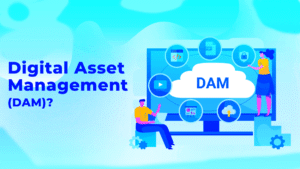
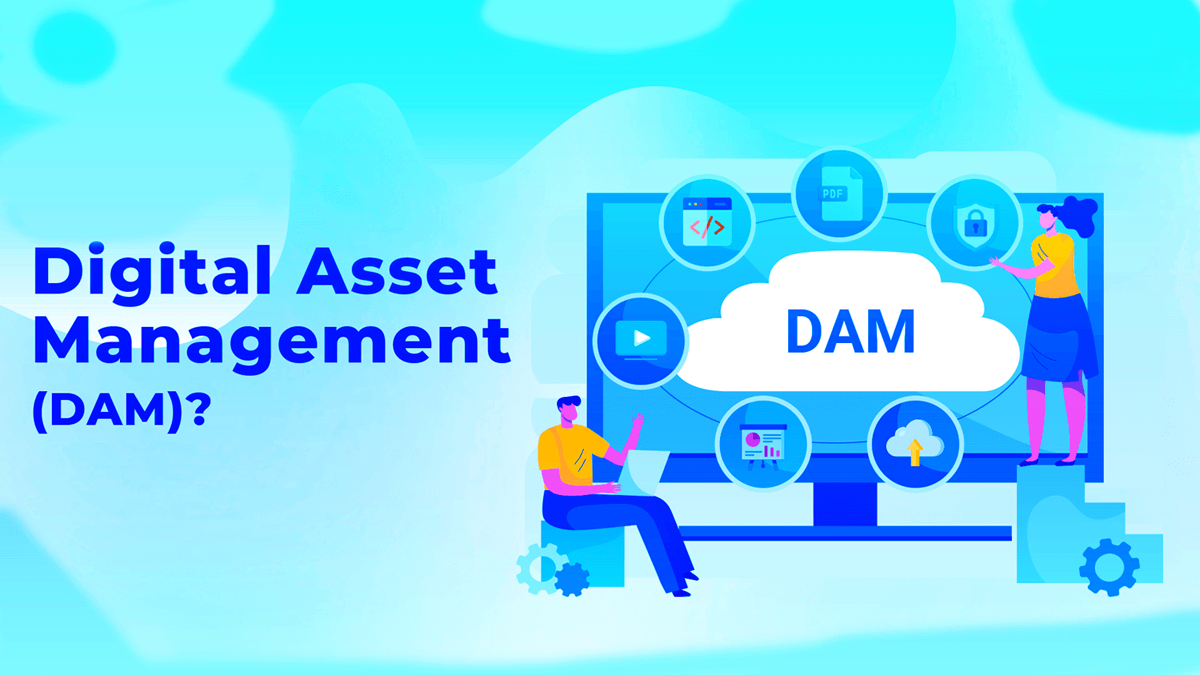
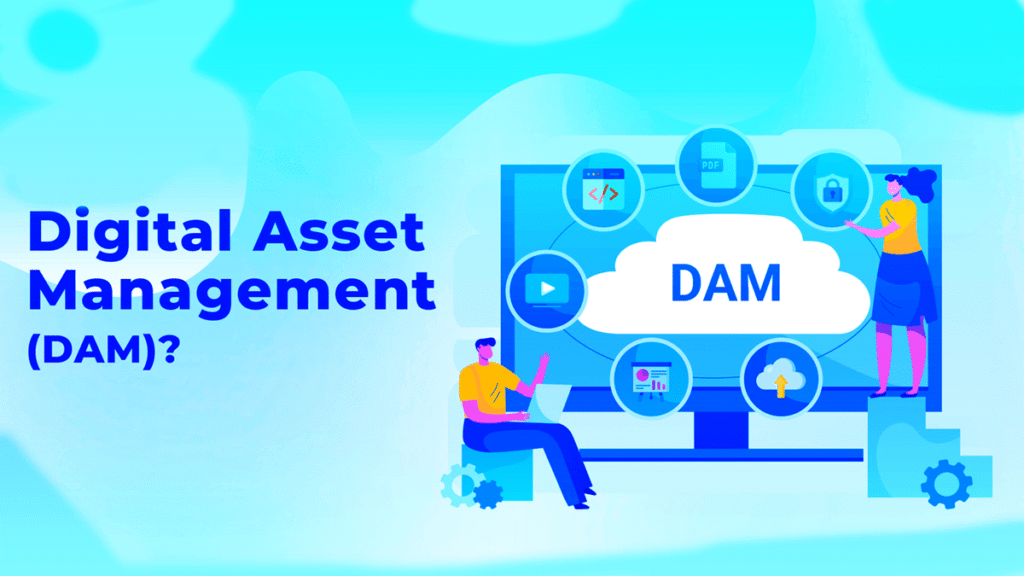
Digital asset management (DAM) software provides a centralized platform for managing, sharing, tracking, and allocating a business’s digital assets.
This includes any electronic media, such as documents, photos, videos, audio files, animations, 3D files, and more, ensuring that teams can always find, use, and protect the correct version.
Enterprise-grade search, filtering, and governance—along with AI capabilities and integrations—are now available at scale, helping you manage assets effectively.
Discover The 13 Best Digital Asset Management Software
Here are some of the best options for managing digital assets:
- CoSchedule Asset Organizer: The best choice for marketing teams who want a DAM integrated with a marketing calendar suite.
- Wedia: Best for brand governance, copyright, and license management for large enterprises.
- Canto: Perfect for big businesses that require secure collaboration and extensive integrations.
- Brandfolder: The most user-friendly asset management system with robust analytics.
- Adobe Experience Manager Assets: Best suited for sophisticated users and businesses that prioritize Adobe products.
- IntelligenceBank: The best DAM software for creative collaboration and approvals.
- Cloudinary: The top free and developer-friendly DAM system.
- Extensis Portfolio: Best for agencies and content producers.
- Widen (now Acquia DAM): The best choice for midsize businesses.
- MediaValet: Optimal for managing large, dispersed asset libraries.
- Filecamp: Offers a straightforward, cost-effective solution for managing digital assets, ideal for small teams.
- Daminion: A digital asset management software suitable for teams looking for an affordable and powerful solution.
- MarcomCentral: combines digital asset management with marketing and brand management capabilities.
When selecting the right software for managing digital assets, evaluate features, governance controls, AI capabilities, and integrations tailored to your company’s needs.
Utilize this guide to analyze features, pricing, optimal use cases, and potential trade-offs.
CoSchedule Asset Organizer: Best Tool For Marketing Teams
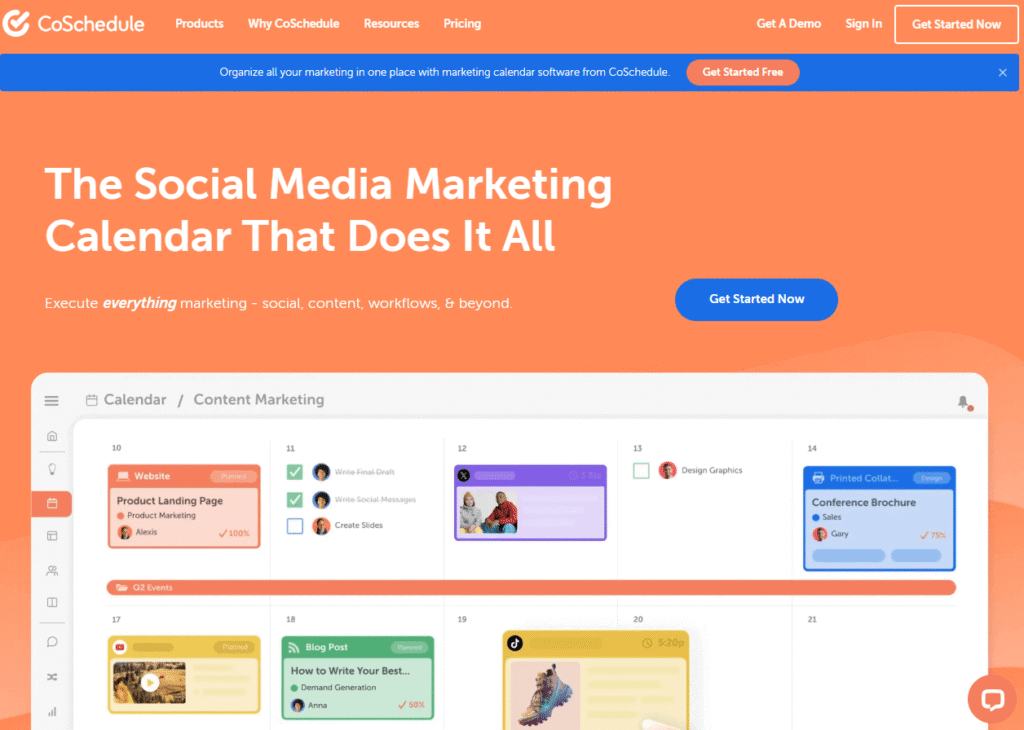
As part of the CoSchedule Marketing Suite, CoSchedule Asset Organizer provides a single editorial calendar, content planning, and campaign coordination capabilities alongside its DAM features.
Marketing teams can easily store, organize, manage, and share digital content across platforms and campaigns.
CoSchedule makes it simple to find the files you need and see where assets are used in real time.
Its strong taxonomies, folders, and search tools help reduce extra communication between team members.
To reduce duplication of effort, the Asset Organizer allows users to check for existing files before creating new ones.
Integrated version control ensures that everyone is using the most recent approved version of an asset.
Additional features of CoSchedule include:
- Custom taxonomies for file organization
- Interdepartmental file exchange
- Integrated version controls
- An all-purpose content library
- Secure file exchange
If you’re interested in how the integrated DAM (referred to as “Digital Asset Management/Asset Manager” within the Marketing Suite) works with your calendar and workflows, requesting a demo can help you feel more confident in your choice.
I recommend this option for marketing teams seeking closely linked DAM functionality with calendars and campaign workflows.
Wedia: Best Copyright And License Management Solutions For Large Organizations
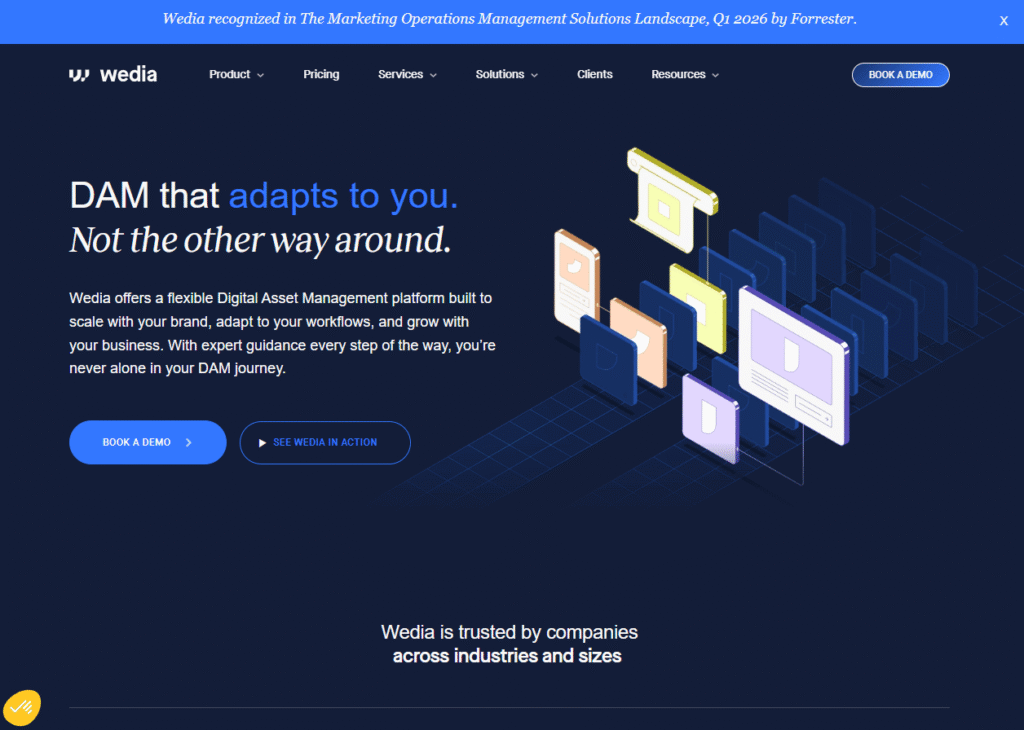
Wedia is a DAM built for large, complex marketing and sales teams. It helps manage the creation, delivery, and long-term storage of rich media, and can grow with your business.
The platform streamlines the handling of banners, 3D files, retail collateral, and brand images and videos, offering strong distribution and compliance options for flyers, advertisements, and point-of-sale materials.
Wedia’s DAM is highly customizable to accommodate your company’s growth across channels and geographies. It features customizable elements that evolve to meet the needs of large enterprises.
Key features include:
- Simple link-based distribution for assets or collections
- Management of third-party licenses and regulatory compliance
- Role-based, granular permissions that restrict access to authorized users
Each asset can include copyright and licensing details, and watermarked images and videos clearly indicate usage limits, including where, how long, and who can use them. This helps prevent misuse and protects your brand.
Wedia also incorporates strong AI capabilities, such as sentiment analysis, facial recognition, and automated metatagging, along with models that help teams select the most appropriate asset for every campaign.
Schedule a demo to discover how Wedia streamlines large-scale enterprise asset management.
Canto: Best For Big Organizations
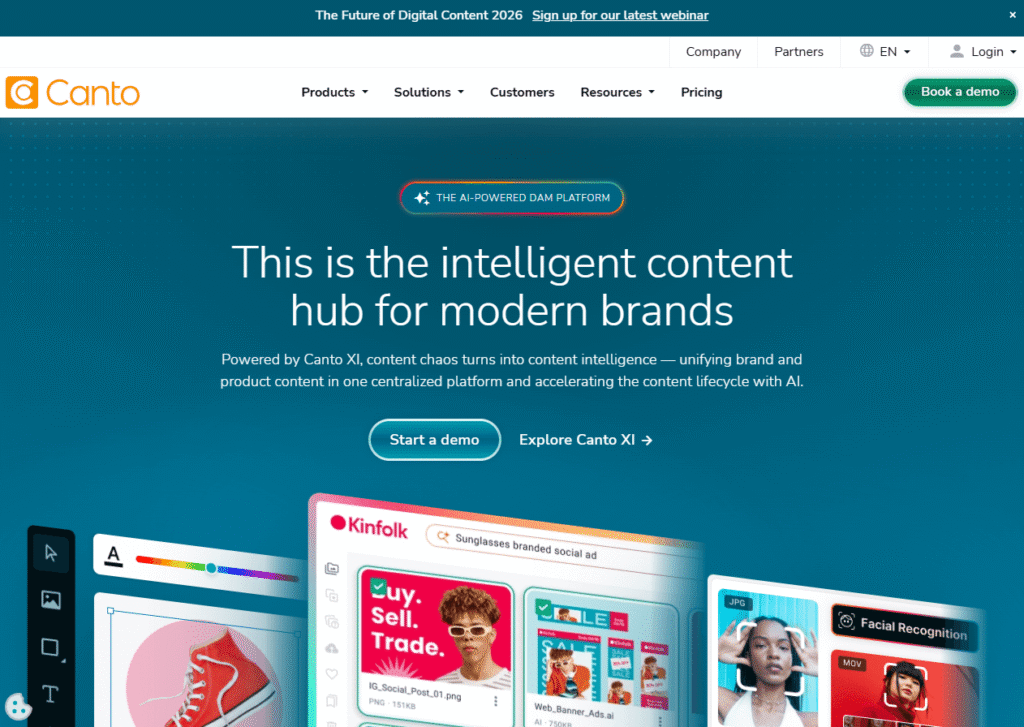
Canto has been a leader in digital asset management for nearly 25 years and remains a top choice for major corporations.
Its extensive ecosystem of integrations—including Slack, LinkedIn, WordPress, Google Drive, and Mailchimp—allows it to adapt easily to complex technology stacks and existing workflows.
Over 2,500 companies, including Columbia University, Honda, Bank of America, Best Western, and LinkedIn, trust Canto.
Assets can be organized into folders, albums, or smart albums, enabling quick discovery and automatic sorting by type (e.g., images, videos, documents, presentations).
Canto offers enterprise-grade governance and collaboration, along with a robust DAM (Digital Asset Management) system.
Key features include:
- Basic default search
- Advanced search with filters and faceting
- Facial recognition to quickly find talent
- Secure sharing links and personalized shared libraries (with expiration dates)
- Advanced options for downloads and asset renditions
- Tools for branding and visual previews
- Collaboration and granular user permissions
- Reporting and enterprise security
Canto operates on AWS for speed and reliability and integrates with programs you may already use, including Slack, LinkedIn, WordPress, Google Drive, Mailchimp, and more.
To protect assets, implement granular permissions and digital rights management.
Pricing is not publicly listed. To evaluate the service, you can start your free trial by requesting a personalized quote that outlines tailored features and costs.
Brandfolder: Best User-Friendly Digital Asset Management Platform
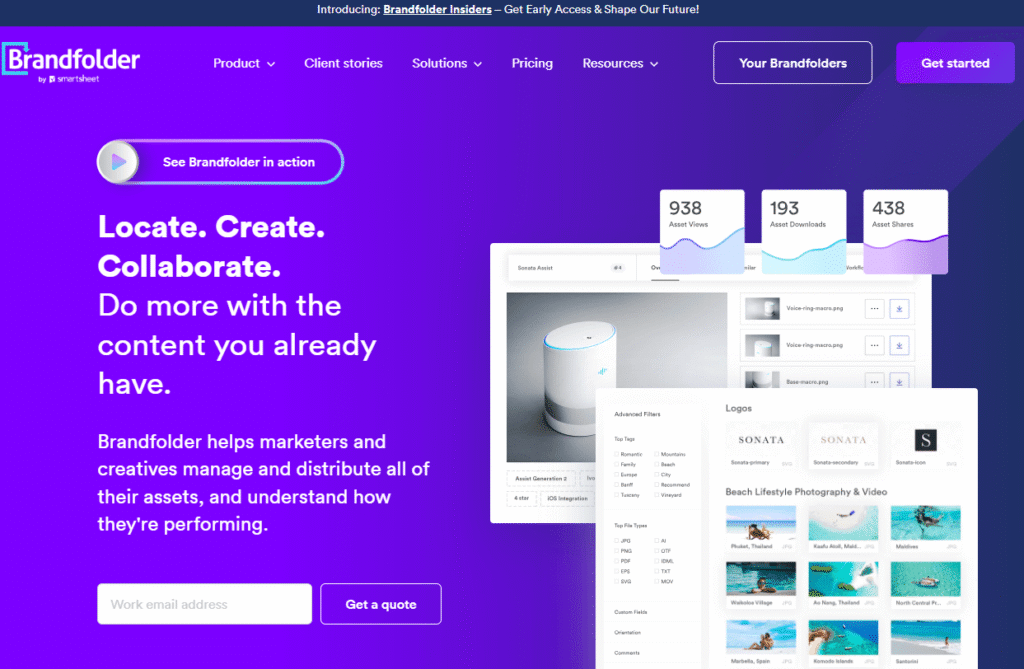
Brandfolder is highly regarded for its power and user-friendliness, making it a favorite among startups and large corporations alike.
Non-technical stakeholders can quickly locate, use, and publish on-brand assets, enhancing confidence in their accessibility.
Brand Intelligence leverages AI/ML technology to identify high-performing content, track usage, and eliminate outdated files, allowing users to focus on the best assets.
An example of digital asset management software is Brandfolder. Utilize its grading and analytics to guide content production and reuse.
You can easily publish individual assets, curated collections, or entire folders using user-specific permissions, CDN embeds, and privacy controls.
Brandfolder also offers industry-specific solutions for retail, agencies, food and beverage, manufacturing, franchising, sports, and technology, along with role-based workflows for marketers, creatives, brand managers, and operations teams.
Every plan includes essential features such as:
- A centralized repository for content
- Personalized branding options
- Permission and access restrictions
- Resources for developers with open SDKs and API documentation
- A full version history
Higher-tier services incorporate asset analytics, document intelligence, SAML/SSO, availability controls, and enterprise creative tools.
The highest tier provides digital rights management to maintain legal and licensing information for every asset.
To get started, set up a demo and request a personalized quote.
Adobe Experience Manager Assets: Best For Expert Users
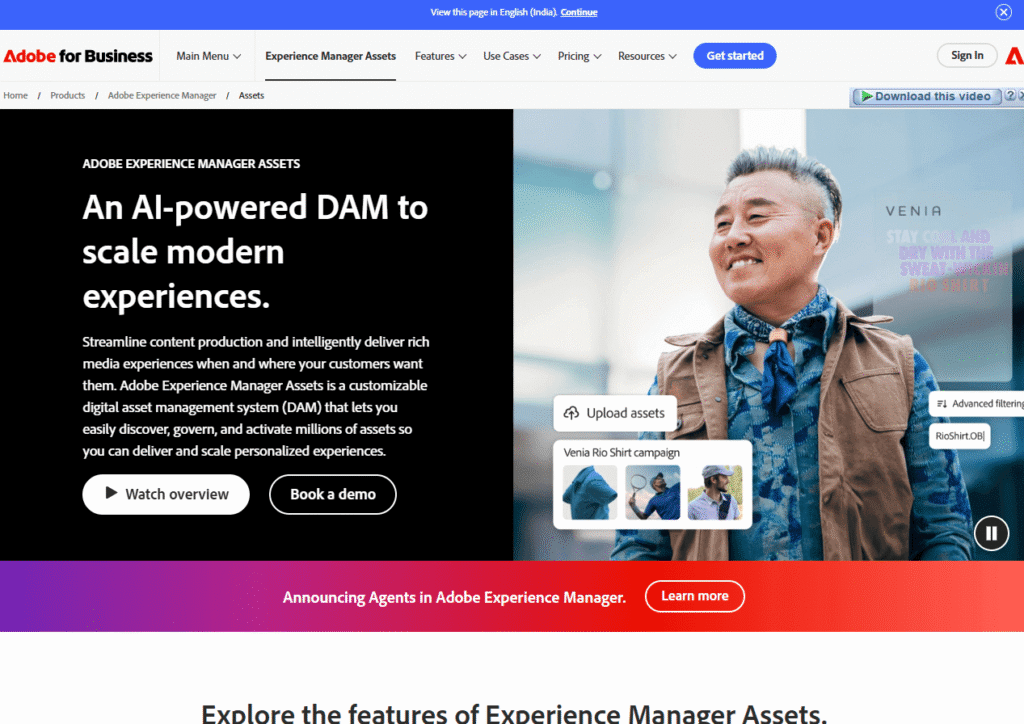
As you might expect from Adobe, Experience Manager Assets is feature-rich, scalable, and cloud-native.
One of its strengths is automation. AI reduces manual labor hours to minutes by automatically tagging, cropping, resizing, and distributing assets.
It is designed to handle complex variation requirements and manage thousands of assets, ensuring scalability and efficiency for enterprise needs.
The landing page for Adobe Experience Manager Assets. Adobe offers one of the most cutting-edge enterprise asset management systems with the following key features:
Digital Asset Management (DAM) Solutions Overview:
Key Features:
- Asset Checkout and Collection: Quickly check out and collect digital assets.
- Brand Portals and Asset Insights: Access insights tailored to your brand.
- File Compatibility: Supports advanced file types, including 3D, panoramic, VR, and AR.
- File Version History: Monitor and access previous file versions.
- Multilingual Asset Management: Manage assets across multiple languages.
Integration and Editing:
Find related assets automatically and use Adobe’s tools to scale for different channels and formats. You can also edit right in the platform, so you don’t need other editing software.
User Expertise Required:
This tool isn’t intended for beginners, as many features require technical expertise.
It may be more than you need if you want simple sharing and storage.
But if you already use Adobe’s Experience Cloud, AEM Assets is a strong choice for managing your assets and tracking analytics from start to finish.
Getting started is easy—ask for a personalized quote, and we’ll be happy to help you out!
IntelligenceBank: Best DAM Software For Creative Teamwork
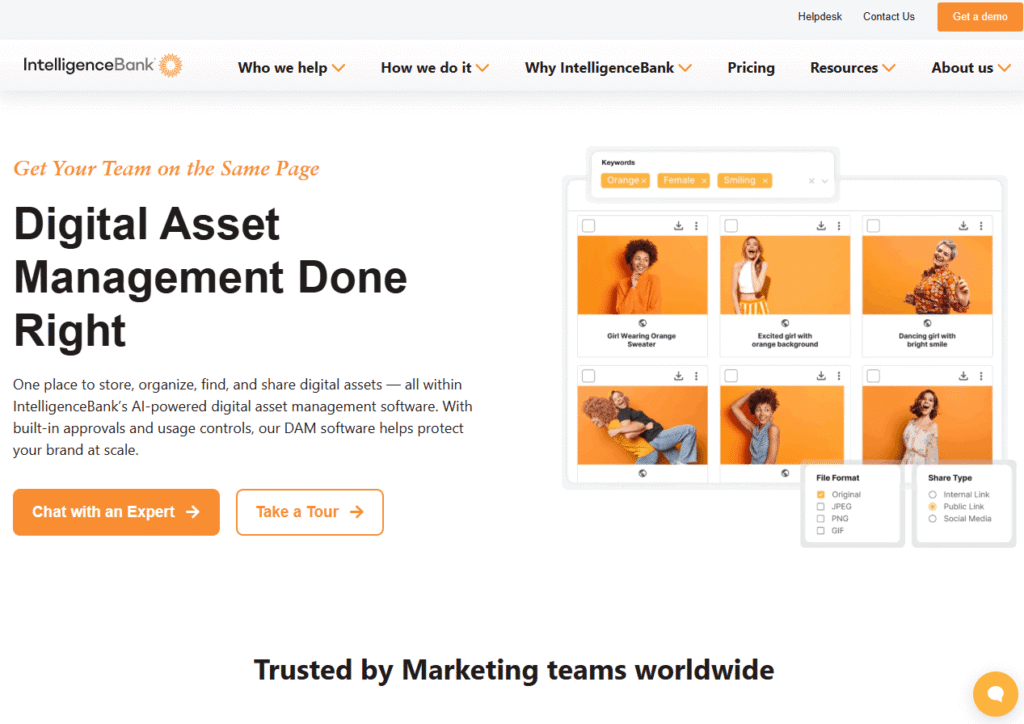
IntelligenceBank: Focuses on creative teamwork and content marketing, leveraging AI-powered metadata and automation to streamline workflows.
Works with platforms like WordPress, Drupal, and Adobe Creative Cloud using single sign-on and built-in connectors.
You can connect workflows to services like Dropbox, Shopify, Facebook, Slack, and Asana.
Easily upload any file from any source. You can manage usage and talent rights, perform bulk uploads, add comments, track different versions, preview files in various modes, set helpful alerts, and watermark your assets whenever needed, all in a user-friendly way.
Key Features:
- Analytics and tracking of public links
- Instant image conversion
- Collaborative work with internal and external teams
- Automatic keyword tagging
- Global filters and advanced search capabilities
- Video transformation
- Personalized branding
- Daily backups and secure hosting
- Customized storage setup
Pricing: Plans start at about $567 per month for DAM Essentials and go up to $1,225 per month for DAM Pro, so you can choose what fits your budget and needs.
Essentials provides the basics like asset management and AI tagging, while Pro offers additional features such as proofing, markup, approvals, and other enterprise solutions.
IntelligenceBank provides a range of branding and marketing operations solutions.
Feel free to request a custom quote to get started: We’re here to help you find the perfect fit!
Cloudinary: Best Digital Asset Management Software
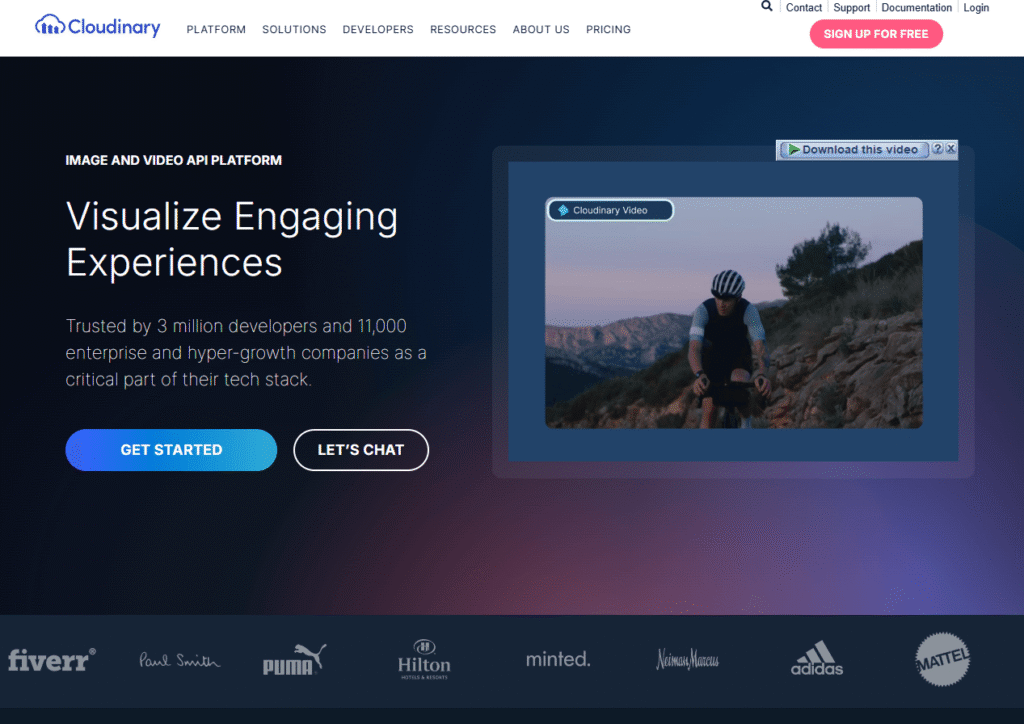
Cloudinary: More than a million developers and over 9,000 companies, like Sony, Lyft, Petco, Whole Foods, Peloton, and Under Armour, trust this platform.
Offers developer, small team, and individual plans, providing effective media management for app or website development.
It’s a fantastic choice if you’re building websites or apps and need easy image and video management along with a simple DAM solution.
Core features include file storage, transformations, optimization, programmatic video APIs, collaboration, and an extensive array of integrations, supported by a global Content Delivery Network (CDN).
Current plans & typical pricing:
- Free — $0, with credit-based limits, making it a great choice for prototypes and small production sites.
- Additionally, the fee is $99 per month (or approximately $89 per month when billed annually) for up to three users.
- Advanced — $249/month (or about $224/month with annual billing) for up to five users.
- Enterprise plans are available upon request.
Plans include monthly credits for transformations, storage, and viewing bandwidth.
They offer flexibility and cost savings, but it’s important to estimate your usage accurately to select the appropriate tier.
Key Features:
- File storage and optimization
- Transformations and programmable video APIs
- Collaboration tools
- Extensive integrations supported by a global CDN
Extensis Portfolio: The Best DAM Software For Content Creators
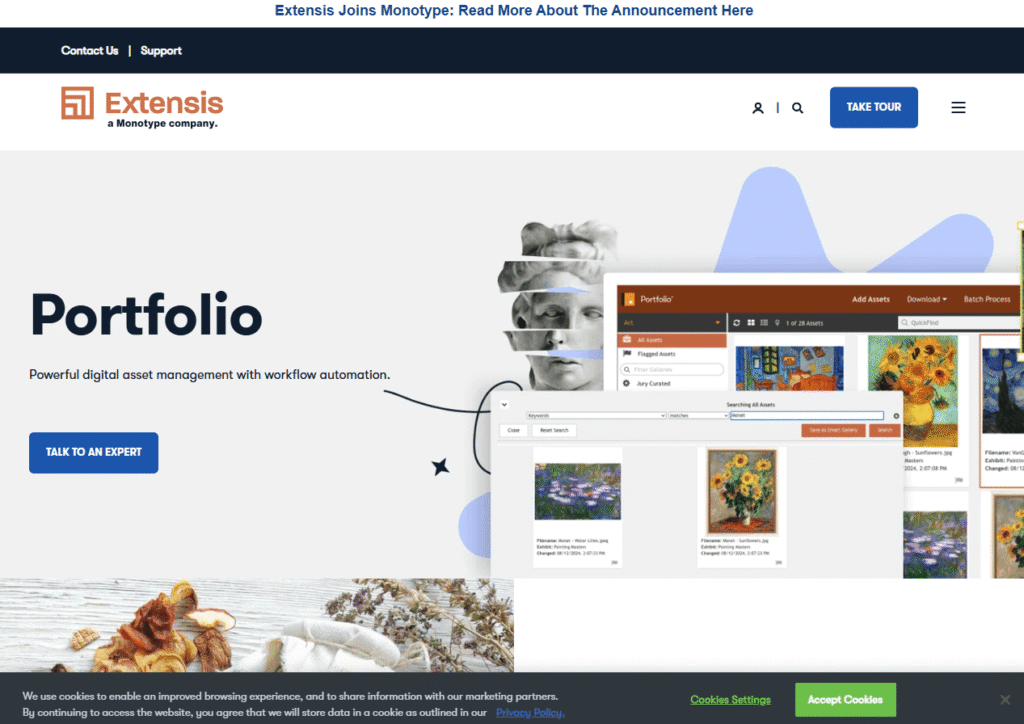
Extensis Portfolio is ideal for creators managing multiple clients, brands, and projects, offering DAM and brand asset management integration across various media types.
Key Features:
- Automated keyword tagging
- Bulk operations and easy uploads
- Strong search capabilities
- Automation of rules and workflows
- Drag-and-drop functionality
- Integrated web builder for asset sharing
- Flexible deployment options
Pricing: Requires a custom quote and offers flexible choices for small teams and enterprises.
The new cloud version, Extensis Connect + Insight, comes with font tools and creative asset management.
It usually costs about $200 per user each year. You can try it free for 15 days, and you don’t need a credit card.
Register now for a 15-day free trial, no credit card needed.
Widen: (Acquia)The Best DAM Software For Midsize Organizations
Widen Acquia DAM is a cloud-based system well-suited for medium-sized businesses (SMEs) seeking enterprise-level functionality without excessive complexity.
For additional details and to explore tailored solutions for your business, please reach out for personalized assistance.
Expanding on How to Organize a Digital Asset Management (DAM) Software Dashboard.
When organizing a DAM software dashboard, several essential skills and features play a crucial role:
- Enterprise-Level Protection
- Management of Asset Rights
- File Renditions and Conversions
- Share Links and Embed Codes
- Analytics of Assets
- Full-Screen Teasers
- Automated Tagging
- Version Management
- Detailed Previews
- Multifaceted Search
- User Permissions and Roles
- Worldwide CDN (Content Delivery Network)
- Personalized Alerts
The platform integrates with product information management, marketing resource management, and brand management in addition to DAM.
This integration is particularly beneficial if you decide to expand into Acquia’s larger Digital Experience Platform (DXP).
To get started, consider requesting a demo.
MediaValet — Best For Managing Large-Scale Asset Collections
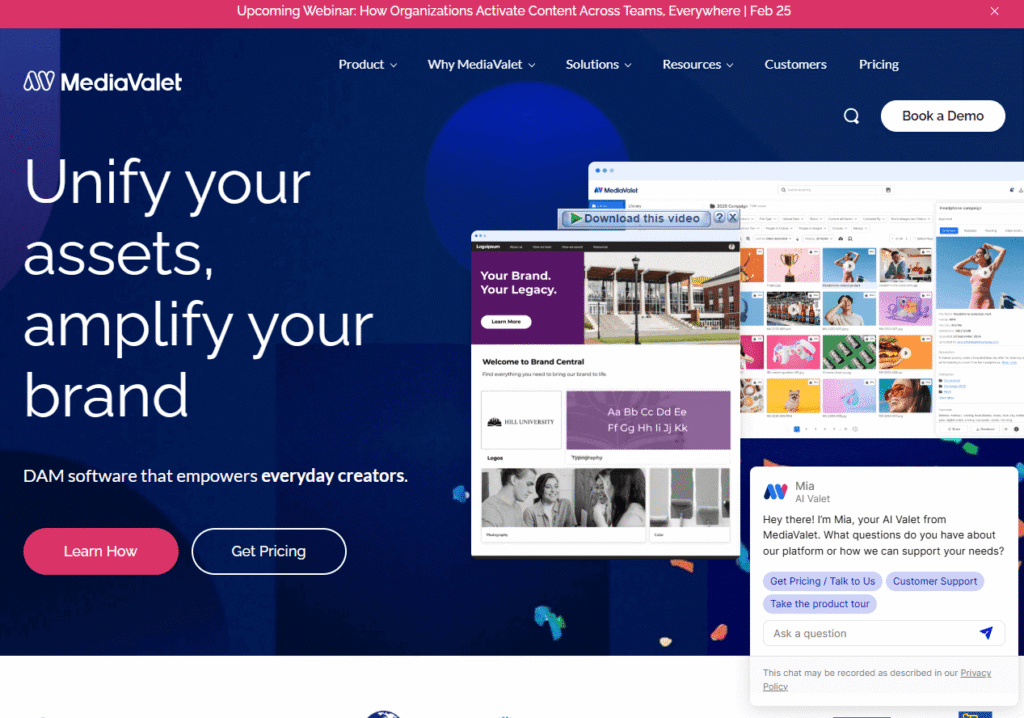
Choosing MediaValet gives your team confidence in a reliable tool to manage extensive asset libraries efficiently.
Locating a single file can be challenging if your organization has years of accumulated media.
MediaValet addresses this issue by offering robust storage, organization, and distribution capabilities for photos, videos, documents, and more—all while maintaining speed.
With its centralized, cloud-based interface, even terabytes of content can be uploaded and downloaded with ease.
Distributed teams can submit and retrieve assets without limitations, thanks to MediaValet’s unlimited user support.
Among its features, MediaValet’s AI auto-tagging identifies text, colors, objects, and people in your assets.
Additionally, video transcriptions can be translated to enhance discoverability and reuse.
The search functionality is impressive, allowing the use of Boolean operators, status filters, and stored searches that can be shared with colleagues to help filter out outdated or poorly tagged content.
Feel free to send files of any size to your customers and partners, or set up a branded request portal where users can choose their preferred format, size, and color palette. Plus, automatic watermarking is also at your fingertips!
In summary, MediaValet helps teams track, analyze, update, publish, and organize large libraries.
While pricing is customized, a free demo is available now.
Filecamp: Best Solution For Small Teams To Manage Digital Assets
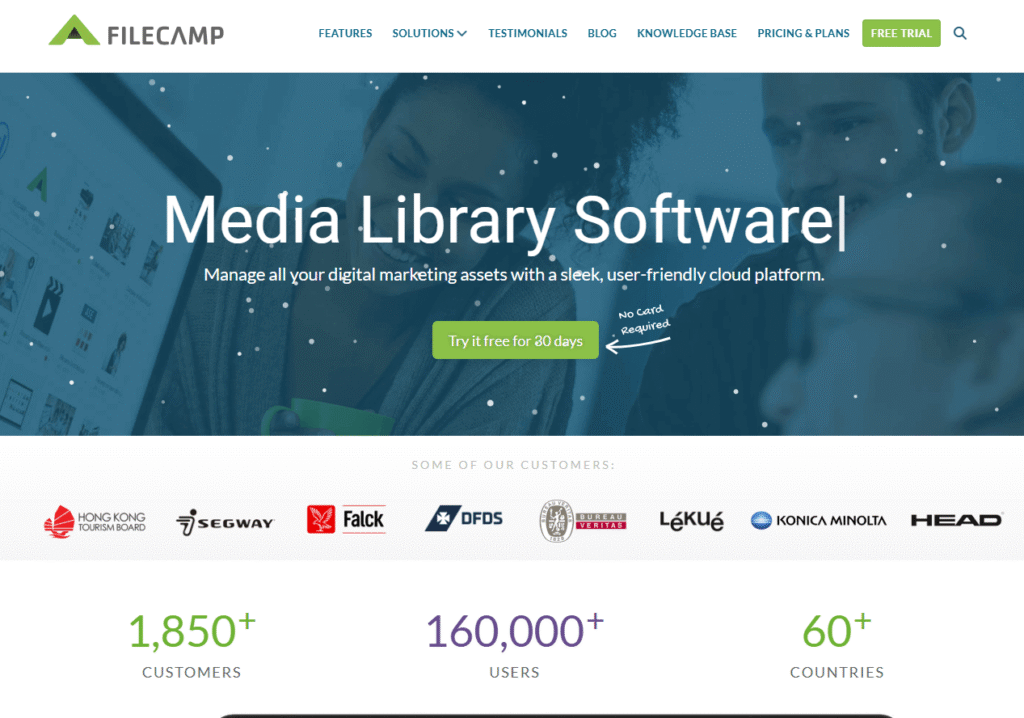
Filecamp provides an easy-to-use, affordable digital asset management solution for small teams.
With its user-friendly interface, Filecamp simplifies organizing, sharing, and collaborating on digital assets, instilling confidence as users transition to the new system.
Its simple pricing helps businesses with tight budgets, and key features such as custom branding, role-based access, and easy sharing are included without extra hassle.
Daminion: Best For Digital Asset Management Software
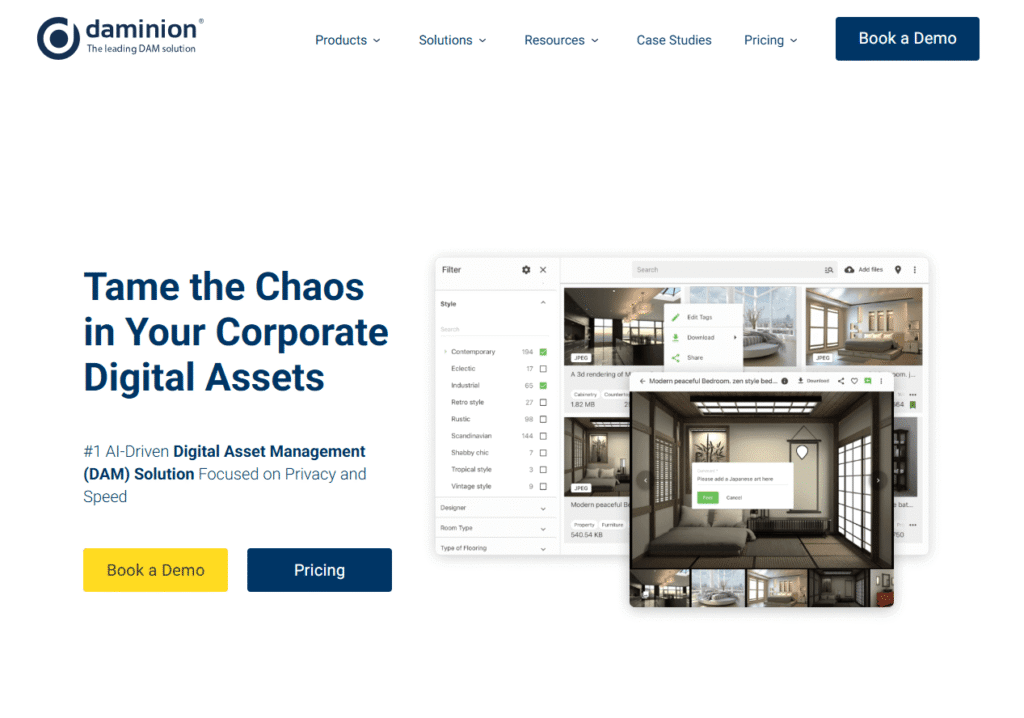
Daminion is a cost-effective yet powerful digital asset management software tailored for collaborative teams.
Its support for multiple file types enables users to work confidently with a variety of assets, including images, videos, and documents.
Features like multi-user collaboration, advanced tagging, and improved search help teams work efficiently and avoid concerns about project limits or unexpected costs.
MarcomCentral: Best for Combining Digital Asset Management With Marketing
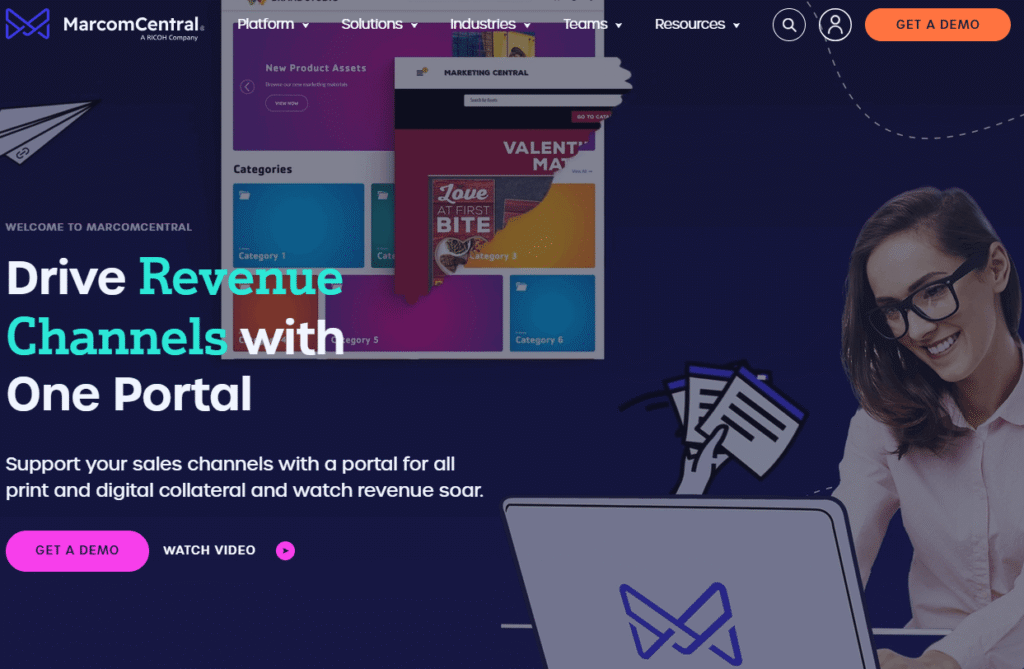
MarcomCentral combines advanced digital asset management with marketing and brand management tools to help organizations maintain brand consistency across channels.
MarcomCentral lets users manage marketing materials, track asset usage, and improve brand resources.
This makes it a strong choice for large companies seeking a single platform for marketing and brand management.
How to Find the Best Digital Asset Management Software
Understanding your team’s unique needs will help you feel supported and confident in selecting the right DAM for your company’s goals.
Considering user roles, security, and costs can empower decision-makers to choose a DAM that truly meets their organization’s requirements.
DAM Type
What specific plans do you have for the funds you manage? DAMs are specialized tools. Consider if you require:
- Asset management for sales and marketing collateral, such as campaign content, product photos, and logos
- Cold storage and retrieval of large volumes of rarely changing media
- Collaboration on assets that are frequently updated (creative production)
- Delivery to customers/partners, online marketplaces, or online merchants with usage restrictions
The necessary features vary by category. If you only need storage and search capabilities, heavyweight rights management may not be essential.
However, if you license or distribute content externally, tight Digital Rights Management (DRM), expiration dates, and geographic restrictions become critical.
If you’ll be collaborating with others to iterate on assets, prioritize features such as editing capabilities, conversions, variants, and platform proofing/approval processes.
Types Of Assets
Not all file types are universally supported by all DAM systems. Most platforms handle documents, music, video, and cover photos.
If you use complex formats such as AR/VR, 3D, panoramic, RAW, or layered design files, verify that native previews, transformations, and metadata are supported.
Choose a solution that accommodates both the formats currently in use and those you plan to implement in the future (e.g., vertical video formats for social media or 3D formats for e-commerce).
Type Of User
Many DAMs are designed for specific user groups, such as developers in media pipelines, marketing teams, creatives, or content operations.
Align the tool with your primary users. While some platforms focus on developer APIs and automation, others excel in distribution, portals, and analytics, or prioritize creative approvals.
If you’re unsure, the reviews mentioned above highlight the best fit for each product.
Selecting a DAM that your end-users will quickly embrace is highly beneficial. High adoption rates drive return on investment (ROI).
Size Of The Team
A small team or a lone inventor requires different skills than a multinational corporation. While many Digital Asset Management (DAM) solutions are enterprise-grade, smaller teams can choose from a variety of options, including free plans for individuals.
When selecting the right DAM, consider your team size, required features, and IT resources to ensure the solution aligns with your organization’s scale and capabilities.
As your digital asset library expands, take into account the necessary skills to operate your DAM, such as administration, taxonomy, and rights management, as well as integrations with your existing tools and the overall cost (including licenses, storage, CDN, and change management).
Understanding which features are essential for your organization’s size and complexity will help you choose a DAM that effectively supports your growth.
An Overview Of The Best Digital Asset Management Software
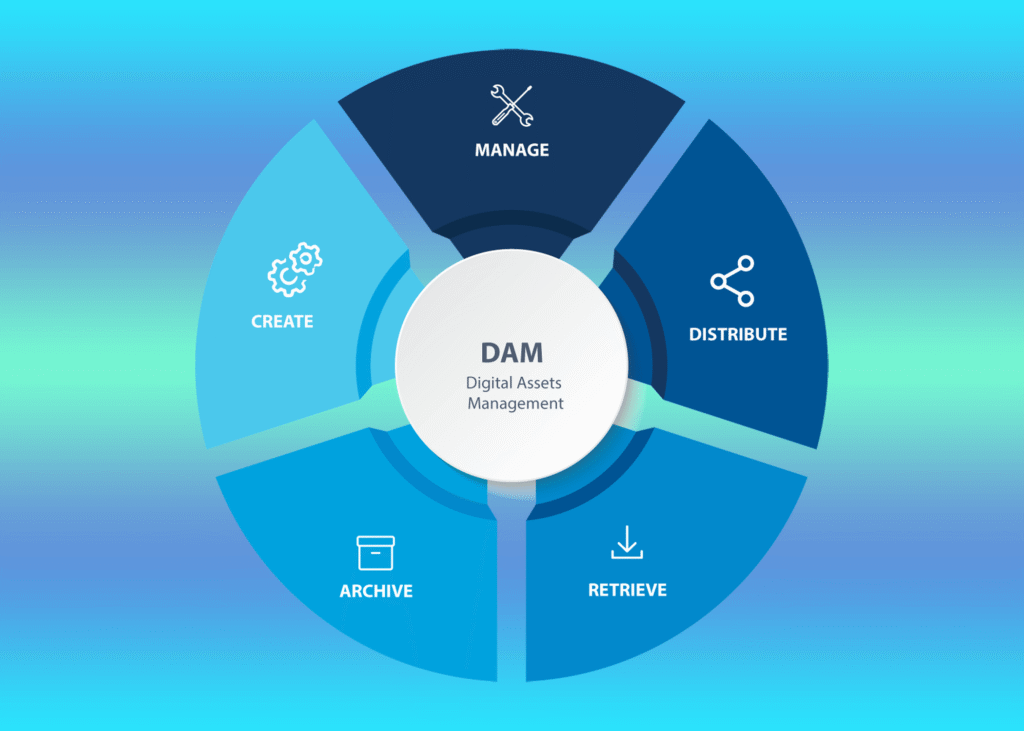
DAM software helps manage digital assets from creation and approval to sharing, tracking, and storage.
It gives your team a single place to access assets and helps protect your brand and rights.
Without a DAM, teams often rely on storage systems, email, chat, and shared drives.
This can work for a small number of files, but it gets messy and risky with hundreds or thousands of assets, which can hurt productivity and brand consistency.
The tools listed here are reliable; choose the one that best matches your users, file types, and management needs to streamline your workflow.
Frequently Asked Questions (FAQ)
Which software is the best for managing digital assets?
The top two digital asset management software programs currently available are CoSchedule Asset Organizer and Wedia.
What features are typical of digital asset management software?
Most digital asset management software includes features like search, filters, facial recognition, branding tools, link sharing, watermarks, expiring links, asset previews, metadata tags, and file version history.
These features help teams easily find and manage assets.
The best DAM software also supports team collaboration and offers reports and insights, making it easy to track and review assets from different sources.
What is the price of digital asset management software?
Digital asset management software typically costs between $100 and $250 per month, making it affordable for small teams and individuals.
Bigger organizations should consider the return on investment from improved efficiency and brand consistency, since enterprise solutions can cost $10,000 to $50,000 or more each year.
Are there free digital asset management tools available?
Yes, both individuals and small organizations can use free digital asset management systems like Cloudinary.
Cloudinary is one of the leading and most widely used free DAM systems, relied upon by over a million developers.
These platforms vary in features, scalability, and pricing, catering to different organizational needs.
Best Monthly Web Hosting Plans: 5 Best Web Hosts
Generative Engine Optimization (GEO) Easy Playbook For Small Businesses #1
Top 7 Best Bare Metal Hosting Services: Easy Steps
How to Create a Website in 9 Easy Steps: Follow These Steps
8 Best Email Marketing Services for Small Businesses