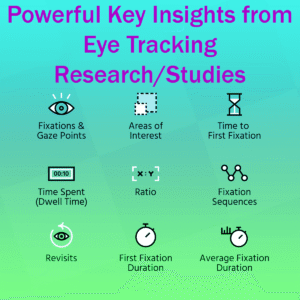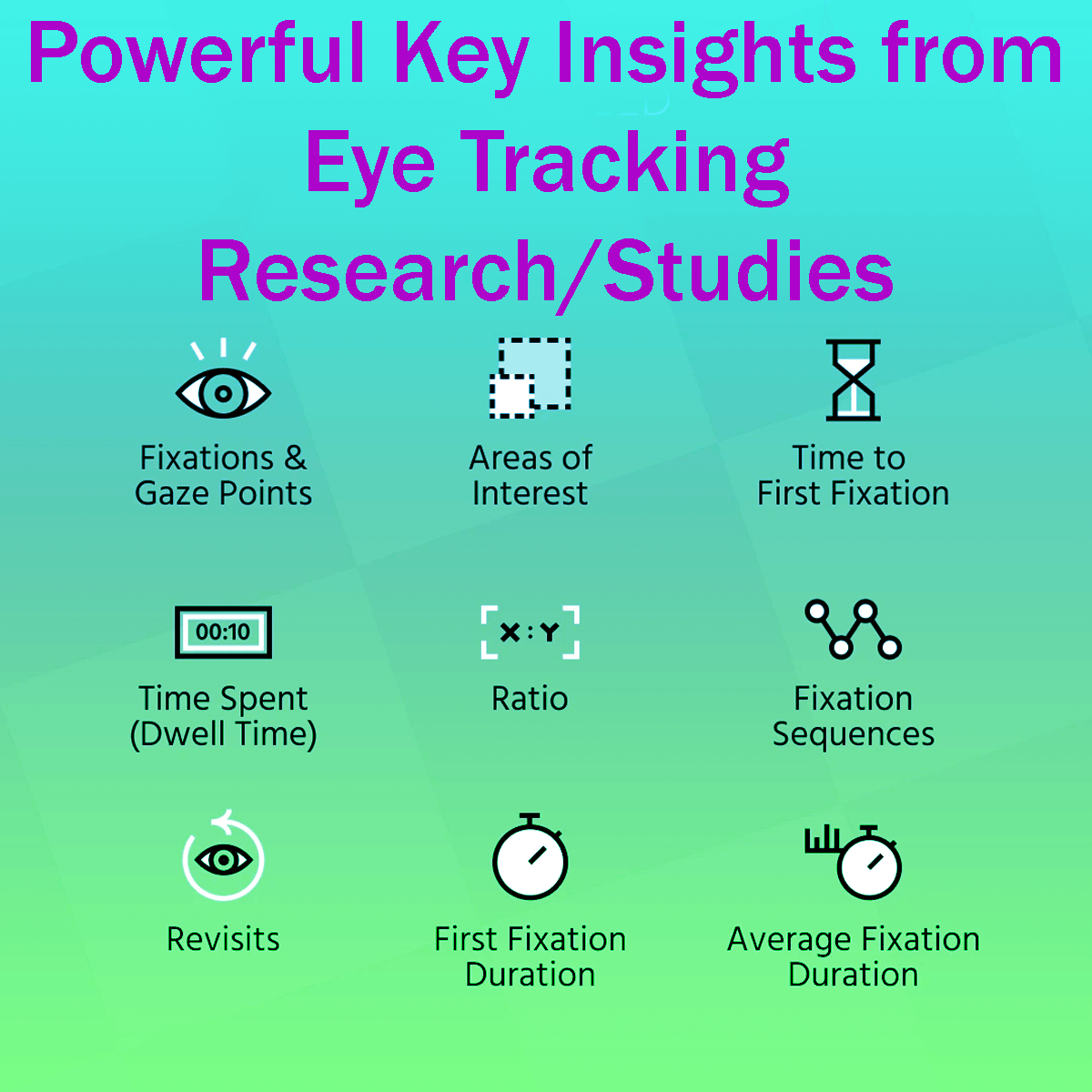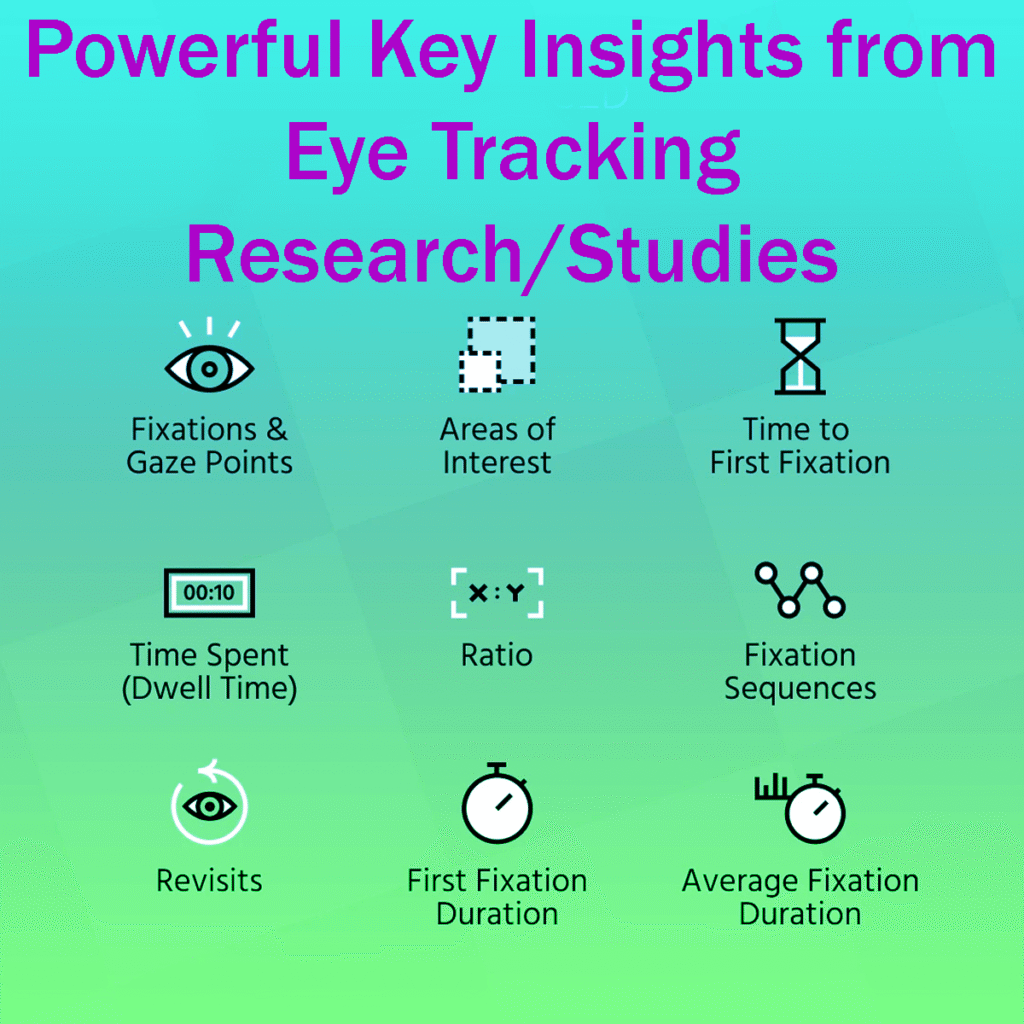





Discover 12 Powerful Key Insights from Eye Tracking Research and Studies! Remember to place important content above the fold, encourage your visitors to take action with clear Calls to Action (CTA), and use eye-catching bold headlines.
Chunking content effectively and understanding eye tracking can significantly improve your website’s engagement and user experience.
Some links on this page may earn me a commission, since This Online Web is supported by its readers.
This does not affect my opinions or the way I review products.
In digital marketing, having plenty of data is one of the most valuable assets you can have.
Successful companies and top-performing websites use data to make smart decisions.
They get these results by experimenting, closely tracking user behavior, and identifying patterns to understand their customers better.
One interesting way to study consumer behavior is through eye tracking.
Eye tracking helps marketers, copywriters, designers, and conversion experts see exactly where people focus on a webpage and where they lose interest.
By showing how people pay attention, eye tracking gives useful insights that can improve your marketing.
It helps you decide where to place content and how to design pages that connect with users.
To make the most of these insights, I’ve compiled eight key findings from numerous eye-tracking studies.
These tips can help your website engage visitors and boost conversions.
First, eye tracking technology shows exactly where people look on a webpage and how long they focus on each spot.
The results are usually shown as gaze plots or heatmaps, which highlight where people look most and how their eyes move across the page.
These visuals help you see what grabs attention first, what keeps it, and what people tend to ignore.
While running your own eye-tracking studies can be expensive and take time, you can still learn a lot from published research and tools like session replays and scroll maps.
Here are eight practical lessons from research to help you improve your design and content strategy.
12 Powerful Key Insights from Eye Tracking Research/Studies
Lesson 1: Place Your Most Important Content Above the Fold
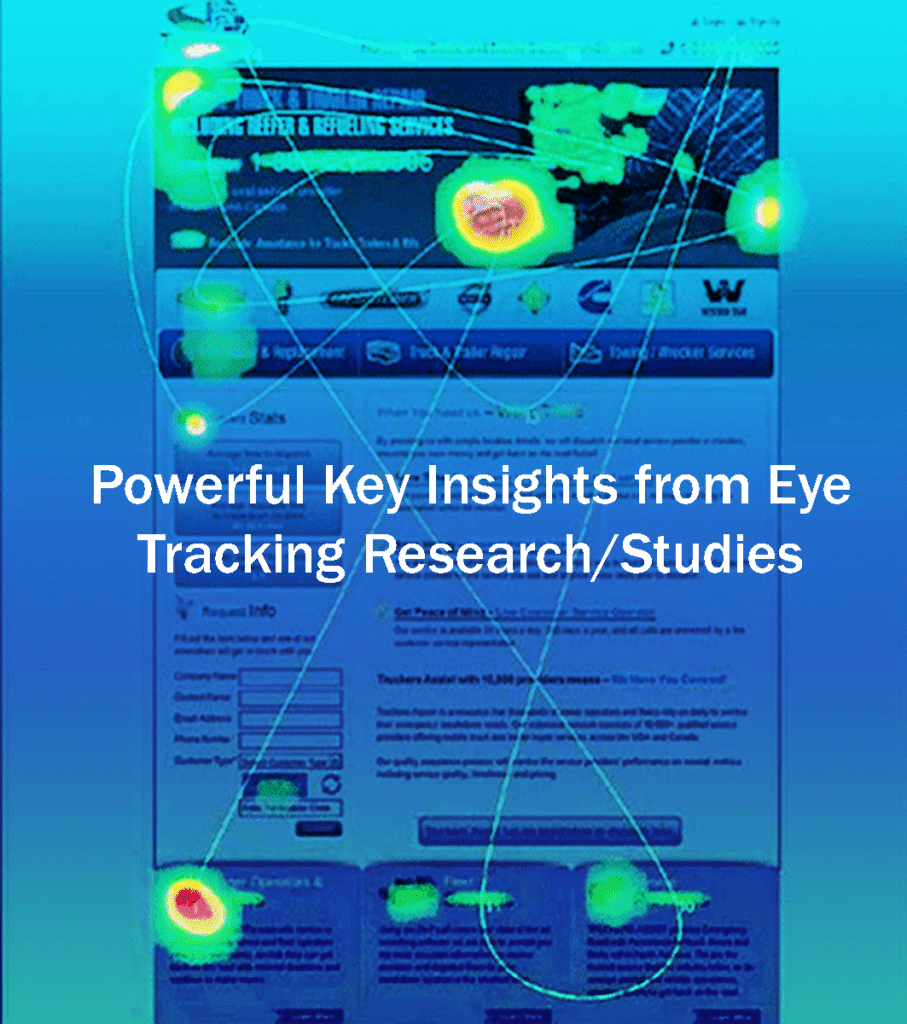
Content above the fold is what gets the most attention when someone first lands on your site.
Use this space to share your main value, show why it matters, and set clear expectations for visitors.
But don’t overload this area with too much information.
A crowded fold makes your site harder to read and use, which can hurt how people interact with the rest of your page.
Instead, use a catchy headline, a short subheading, and a clear next step, since people’s attention doesn’t last long.
It’s better to give users one clear path rather than several calls to action competing for attention.
Make sure your message is clear and grabs attention right away.
When people see value right away, they’re more likely to keep scrolling, explore your site, and take action.
In my experience, showing value and proof before asking for something works better than pushing a call to action too soon.
Lesson 2: Place Calls to Action (CTA) Where People Usually Make Decisions
People usually look at the top of a page first, but the bottom is also an important place where they decide what to do next.
Many people scroll down to see all the content before deciding, so it’s important to have a clear, strong call to action at the bottom of the page.
Don’t just use one CTA button. Add main calls to action at key points, such as after showing benefits, sharing social proof, providing pricing details or demos, and at the end of your content.
This way, users don’t have to scroll back up, which matches how they naturally process information.
Interestingly, the CTA at the end of long pages often gets more attention than buttons in the middle.
This happens because, after reading everything, people feel ready to take action. Heatmaps from tools like Crazy Egg clearly show this.
Lesson 3: Use Eye-Catching Bold Headlines
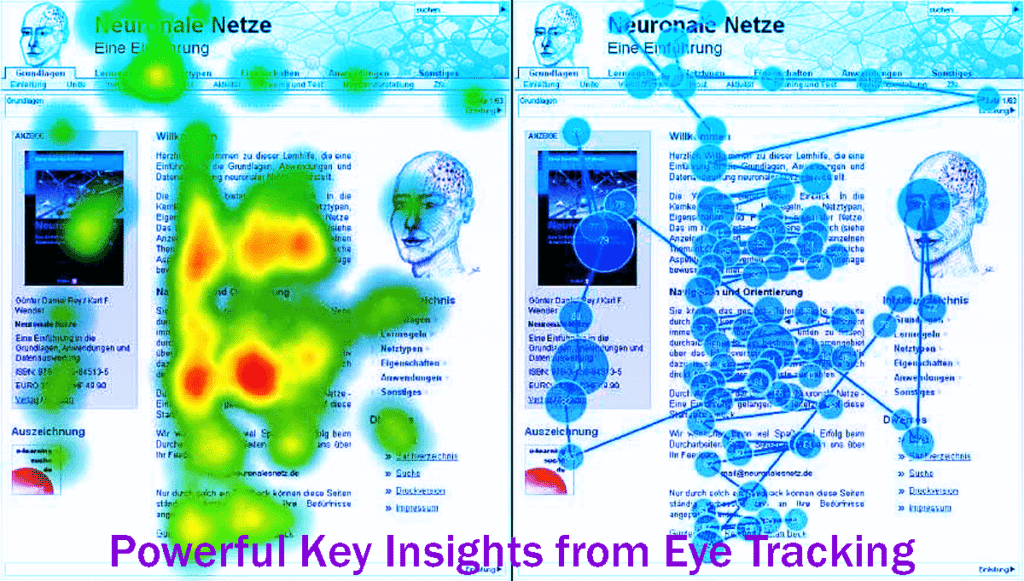
Studies show that people are much more likely to notice and read bigger, bolder headlines.
For years, experts have found that strong headlines grab people’s attention first, as seen in the well-known F-shaped reading pattern.
Many studies, including those from The Poynter Institute, highlight the importance of headlines that stand out visually.
Make sure your headlines are clear, focused, and easy to read quickly.
When working on headlines, think about both the words you use and how they look.
Making headlines bigger, adding space, and using contrast helps them stand out and guide readers through the page.
Sometimes I add visuals, but often a big, simple font is enough to make your message clear and attractive.
Lesson 4: Chunks of Information Are Best Presented
To communicate well, it helps to present information in small, easy-to-understand pieces.
Most readers are familiar with formats that use short paragraphs, clear subheadings, bullet points, and numbered lists. Each of these helps make the content easier to follow.
This approach works well because large blocks of text can overwhelm and confuse even attentive readers.
When you break content into smaller, clearer parts, you keep readers interested and make it easier for them to understand the information.
Eye-tracking heatmaps show that readers pay more attention to parts of a page that are easy to scan.
To help your audience understand each part, group similar ideas together, focus on the most important topics, and use clear, descriptive titles instead of ones that are too clever or vague.
This organized approach helps guide readers through your content and makes it easier for them to understand.
Chunking and Eye Tracking Readers naturally pay more attention to well-organized sections.
A strong visual hierarchy, with even spacing, well-aligned parts, and clear, bold titles, helps readers know where to look next and makes the content easier to understand.
This kind of visual structure is important for a smooth reading experience. It lets users skim the content quickly while still picking up the main ideas.
Lesson 5: A Lot of White Space Is Necessary
White space, also known as negative space, is not just extra room or wasted space.
It is an important part of design that helps people understand your message.
Many eye-tracking studies show that using plenty of white space helps information flow better and makes it easier for readers to understand complex details.
When layouts give each part enough space, readers can move their eyes smoothly from one section to another. This makes them less likely to skip content or stop reading.
It might feel odd to leave some areas empty on purpose, but well-placed white space gives the eye a break and helps show readers where to look next.
Using white space in this way creates a visual rhythm, makes it easier to see how different parts are connected, and helps prevent eye strain.
To make your content clearer and more engaging, use white space carefully around headlines, images, forms, and calls to action. This will make your site easier to use.
Lesson 6: Your Page’s Left Side Is Important
Eye-tracking studies show that people spend a lot of time looking at the left side of a webpage.
This aligns with common web design practices and the way people usually read, especially in languages that read left-to-right.
People tend to focus on what they see first on a page. This is called ‘top bias’ or ‘left bias,’ and it is even stronger on mobile devices.
However, it is vital to consider the needs of right-to-left language audiences in your design strategies.
To make the most of this habit, put your value proposition, navigation menus, and calls to action on the left side of your page. These are the first things people will see and use.
Adjust how you present your content based on the device and the way your audience reads. This helps make their experience smooth and engaging.
Lesson 7: Watch Out for Invasive Elements and Banners
Over time, people have gotten very good at ignoring web banners and other annoying elements.
This is called ‘banner blindness.’ It started early in the internet’s history and has become even stronger as online ads have changed.
Banner ads used to be simple, but now there are more disruptive types, like flashing ads or ones that look like system messages. This has made people much less tolerant of them.
Jakob Nielsen first described banner blindness in 1997.
It shows that people are becoming more likely to avoid traditional ads.
Today, people often ignore sticky elements that cover content, annoying cookie pop-ups, and automatically playing videos.
Instead of using generic or annoying ads, try using relevant, subtle, and clearly labeled placements that respect your users’ experience.
Using calls to action and product modules that fit naturally into your design is often much more effective, unless display ads are a key part of your business strategy.
Lesson 8: The Power of Faces in Photography
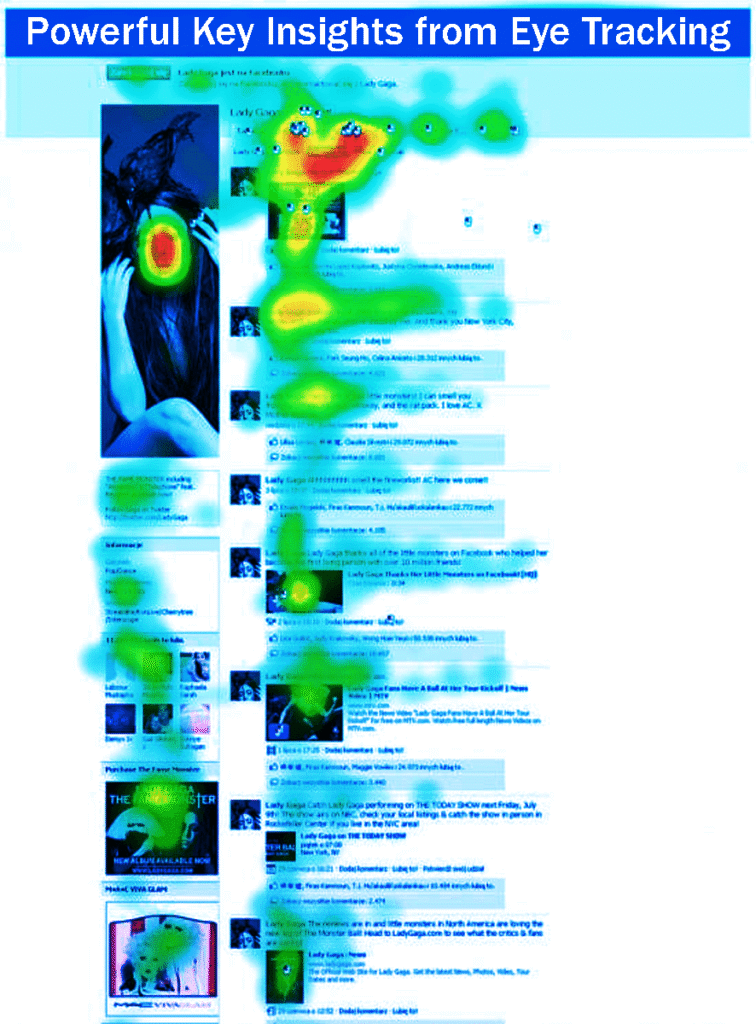
As our world becomes increasingly visual-focused, experts across many fields agree that photos featuring human faces are especially powerful.
Seeing real, relatable expressions in photos can spark positive feelings like trust, empathy, and genuine engagement.
Studies show that website visitors are more likely to stay and interact when they see real people in photos, especially if those images match the page’s main message.
Recent eye-tracking research has revealed several important insights about how effective human images can be:
Add Human Elements to Your Design: Try including photos of people in your website’s main design, especially on key pages like your home page.
Research shows that people spend more time on websites when they see human faces, thanks to our natural connection with others.
This emotional connection sparks curiosity and encourages visitors to explore further, thereby improving their overall experience.
Make Your About Page Personal: Adding a photo of yourself can strongly shape how potential clients or customers see your brand.
A clear, friendly photo helps build instant rapport and trust.
When people see the face behind the brand, they feel more connected and are more likely to reach out, which builds trust and opens the door to working together.
Improve Your LinkedIn Profile with a Professional Photo: Choosing the right headshot is extremely important.
A high-quality, professional photo boosts your credibility and makes you seem more approachable to potential contacts and networking opportunities.
Your photo often creates the first impression and shapes how others see you professionally.
Build Author Reputation and Bylines: Even though author photos are less visible in Google search results now, strong authorship signals are still key for building user trust.
These signals can also lead to much higher click-through rates.
To build credibility, add well-written author bios that highlight your experience and credentials, along with a high-quality headshot to show your expertise.
Lesson 9: Attention is Selective
Eye-tracking studies show that people naturally focus on certain parts of a webpage or ad, often missing other areas.
This shows why it is important to create a clear visual hierarchy in design.
To keep users interested, it helps to organize and prioritize information carefully.
Things like size, color contrast, and placement help guide where people look, making sure the most important content stands out and is remembered.
Lesson 10: Text Location Affects Comprehension
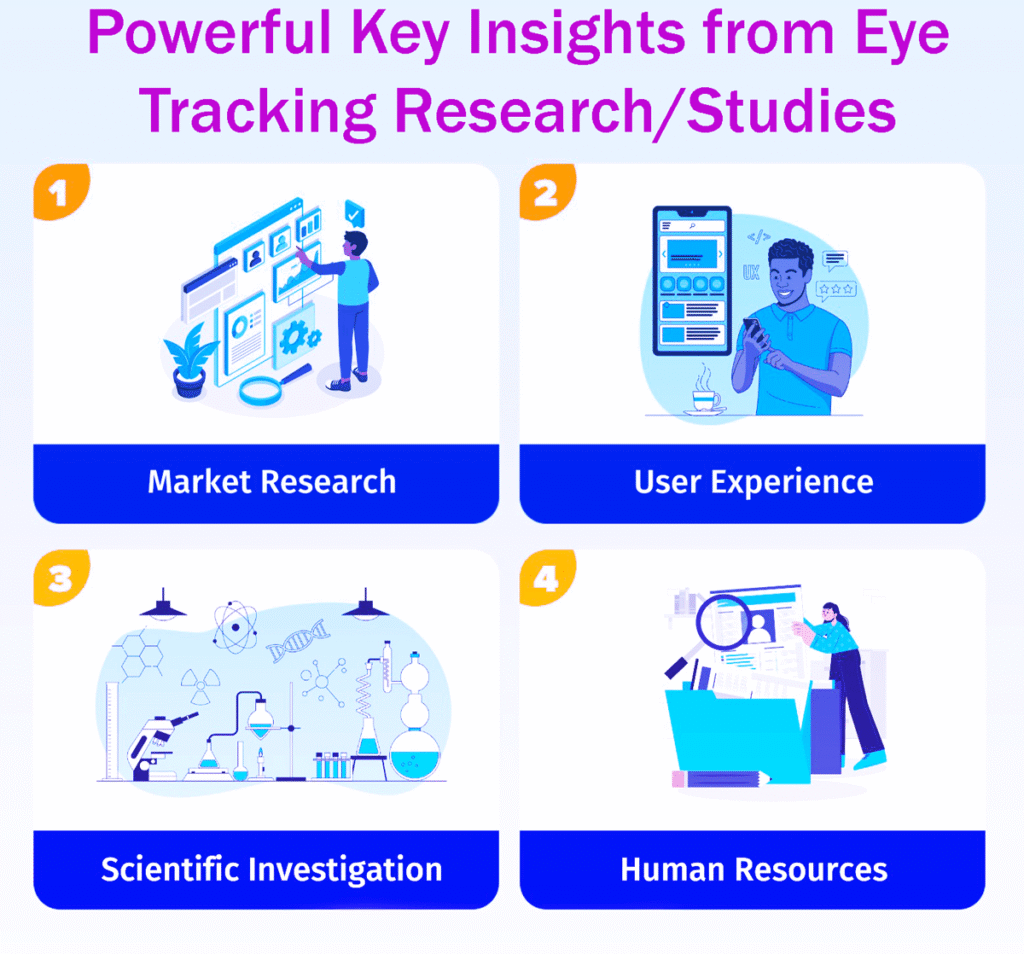
Research shows that where text is placed affects how much users engage with it.
Users are more likely to notice and understand information when it is placed near related images or graphics.
This connection shows why it is important to give context that helps people understand the message.
When designers place text close to helpful visuals, the information becomes clearer and easier to remember.
Placing text and visuals together helps users understand the content better and makes their experience more meaningful.
Lesson 11: Repeat Viewing
Eye-tracking studies often find that users revisit certain design elements, such as logos and brand names.
This pattern shows why it is important to use consistent branding and carefully place key elements in your design.
When designers highlight these important elements, users are more likely to recognize and remember them.
Making sure users see your brand often helps them become familiar with it and builds trust, which is key for long-term customer relationships.
Lesson 12: User Goals Shape Viewing Patterns
People’s goals and reasons for visiting a site shape how they view it. By understanding what users want, designers can create experiences that fit their needs.
Knowing what users are looking for helps designers choose the right elements, whether users want information, want to buy something, or want to enjoy the site.
By paying attention to these patterns, designers can create user-friendly designs that connect with their audience and better meet their needs.
In Conclusion
Using insights from eye-tracking studies can help you improve your website’s design, boost conversion rates, and enhance the customer experience.
Instead of guessing how visitors will use your site, it’s better to design based on how they actually behave and what they prefer.
Every step of the customer journey, from learning to deciding and buying, is strongly shaped by what they see and focus on.
Aim for a design that makes people want to say “yes,” grabs their attention with clear messages, and guides them through your site with a smart layout.
Keep in mind that people usually look before they click, so it’s important to create a visually appealing site that encourages exploration and interaction.
13 Ways to Improve Your Calls to Action: Follow Easy Steps
Top 15 Best Digital Marketing Agencies: Easy Steps
Top 10 Best AI SEO Tools: Follow Easy Steps
Top 15 Best CRM Software: Follow Easy Steps
Top 11 Best Direct Mail Services: Follow Easy Steps